GitLab AI Code Review: Duo vs. CodeRabbit & Qodo (2026)

On this page8 sections
- GitLab AI Code Review: Quick Comparison at a Glance
- Does GitHub Copilot Work With GitLab?
- What GitLab Duo Code Review Actually Costs
- The Best GitLab AI Code Review Tools for 2026
- 1. GitLab Duo Code Review — Best for Ultimate-tier teams
- 2. CodeRabbit — Best for GitLab.com teams on Free or Premium
- 3. Qodo — Best for review plus test generation
- 4. SonarCloud — Best free option for public repos
- 5. Tabnine — Best if you want review from your existing assistant
- Self-Hosted GitLab — What Changes
- How to Choose the Right Option
- Frequently Asked Questions
- Final Verdict
If you're already paying for GitLab Ultimate, turn on GitLab Duo Code Review — it's native and pulls context from your whole repo, but the review feature itself requires the Duo Enterprise add-on, not just the $19/month Duo Pro seat most pages lead with. If you're not on Ultimate, CodeRabbit or Qodo cover GitLab on any tier for less money, and SonarCloud is free if your repo is public.
- GitLab Duo Code Review is native and context-aware, but the merge-request review feature specifically requires the Duo Enterprise add-on on a Premium or Ultimate license — the $19/month Duo Pro seat does not include it
- GitHub Copilot has no supported integration with GitLab merge requests at all — if that's what you were hoping for, you need a different tool entirely
- Third-party options like CodeRabbit and Qodo work on any GitLab tier, including GitLab.com's free plan, through a GitLab App or webhook
- SonarCloud is free for public repositories and pairs static analysis with AI-generated fix suggestions
- Self-hosted GitLab teams have a smaller shortlist — webhook-based tools generally work, GitLab.com-only integrations don't
If you searched this because you want GitHub Copilot's code review working on your GitLab merge requests, stop — it doesn't. Copilot's review tooling is built entirely around GitHub's own pull request flow, with no supported GitLab integration. What actually exists is GitLab AI code review through GitLab's own Duo Code Review, plus a handful of third-party tools that plug into GitLab through its API or webhooks.
Figuring out what each option actually costs is harder than it should be, because most of what ranks for this search is written by the company selling the tool it recommends. Here's the honest version: what GitLab Duo Code Review really requires, and which third-party options are worth it if you're not there yet.
This is one piece of a wider shift away from GitHub Copilot — see our full guide to GitHub Copilot alternatives for 2026 if authoring tools, not just review, are also on your radar. You can browse every option we track in our AI coding tools directory once you've picked a direction.
GitLab AI Code Review: Quick Comparison at a Glance
| Tool | Best For | Free Plan | Price (USD/mo) | Self-Hosted GitLab |
|---|---|---|---|---|
| GitLab Duo Code Review | Teams already on GitLab Ultimate | No | Duo Enterprise add-on, custom pricing, Ultimate only | Yes |
| CodeRabbit | GitLab.com teams on Free or Premium | Limited free tier | ~$24-48/seat | Yes, via GitLab App |
| Qodo | Review + test generation together | Limited free tier | Enterprise pricing on request | Yes |
| SonarCloud | Public/open-source repos | Yes, public repos | Usage-based for private repos | Limited — self-hosted teams typically use SonarQube instead |
| Amazon Q Developer | AWS-heavy teams | Yes, free tier | $19/user | Via GitLab connector |
| Tabnine | Teams wanting review from an existing completion tool | Limited free tier | From $9/user (Dev); $39/user (Enterprise) | Yes |
Duo Enterprise pricing isn't published as a flat number, and it's the line every comparison post glosses over — more on that below.
Does GitHub Copilot Work With GitLab?
No — not natively, and not through any officially supported integration. GitHub Copilot's code review feature entered preview on GitHub.com in October 2024 and reached general availability in April 2025, and it's built around GitHub's own pull request object model. It reads GitHub PR diffs and posts GitHub-native review comments, with no equivalent hook into GitLab merge requests.
If your team runs on GitLab, Copilot can still write code for you inside the editor, but the review layer is off the table. That's exactly why GitLab shipped its own Duo Code Review feature, and why a small set of third-party tools built GitLab-specific integrations instead of assuming every repo lives on GitHub.
What GitLab Duo Code Review Actually Costs
Most pages that rank for this keyword lead with GitLab Duo Pro's $19-per-user-per-month price and let you assume that covers code review. It doesn't. GitLab's own documentation is clear that Code Review specifically requires the GitLab Duo Enterprise add-on, which is only available on a Premium or Ultimate license — Duo Pro alone won't unlock it.
Enterprise pricing isn't published as a flat rate; GitLab quotes it through sales, and some vendor pages estimate it lands around $39 per user per month, though negotiated Ultimate renewals reportedly come in lower. Practically: if you're not already paying for Ultimate or seriously considering it, GitLab Duo Code Review isn't a $19-a-month add-on you can bolt onto a Free or Premium plan. That's the fact most comparison posts skip past.
If opaque AI tool pricing is a recurring headache, our breakdown of what 5 AI coding assistants actually cost covers the same pattern across authoring tools.
The Best GitLab AI Code Review Tools for 2026
1. GitLab Duo Code Review — Best for Ultimate-tier teams
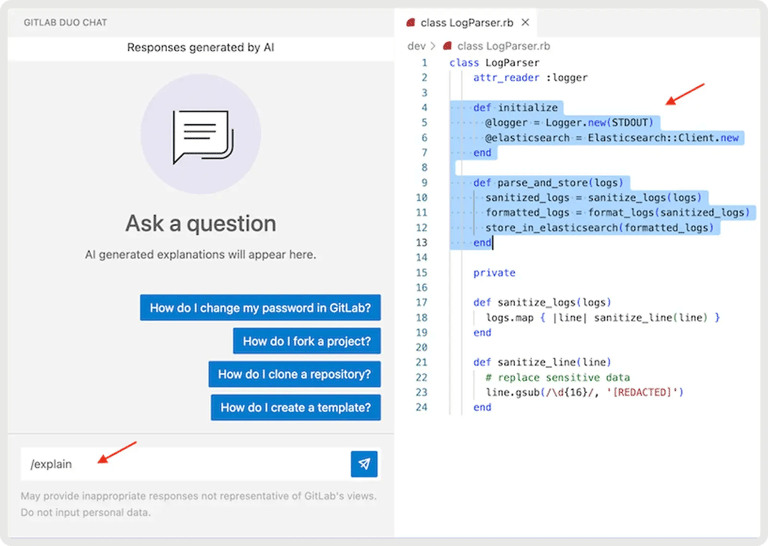
GitLab's native AI reviewer, assignable directly as a merge request reviewer with the @GitLabDuo quick action. What makes it stand out is context: it reads the MR title, description, diff, and changed files alongside your CI logs and native security scan results, not just the diff in isolation.
- Automatic reviews at project, group, or instance level
- Custom review instructions to enforce your team's coding standards
- Exclusion rules by branch name or author
- Follow-up questions answered inline by mentioning
@GitLabDuoin comments - Fallback handling for oversized merge requests
Pricing: Duo Pro is $19/user/month but doesn't include this feature; Duo Enterprise is custom-priced and only available on Ultimate. Best for: teams already all-in on GitLab's DevSecOps platform. Not ideal for: anyone on Free or Premium with no plans to upgrade.
2. CodeRabbit — Best for GitLab.com teams on Free or Premium
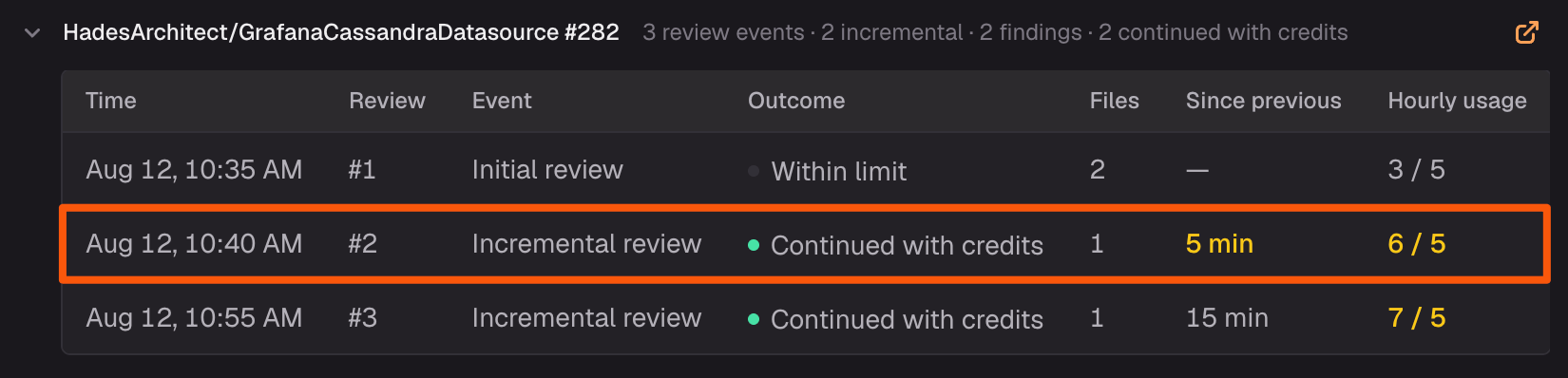
A third-party AI reviewer with a native GitLab App integration, built to give line-by-line suggestions you can apply as one-click commits.
- Automatic MR summaries
- Chat with the bot directly in review comments
- Customizable review profiles per repo
- Supports GitLab, GitHub, Bitbucket, and Azure DevOps from one account
Pricing: roughly $24-48 per seat per month, plus usage add-ons. Best for: small-to-mid teams on GitLab.com who don't want to buy Ultimate just for review. Not ideal for: teams who'd rather have review bundled into their existing GitLab bill.
3. Qodo — Best for review plus test generation
Formerly CodiumAI, Qodo pairs AI code review with automatic test generation for the code it flags — not just comments on what's wrong.
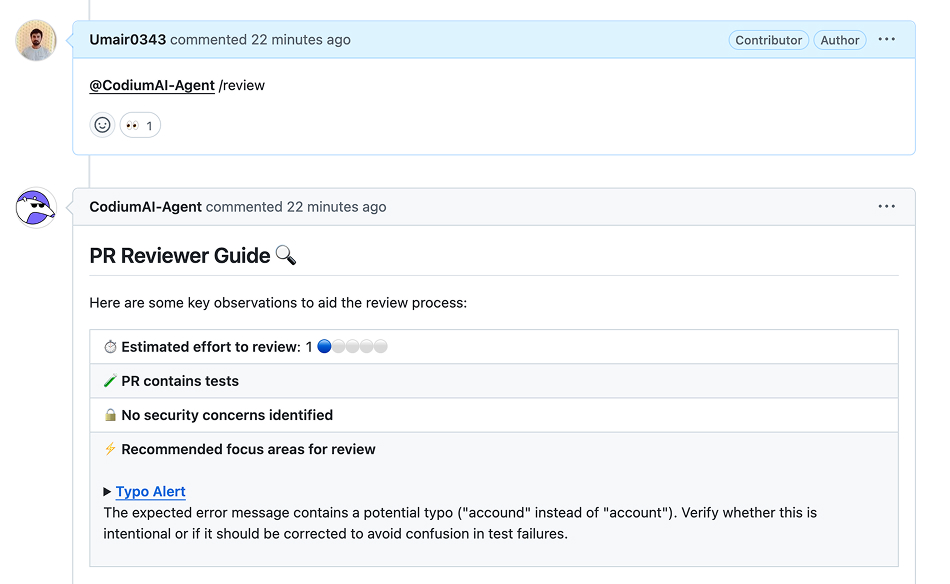
- PR/MR review agent with inline suggestions
- Automatic test generation for flagged code
- Code integrity scoring across the codebase
Pricing: enterprise pricing on request, no published self-serve tier. Best for: teams that want review and test coverage from a single tool. Not ideal for: teams that want transparent, self-serve pricing up front.
4. SonarCloud — Best free option for public repos
Cloud-based static analysis with AI-assisted fix suggestions, free forever on public and open-source repositories.
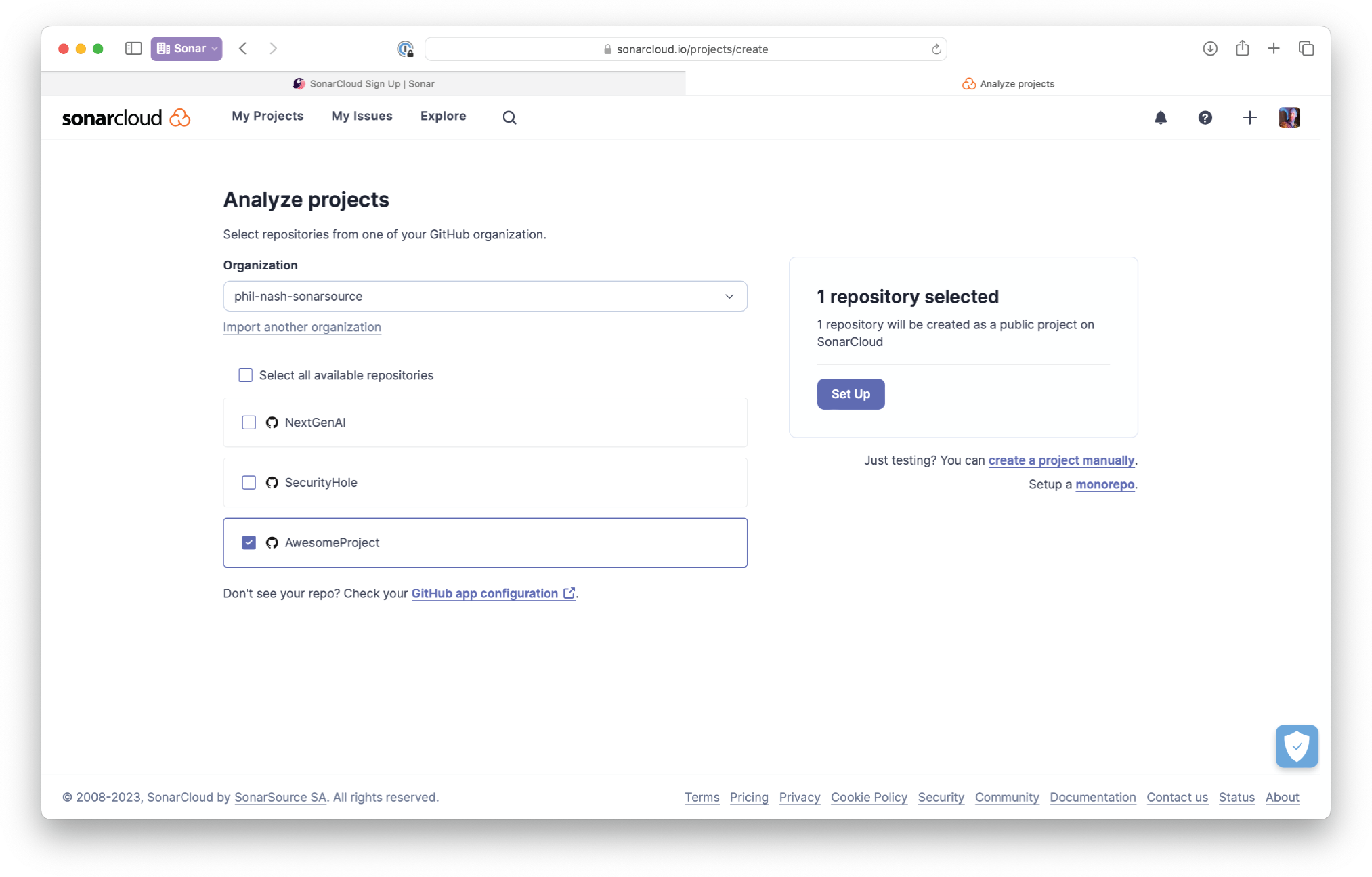
- Automatic MR decoration with inline findings
- Security hotspot detection
- AI CodeFix suggestions for flagged issues
Pricing: free for public repos; usage-based by lines of code for private repos. Best for: open-source maintainers and public projects. Not ideal for: private repos wanting one flat monthly price — costs scale with codebase size.
5. Tabnine — Best if you want review from your existing assistant
If you're already running Tabnine for completions, its Code Review and Refactoring use case is worth testing before you add a second AI tool and a second bill. Tabnine ships a native GitLab integration and, unlike the other names here, offers zero code retention with on-premises and air-gapped deployment for regulated teams. Explore Tabnine's pricing and full feature set before deciding if it covers what you need.

Pricing: Dev tier from $9/user/month; Enterprise (private deployment) at $39/user/month. Best for: teams already using Tabnine for completions who want to consolidate tools. Not ideal for: teams that want a GitLab-review-specific tool with the deepest MR-native features — Duo and CodeRabbit go further there.
Self-Hosted GitLab — What Changes
Webhook-based tools like CodeRabbit and Qodo generally work the same way on self-managed GitLab as they do on GitLab.com — you configure the webhook or app once and reviews flow the same way after that. GitLab Duo Code Review also works on self-managed instances, but you still need the same Ultimate license plus Duo Enterprise add-on gating; self-hosting doesn't get you around the pricing tier.
SonarCloud is GitLab.com-oriented — self-hosted teams typically reach for SonarQube, its on-prem sibling, instead. If your instance sits behind a firewall with no outbound internet access, confirm any third-party tool supports on-prem or air-gapped deployment before committing — most SaaS-first review tools don't.
How to Choose the Right Option
Already paying for GitLab Ultimate? Turn on Duo Code Review — it's the deepest integration with your existing security scans and CI data, and you're already entitled to evaluate it. Stuck on GitLab Free or Premium with no upgrade planned? CodeRabbit or Qodo cost less than the jump to Ultimate and work today.
Maintaining a public open-source project? SonarCloud is free and genuinely good at catching security issues, no card required. Already running Tabnine for completions? Test its review use case before adding a second tool.
The one option to rule out entirely: waiting for GitHub Copilot to add GitLab support — there's no indication that's coming.
Frequently Asked Questions
Does GitLab have AI code review? Yes. GitLab Duo Code Review has been generally available since GitLab 18.1, but it requires the Duo Enterprise add-on on a Premium or Ultimate license — not just the base Duo Pro seat.
Can I use GitHub Copilot with GitLab? No. Copilot's code review features are built into GitHub's pull request workflow only, with no supported native integration for GitLab merge requests.
Is GitLab Duo Code Review free? No. It requires a Premium or Ultimate GitLab license plus the Duo Enterprise add-on, which is priced through GitLab sales rather than published as a flat self-serve rate.
What is the best AI code review tool for GitLab? It depends on your tier. GitLab Duo makes sense if you're already on Ultimate. CodeRabbit or Qodo are the better fit on GitLab.com's Free or Premium tiers. SonarCloud is the pick for public repos that don't want to pay anything.
Final Verdict
Honestly, if I were testing one option first and money weren't the constraint, I'd start with CodeRabbit — it's live on any GitLab tier in under ten minutes and doesn't require negotiating an Ultimate contract just to find out if AI review is useful for your team. Move to GitLab Duo Code Review once you're already paying for Ultimate anyway; the context it pulls from your CI logs and security scans is hard to match once you're at that tier. Pricing and tier requirements checked as of September 2026 — GitLab's Duo packaging has changed before and will likely change again.