
VidAUAI Avatar and UGC Tools
Freemium
AI video ad generator trusted by 20000+ brands that turns product URLs, images, or viral videos into high-converting ads using Veo 3, Sora, Kling, and AI avatars in minutes.
Visit Website →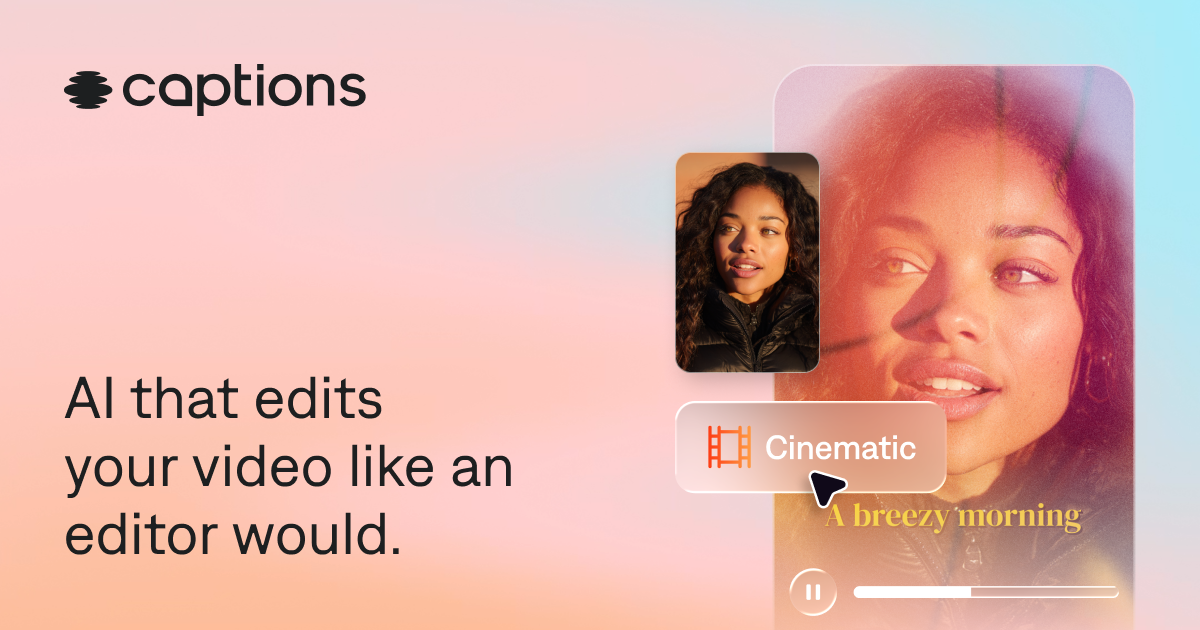
AI video editor that automatically cuts scenes, adds captions, corrects eye contact, and generates talking avatar videos from raw footage like a professional editor.
Captions is an AI-first video creation and editing platform built by Mirage in New York City, designed to take creators from raw idea or footage to a fully polished, share-ready video in minutes. The platform automatically handles the most time-consuming parts of video production: scene cutting, B-roll overlay, caption generation, subtitle translation, and eye contact correction. Creators can also generate custom AI avatars from a selfie, then reuse that avatar across unlimited videos with different outfits, backgrounds, and product placements. Captions is used by solo creators, small businesses, and enterprise teams who want to produce high-quality social media and marketing videos without professional editing knowledge.
No reviews yet. Be the first to review Captions!
Edit my 10-minute raw talking head video into a 60-second Instagram Reel with auto captions
Generate a custom AI avatar from my selfie photo and create a product review video
Translate my English YouTube video into Spanish and French with accurate subtitle sync
AI video ad generator trusted by 20000+ brands that turns product URLs, images, or viral videos into high-converting ads using Veo 3, Sora, Kling, and AI avatars in minutes.
Visit Website →
Free AI video generator with 1900+ realistic avatars, 2800+ templates, and 60 free daily credits for creating professional videos 10x faster.
Visit Website →
Audio broadcasting platform that lets users record and publish live phone broadcasts, podcasts, and audio content directly to social media and the web.
Visit Website →
AI ad generator that turns product photos into high-converting video ads, image ads, and UGC creatives in under 2 minutes, built for Shopify sellers and performance marketers.
Visit Website →
Real-time AI human platform that builds conversational video agents, digital twins, and AI companions that see, hear, and emotionally respond face-to-face in 30+ languages.
Visit Website →
AI UGC ad generator with VocalMatch lip-sync technology that takes a product brief to a batch of testable Meta and TikTok ad variants faster than any tool in its category.
Visit Website →
AI UGC ad generator that creates scroll-stopping video ads using 1000+ realistic AI actors, built for performance marketers running paid campaigns.
Visit Website →
AI video generator for workplace learning and corporate training, offering interactive videos, SCORM export, and 80+ language support with real AI presenters.
Visit Website →