
Agentic IDE: The 3-Question Test (and 5 Tools That Qualify)

On this page7 sections
- What Makes an IDE Actually "Agentic"? The 3-Question Test
- Two Different Things Both Get Called "Agentic IDE"
- Quick Comparison at a Glance
- 5 Tools That Actually Qualify as Agentic
- 1. Cursor — Best Overall Agentic Editor
- 2. Windsurf now Devin Desktop — Best Free Agentic Option
- 3. TRAE — Best Standalone Agentic IDE
- 4. Kiro — Best for Spec-Driven Agentic Work
- 5. Augment Code — Best for Large Team Codebases
- When You Don't Need an Agentic IDE
- Frequently Asked Questions
- Final Verdict
- Winner: Cursor — the clearest "editor that grew an agent," with background agent mode built in
- Best free option: Windsurf, now rebranded Devin Desktop
- Best for spec-driven work: Kiro — write a spec, the agent plans and executes it
- Best for large team codebases: Augment Code
- "Agentic" is a testable capability, not a marketing label — three yes/no questions separate a real agentic IDE from autocomplete with a chat panel bolted on
- The category actually splits into two different products: editors that grew an agent (Cursor, Windsurf, TRAE) versus agent workspaces built around running agents as the primary unit
- Windsurf was rebranded Devin Desktop by Cognition on June 2, 2026 — same editor and pricing, new name and a new default Agent Command Center view
- Continue.dev, once the default free open-source pick in this space, was acquired by Cursor [OPEN IN NEW TAB] and discontinued in June 2026
- More autonomy isn't always better — small single-file edits or an unfamiliar codebase are often faster with plain autocomplete
Agentic IDE: The 3-Question Test (and 5 Tools That Qualify)
Every AI coding tool calls itself an agentic IDE now, which means the label has stopped meaning much. GitHub Copilot says it, and so does your editor's autocomplete plugin. So does the $200/month cloud tool that runs unattended for an hour.
Here's the fix: a 3-question test you can run against any tool you're already using, followed by the five that actually pass it. You'll also get the one distinction almost every roundup on this topic skips — why comparing Cursor to Devin is comparing two different kinds of product, not two competitors.
New to this space entirely? Start with what a coding companion actually is first — this post assumes you already know the basics.
What Makes an IDE Actually "Agentic"? The 3-Question Test
Run any tool through these three questions. A genuinely agentic IDE answers yes to all three.
- Can it read and edit across multiple files without you opening each one yourself? Not "suggest a snippet in the file you have open" — actually navigate your project and change files you haven't touched.
- Can it run terminal commands, tests, or builds on its own and read the output? This is the difference between suggesting code and verifying that code works.
- Can it interpret an error and retry a fix without you re-prompting at every step? Self-correction, not a single suggestion you either accept or reject.
If a tool only does the first one, and only in a limited form, it's autocomplete with a chat window — the model that early GitHub Copilot alternatives were still built around before agent modes became standard. That's not a knock on autocomplete tools; it's just a different job.
Two Different Things Both Get Called "Agentic IDE"
The category splits into two products that get lumped together constantly, and it's worth separating them before you pick anything — especially if you're browsing the wider AI coding tools directory and every listing seems to claim the same capability.
Editors that grew an agent. You still work in a familiar editor — Cursor, Windsurf (now Devin Desktop), TRAE — and the agent is a mode you invoke for a specific task. The rest of the time it behaves like a normal IDE.
Agent workspaces. The agent is the primary unit, and the editor is secondary or absent entirely. You hand off a task, the agent works in the background — sometimes in the cloud — and you review a diff when it's done.
This matters because comparisons that mix the two talk past each other. An editor-with-an-agent is judged on how it feels to code day to day; an agent workspace is judged on how much you trust it unattended. They're not really competing for the same decision.
Quick Comparison at a Glance
| Tool | Best For | Free Plan | Price (USD/mo) | Rating |
|---|---|---|---|---|
| Cursor | Deepest default agent behavior | Yes (Hobby, limited) | $20 Pro | 4.6/5 |
| Windsurf (Devin Desktop) | Budget-friendly agentic workflow | Yes (light quota) | Paid tiers vary | 4.4/5 |
| TRAE | Standalone IDE, not a VS Code fork | Yes (5,000 completions/mo) | Paid tiers vary | 4.3/5 |
| Kiro | Spec-driven agent execution | Yes ($0, 50 credits) | $20 for 1,000 credits | 4.4/5 |
| Augment Code | Large team codebases | No | $100 flat (Business) | 4.3/5 |
Ratings reflect general market sentiment across review platforms, not a YourAiFinder-run benchmark. For the full monthly cost across more tools than fit in this table, see our AI coding assistant pricing breakdown for 2026. See the tool-by-tool breakdown below for what each one actually does differently.
5 Tools That Actually Qualify as Agentic
1. Cursor — Best Overall Agentic Editor
Cursor is a VS Code fork with agent mode (Composer) built into the core, not added as an extension. It can plan a multi-file change, execute it, run your tests, and iterate on failures without you re-prompting at each step — passing all three questions from the test above by default, not as an opt-in mode.

- Background agents that can run tasks in the cloud
- Multi-file execution from a single natural-language request
- Model routing across Anthropic, OpenAI, and Google
- Whole-project context via embeddings, not just the open file
- One-click import of most VS Code extensions and settings
Pricing: Free Hobby tier (limited) | Pro $20/month for regular daily use
Best for: developers who want the deepest agent behavior by default and don't mind paying for it
Not ideal for: teams that need flat per-seat billing, or anyone tied to an IDE outside the VS Code-fork ecosystem
Cursor isn't in the YourAiFinder tools database yet, so there's no listing page to link to here — but it's the name that comes up most in this category. If you're specifically weighing the switch from VS Code, our Cursor vs VS Code comparison covers what breaks and what carries over. And if it's Cursor's price or its recent ownership changes giving you pause, our roundup of Cursor alternatives covers what people are switching to instead.
2. Windsurf (now Devin Desktop) — Best Free Agentic Option
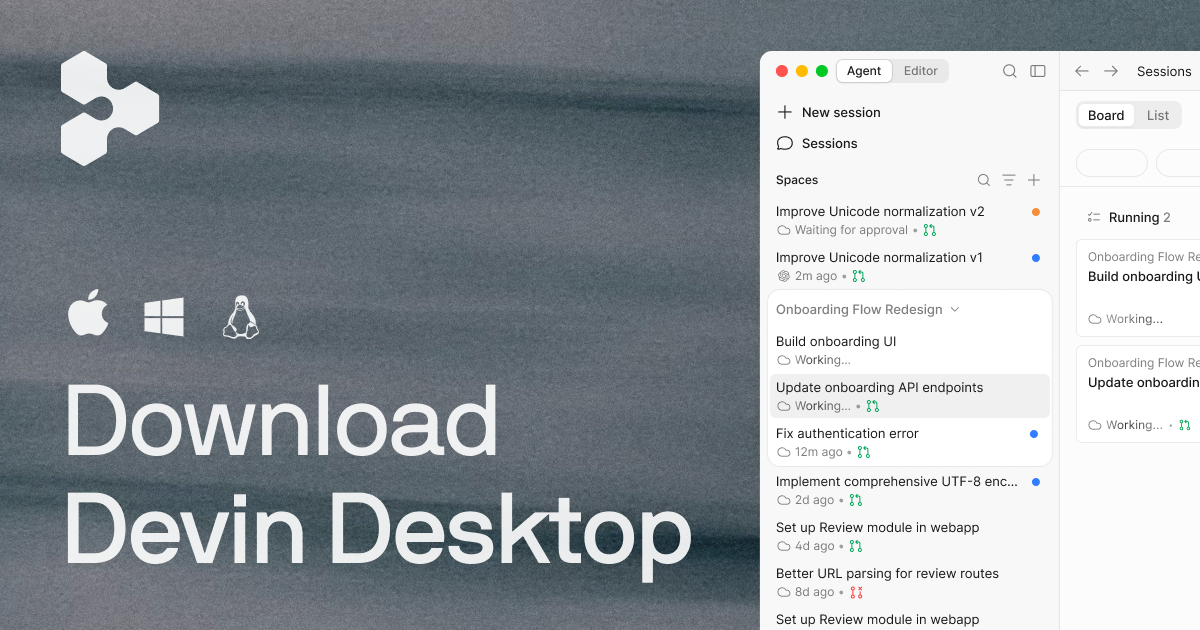
Windsurf built its reputation on Cascade, an in-editor agent that could plan and execute changes across a project. On June 2, 2026, Cognition — which acquired Windsurf in late 2025 — rebranded it Devin Desktop as part of folding it into the broader Devin product family. According to Cognition's own announcement [OPEN IN NEW TAB], the change arrived as a standard over-the-air update with plan, pricing, and extensions carried over automatically — what changed is the name, the icon, and the default view, which now opens to an Agent Command Center instead of the plain editor canvas.
- Devin Local now the default local agent (Cascade was retired July 1, 2026)
- Support for the open Agent Client Protocol, letting Codex, Claude Agent, and Gemini CLI run inside the same editor
- Unlimited Tab-style autocomplete on the free tier
- Light daily and weekly quota for agentic work on the free plan
- Full IDE still available behind the new Agent Command Center default
Pricing: Free tier with capped agentic use | paid tiers for heavier daily reliance
Best for: developers who want real agent behavior without committing to Cursor's $20/month floor first
Not ideal for: anyone who wants a product that stays put — this is the one that changed its name mid-2026, and Cognition's roadmap suggests more consolidation into the Devin brand is coming
3. TRAE — Best Standalone Agentic IDE
TRAE, built by ByteDance, is the pick if you specifically don't want a VS Code fork. It ships as its own IDE with agent access to multiple frontier models rather than being locked to one provider.
[IMAGE NEEDED: TRAE]
- Multi-model agent access: Claude, GPT-4o, and DeepSeek R1
- 5,000 free autocompletions per month, including access to premium models — not a stripped-down free tier
- Multi-file agent execution outside the VS Code extension architecture
- Broader native IDE support than Cursor, which is VS Code-based only
Pricing: Free (5,000 completions/mo) | paid tiers for higher usage
Best for: developers who want agentic capability without inheriting VS Code's architecture and extension quirks
4. Kiro — Best for Spec-Driven Agentic Work
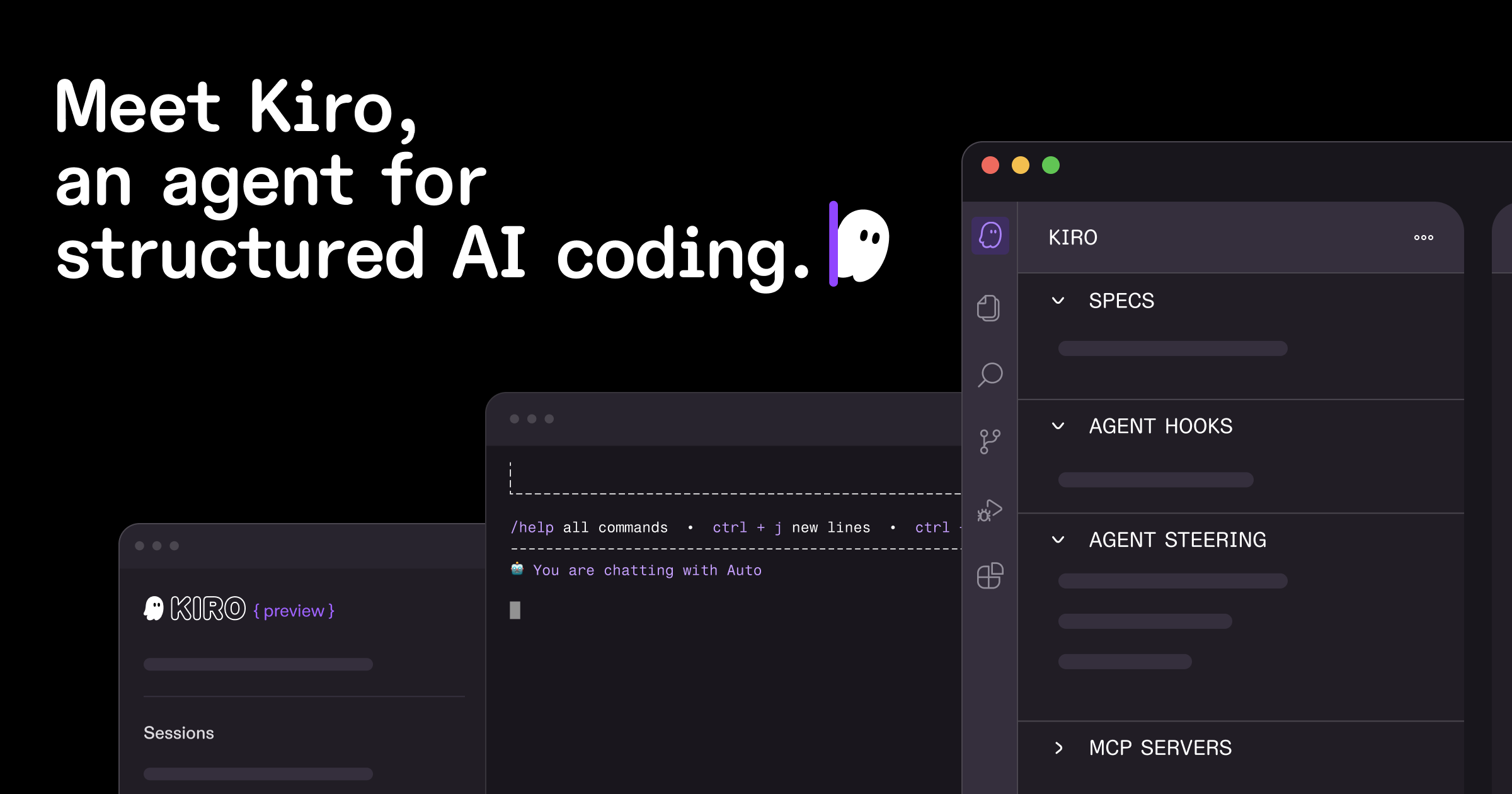
Kiro flips the usual prompting workflow: you write a spec, Kiro plans the implementation, then executes it. It's a genuinely different shape of agentic work than open-ended chat-driven prompting — closer to handing off a ticket than having a conversation.
- $0/month free tier with 50 credits, no credit card required to start
- Spec-first planning before any code is written
- Full execution against the spec, not just suggestions
- Paid tier unlocks 1,000 credits/month for heavier use
Pricing: Free (50 credits) | $20/month for 1,000 credits
Best for: developers who want the agent working from an explicit plan rather than iterative back-and-forth prompting
5. Augment Code — Best for Large Team Codebases
Augment Code is built for teams working in large, established codebases rather than solo greenfield projects — the "agent workspace" end of the spectrum more than the editor-with-an-agent end. Its pricing changed significantly in 2026: the old per-developer Indie and Standard plans are gone, replaced by a single flat Business plan.
[IMAGE NEEDED: Augment Code]
- Flat $100/month Business plan covering up to 50 seats
- Billed at real LLM token cost plus a 40% service fee, not a fixed per-seat rate
- Built for reasoning across large, pre-existing codebases rather than new projects
- Positioned for team adoption over individual use
Pricing: $100/month flat, Business plan (up to 50 seats)
Best for: teams that want predictable flat billing instead of per-seat agentic pricing that scales unpredictably with usage
When You Don't Need an Agentic IDE
Every other roundup of this category assumes more autonomy is strictly better. It isn't — small, single-file edits are usually faster with plain autocomplete, since there's no planning overhead to wait on. An unfamiliar codebase is often better navigated by reading it yourself first; letting an agent make sweeping changes before you understand the structure means reviewing changes you can't fully evaluate.
Agentic capability adds real cost, in dollars and review time. It earns that cost on genuine multi-step delegation — it's overkill for light editing.
Frequently Asked Questions
What is an agentic IDE? A development environment where the AI can plan multi-step work, read and edit across files, run terminal commands or tests, and self-correct based on the results — not just predict the next few lines as you type.
What's the difference between an agentic IDE and Copilot-style autocomplete? Autocomplete predicts what you'd type next, one suggestion at a time, inside the file you already have open. An agentic IDE takes a goal, plans the steps, executes them across multiple files, runs and reads the results, and only surfaces a finished change for your review.
Is Cursor an agentic IDE? Yes — it's the clearest example of an "editor that grew an agent." Its background agent mode (Composer) plans and executes multi-file changes by default, passing all three questions in the qualifying test above.
Do I actually need an agentic IDE? Not always. Small single-file changes, unfamiliar codebases you're still learning, or workflows where you want to review every line as it's written are often faster and cheaper with plain autocomplete. Agentic tools earn their cost on genuine multi-step delegation, not light editing.
Final Verdict
If you want the deepest agent behavior by default and don't mind paying for it, Cursor is still the one most developers land on. If budget is the real constraint, Windsurf's free tier — now running under the Devin Desktop name — gets you real agentic behavior without the $20/month floor. And if you'd rather hand off a spec than iterate through open-ended prompts, Kiro is worth trying before either.
The test underneath all of it stays the same regardless of which tool you pick: can it work across files, run commands, and self-correct without you re-prompting at every step? If a tool can't do all three, it's a good autocomplete tool — just not an agentic one.
If you want a more personalized answer than a shortlist can give, our interactive guide to which AI coding assistant fits your workflow factors in budget and team size. For the wider field beyond this shortlist, see our full guide to GitHub Copilot alternatives, organized by exactly what you're switching for.