Best AI Video Generator Under 1000 Rupees India 2026

On this page5 sections
- Quick Comparison at a Glance
- Best AI Video Generator Under ₹1,000 in India — Our Picks
- 1. InVideo AI Plus — Best Overall Value ~₹900/Month
- 2. Kling AI Standard — Best for AI-Generated Video ~₹830/Month
- 3. Hailuo AI Paid Plan — Best for Daily Volume ~₹679/Month
- 4. CapCut — Best Free Option ₹0, No Watermark
- Annual vs. Monthly Billing: What ₹1,000 Really Means
- Frequently Asked Questions
- Final Verdict
- Best overall under ₹1,000: InVideo AI Plus (~₹900/month annual) — UPI accepted, 1080p, no watermark, Hindi voice support
- Best for AI-generated video: Kling AI Standard (~₹830/month annual) — cinematic quality, commercial use included on paid plan
- Free plan that's genuinely enough: Hailuo AI — 3–5 watermark-free videos/day, no credit card needed
- Zero budget starting point: CapCut — completely free, no watermark, commercial use allowed
- All three paid tools sit under ₹1,000/month — but only on annual billing. Monthly plans run ₹1,200 or more.
- Only InVideo AI accepts UPI and RuPay. Kling AI and Hailuo AI require an international credit card.
- USD-billed tools (Kling AI, Hailuo AI) attract 18% IGST for GST-registered Indian businesses — add ~₹150/month to the real cost.
- Hailuo AI's free plan (3–5 watermark-free videos/day, no card needed) is good enough for most creators — upgrade only if you consistently hit daily limits.
Best AI Video Generator Under 1000 Rupees India 2026
Free tiers for AI video tools are better than they've ever been. Hailuo AI gives you 3–5 watermark-free videos per day for ₹0. Kling AI gives you 66 daily credits with no credit card required. But the moment you need consistent daily output beyond those limits, commercial use rights, or 1080p exports for client work, you hit a wall.
The good news: three AI video tools have paid plans that sit under ₹1,000/month — if you use annual billing. There's a catch, though: only one of them accepts UPI. The other two require an international credit card.
Here's exactly what you get from InVideo AI Plus, Kling AI Standard, Hailuo AI's paid plan, and the best free option — CapCut — with real INR prices, payment details, and an honest answer to whether each upgrade is worth paying for.
Quick Comparison at a Glance
| Tool | Best For | Free Plan | Price (INR/mo, annual) | UPI? | Watermark Removed? |
|---|---|---|---|---|---|
| InVideo AI Plus | Faceless YouTube, templates | 4 exports/month, 720p | ~₹900 | ✅ Yes | ✅ Yes |
| Kling AI Standard | AI-generated cinematic video | 66 credits/day | ~₹830 | ❌ No | ✅ Yes |
| Hailuo AI Paid | High-volume daily generation | 3–5 videos/day, no watermark | ~₹679 | ❌ No | ✅ Yes |
| CapCut | Editing + AI features | Unlimited | ₹0 | — | ✅ Yes (free) |
InVideo AI is the only UPI-friendly option here. If you need commercial-use AI video generation instead, Kling AI Standard is the better call. For the full range of AI Video Generation tools across all budgets, browse our category page.
Best AI Video Generator Under ₹1,000 in India — Our Picks
1. InVideo AI Plus — Best Overall Value (~₹900/Month)
InVideo AI is a text-to-video platform that turns scripts, prompts, or URLs into complete videos — with stock footage, automated voiceovers, captions, and templates built for YouTube, Reels, and social media.
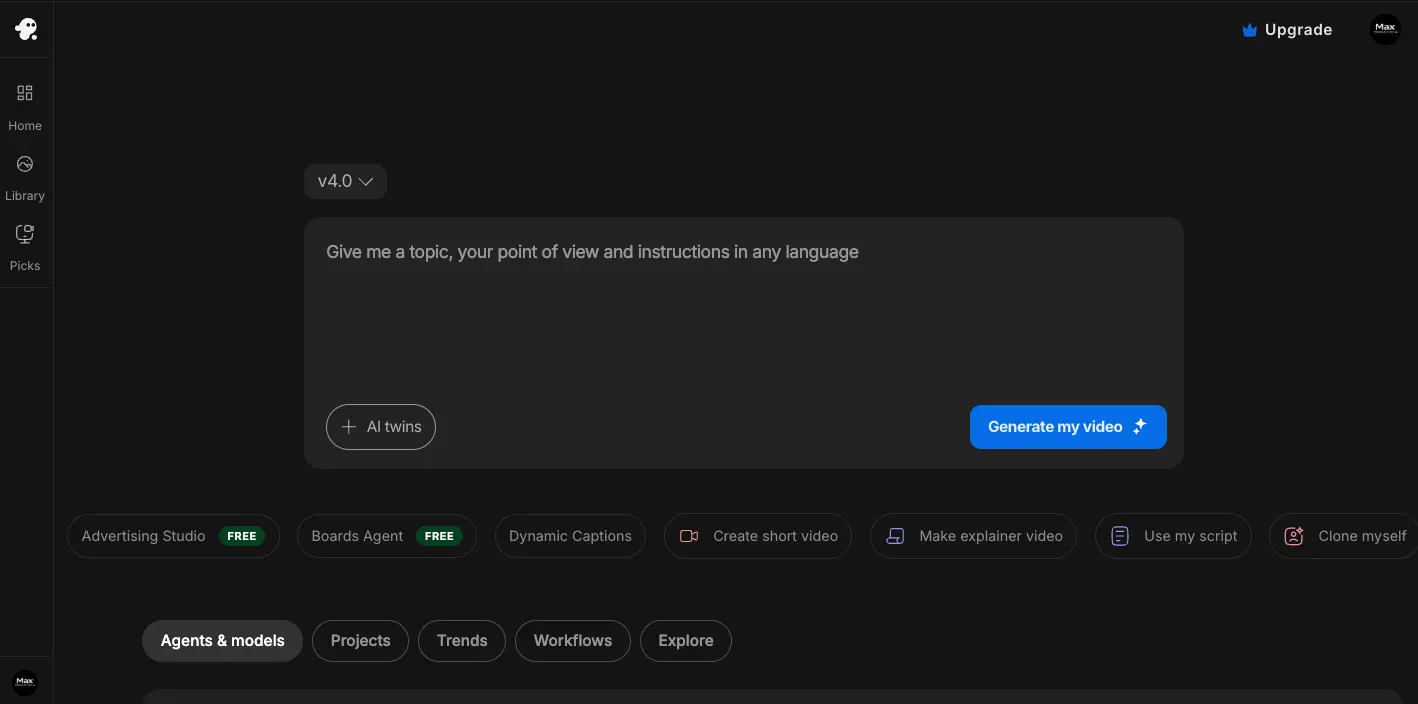
What sets it apart at this price: it's the only AI video platform under ₹1,000/month that accepts UPI and provides GST-compliant invoices in INR. If you're a freelancer billing clients or a business filing GST, that distinction matters more than it sounds — most competitors force you through an international card checkout and leave you with a USD receipt. The Plus plan removes watermarks, unlocks 1080p, and adds Hindi voiceover support on top.
This isn't a cinematic AI generation tool. It uses stock footage and templates, not AI-generated visuals from scratch.
But if you're building a faceless YouTube channel, producing explainer content, or delivering social media packages for clients, InVideo AI Plus is the most complete option at this budget. Before upgrading, see our InVideo AI free plan breakdown for Indian freelancers to confirm what the free tier gives you.
Key features:
- Text-to-video with automatic voiceover generation
- Hindi and 50+ language voice support
- 1080p watermark-free export on Plus plan
- YouTube, Reels, and Shorts template library
- UPI/RuPay accepted; INR invoicing available
Pricing:
| Plan | Price | What You Get |
|---|---|---|
| Free | ₹0 | 4 exports/month, 720p, watermark |
| Plus | ~₹900/month (annual) | 1080p, no watermark, more AI minutes |
Best for: Indian freelancers making faceless YouTube content, educators creating course videos, social media managers running multiple brand accounts.
Not ideal for: AI-generated cinematic video from text prompts — Kling AI handles that better.
2. Kling AI Standard — Best for AI-Generated Video (~₹830/Month)
Kling AI is a pure AI video generation model. Give it a text prompt or an image and it produces a short video clip with physics-aware, realistic motion — the kind of footage that looks genuinely generated rather than assembled from stock clips.

The Kling AI 3.0 model (2026 release) produces some of the most convincing AI video currently available. The Standard plan at ~₹830/month on annual billing does three meaningful things the free tier doesn't: it increases your monthly credit allocation significantly, gives you priority queue access (important when peak-hour waits on the free tier can run long), and unlocks commercial use rights. That last one is critical — the free tier explicitly bars commercial use, which means if you're producing content for monetized channels or paid client work, the upgrade from free to Standard is required, not optional.
At ~₹830/month, this is the cheapest paid path to commercial-use, high-quality AI video generation in India right now. If you're also weighing Runway Gen-4, our Kling AI vs Runway free plan comparison covers both in detail.
Key features:
- Kling AI 3.0 model — physics-realistic motion simulation
- Text-to-video and image-to-video generation
- Higher monthly credits and priority queue on Standard
- Motion brush and camera control tools
- Commercial use rights included on paid plan
Pricing:
| Plan | Price | What You Get |
|---|---|---|
| Free | ₹0 | 66 daily credits (~6–7 videos), watermark, no commercial use |
| Standard | ~₹830/month (annual) | Higher monthly credits, priority queue, 1080p, commercial use |
Best for: Content creators needing genuine AI-generated visuals for client work, musicians making lyric or art videos, social media designers building original visual assets.
Not ideal for: Complete video production with scripts, voiceovers, and background music — InVideo AI is better built for that workflow.
3. Hailuo AI Paid Plan — Best for Daily Volume (~₹679/Month)
Hailuo AI (by MiniMax) is one of the strongest AI video generation models available, and its free plan is genuinely one of the most generous in the space. Three to five watermark-free videos per day with no credit card required is already a real workflow for most solo creators.

The paid plan at ~₹679/month makes sense in one specific scenario: you've been on the free tier for a few weeks and you're consistently hitting the daily limit before you're done for the day. If you're generating content for multiple social media accounts, running client campaigns, or need longer clip durations than the free tier allows, the upgrade is justified. The Standard plan provides 1,000 credits/month with priority queue access and up to 5 concurrent tasks.
For everyone else, test the free plan thoroughly before spending anything. Our Hailuo AI free plan guide for India covers exactly what you get in detail.
Key features:
- MiniMax Hailuo 2.3 model — cinematic storytelling quality
- Free tier: 3–5 videos/day, watermark-free, no credit card needed
- Paid plan: higher daily limits, faster queue, longer clip durations
- Text-to-video and image-to-video generation
- Accessible in India without VPN
Pricing:
| Plan | Price | What You Get |
|---|---|---|
| Free | ₹0 | 3–5 videos/day, no watermark, no credit card |
| Paid | ~₹679/month (annual) | Higher daily limits, priority queue, longer clips |
Best for: High-volume social media creators who've genuinely maxed the free tier, agencies running video production across multiple client accounts.
Not ideal for: Most individual creators — the free tier is sufficient for daily personal social media posting.
4. CapCut — Best Free Option (₹0, No Watermark)
CapCut won't generate a cinematic AI video clip from a text prompt the way Kling AI or Hailuo AI does. What it does is give you a genuinely capable free editing layer with strong AI features — auto-captions with high accuracy, AI background removal, and basic text-to-video templates for social content — with no watermark and commercial use allowed.

The most effective zero-budget workflow for Indian creators right now is Hailuo AI free (generate 3–5 clips per day) + CapCut (edit, caption, and export). That combination produces professional-looking content at ₹0.
Key features:
- AI auto-captions with high accuracy
- AI background removal and video enhancement
- Text-to-video social media templates (added 2026)
- Commercial use allowed on the free tier
- No watermark, no export credit limit
Pricing: Completely free.
Best for: Creators pairing it with a generation tool (Hailuo AI free, Kling AI free) for a ₹0 daily production workflow; beginners before committing to any paid plan.
Not ideal for: AI-generated cinematic video from scratch — that's Hailuo AI and Kling AI's territory.
Annual vs. Monthly Billing: What ₹1,000 Really Means
The ₹1,000/month threshold only holds with annual billing. Here's the actual difference:
| Tool | Monthly Billing | Annual Billing (per month) | Annual Upfront Total |
|---|---|---|---|
| InVideo AI Plus | ~₹1,200–₹1,500 | ~₹900 | ~₹10,800 |
| Kling AI Standard | ~₹1,200 | ~₹830 | ~₹9,960 |
| Hailuo AI Paid | ~₹1,000–₹1,200 | ~₹679 | ~₹8,148 |
InVideo AI is the only option that's genuinely under ₹1,000 on annual billing and is the most forgiving choice if you're on the fence — the UPI checkout and monthly-equivalent pricing make it the lowest-friction commitment.
For GST-registered Indian businesses: Kling AI and Hailuo AI are billed in USD from overseas platforms, which may trigger import-of-services provisions under Indian GST law. This is worth clarifying with your accountant before expensing either tool as a business cost.
Frequently Asked Questions
Which AI video tools are under ₹1,000 per month in India?
InVideo AI Plus (₹900/month annual, UPI accepted), Kling AI Standard (₹830/month annual), and Hailuo AI paid plan (~₹679/month annual) all sit under ₹1,000 on annual billing. CapCut is completely free. The key detail: all three require annual billing to stay under ₹1,000 — monthly billing for Kling AI and Hailuo AI runs closer to ₹1,200–₹1,500.
Does InVideo AI accept UPI payment in India?
Yes. InVideo AI accepts UPI, RuPay, and Indian debit and credit cards, and provides GST-compliant invoices in INR. It's the only sub-₹1,000 AI video tool in this comparison with confirmed UPI support — a real advantage for creators who don't have an international card or prefer to keep business billing in rupees.
Does the Kling AI Standard plan include commercial use rights?
Yes. The Standard paid plan removes the commercial use restriction that applies to the free tier. You can use Kling AI-generated videos in monetized YouTube content, paid client projects, and commercial campaigns.
The free tier explicitly disallows this — so if you're doing any paid work with generated footage, the upgrade isn't optional.
Is the Hailuo AI free plan enough, or do I need to pay?
For most Indian creators, yes — the free plan is enough. Three to five watermark-free videos per day with no credit card required is a real daily production capacity for personal social media. Upgrade to the paid plan (~₹679/month) only if you're consistently running out of daily generation credits before you're done, or if you need longer clips or faster queue priority for client work.
Final Verdict
For most Indian freelancers and content creators picking a first paid AI video plan, InVideo AI Plus is the call. The UPI payment, INR invoicing, Hindi voiceover support, and YouTube-oriented template workflow add up to the most practical, complete option at ~₹900/month annual.
If you specifically need AI-generated video — actual footage created from a prompt rather than stock clips assembled around a script — Kling AI Standard at ~₹830/month is the better tool. Commercial use is included, the quality is genuinely impressive, and it's the cheapest path to that capability in India.
And if you're not ready to pay anything yet: start with Hailuo AI's free tier (3–5 videos/day, no watermark, no card) and CapCut for editing. It's a complete workflow, not a compromise — get consistent with it before you commit to any annual plan. If you're building a faceless YouTube channel specifically, our guide to free AI video tools for faceless YouTube channels walks through the best zero-cost setup.