How Much Does an AI Video Really Cost in 2026? (Free Calculator)

On this page8 sections
- Calculate How Much Your AI Video Will Really Cost
- The 5 Things That Quietly Multiply Your Bill
- How the AI Video Cost Calculator Works
- Quick Comparison: Real Cost Per Finished Minute by Tool
- Tool-by-Tool: What Actually Drives the Real Cost
- Kling 3.0 — Best Value With Audio Included
- Runway Gen-4.5 — Subscription Math Changes Everything
- Sora 2 — Longest Clips, but Building on Borrowed Time
- Pika — Cheap to Start, Weaker on Consistency
- MiniMax Hailuo 2.3 — Cheapest Flat Monthly Entry Point
- Common Mistakes That Inflate Your AI Video Bill
- Frequently Asked Questions
- Final Verdict
- The price on a tool's pricing page isn't what a finished video actually costs you — clip-length ceilings, retries, and failed generations usually push the real number 2-4x higher.
- Use the calculator below: answer a few questions about your project and get a real total cost across 8 major AI video tools, ranked by what you'd actually pay.
- It also shows your single biggest cost lever, and how much of your budget is quietly going to waiting instead of generating.
- No tool generates a full-length video in one pass — your finished video is split into many short clips, each capped by that tool's own maximum clip length.
- Advertised per-second pricing assumes the first attempt is a keeper; most projects need 2-4 tries per usable clip, and platforms usually bill every attempt.
- Generated audio adds a real premium (roughly 30-50%), and resolution multiplies cost across every attempt, not just the ones you keep.
- Subscription tools get cheaper per second at high, steady volume; pay-per-second tools are cheaper for occasional or unpredictable projects.
- The interactive calculator below turns all of this into one real number instead of a sticker price.
How Much Does an AI Video Really Cost in 2026? (Free Calculator)
How much does AI video really cost? Not what the pricing page says. Every AI video tool quotes a rate per second like it converts directly into a finished video — it doesn't.
No tool generates more than a handful of seconds in one pass, so your video is actually dozens of separate paid generations stitched together, and most of the time the first attempt at any given clip isn't the one you keep. Add failed or rejected generations that get billed anyway, and the number on the pricing page stops meaning much.
This calculator does the actual math. Tell it how long your video needs to be, what kind of footage it is, and whether it needs sound, and it converts sticker price into a real total across every major tool — not the advertised rate, the one you'd actually pay. After that, we'll walk through the five factors it accounts for and give you honest, tool-by-tool notes on what actually drives the waste.
Calculate How Much Your AI Video Will Really Cost
Answer a few quick questions below and see your true total cost across 8 major AI video tools, ranked by what you'd actually pay — not the sticker price.
That's your real number. If you want to understand exactly what's driving it, here are the five factors the calculator just adjusted for on your behalf.
The 5 Things That Quietly Multiply Your Bill
These are the exact factors the calculator above weighs, and why the sticker price alone hides all of them:
- Clip-length ceilings — every tool caps a single generation at somewhere between 5 and 20 seconds, so a 60-second video is actually 6-12 separate paid generations, not one.
- Tries needed per usable clip — almost nobody keeps the first attempt, and content with a recurring character needs even more tries because the character drifts between generations.
- Resolution — most platforms bill roughly by pixel count, on every attempt, including the ones you throw away, not just the final keeper.
- Generated audio — native sound is billed at a premium on top of the base rate wherever a tool offers it.
- Failed or rejected generations — most platforms still charge you for these, whether or not you get a usable result.
How the AI Video Cost Calculator Works
Your finished length is split into clips first, capped by each tool's own maximum clip length — a 60-second video on a tool with a 6-second cap needs 10 separate generations minimum, before a single retry is counted. Tries per usable clip and your reject rate then multiply that number further; a video with a recurring character carries an extra penalty here, since characters drift between generations more than loose b-roll does.
Subscription tools are matched to the cheapest plan that actually covers the resulting billed seconds, including overage pricing on the tiers that need it — the same way a real subscriber would end up paying. This is a planning model, not a quote. Prices in this category change often, so verify current rates on each tool's own pricing page before committing budget to a project.
Quick Comparison: Real Cost Per Finished Minute by Tool
| Tool | Pricing Model | Starting Rate | Max Clip Length | Native Audio |
|---|---|---|---|---|
| Wan 2.6 | Pay-per-second | $0.05/sec | 5 sec | No |
| Kling 3.0 | Pay-per-second | $0.10/sec | 10 sec | Yes |
| Veo 3.1 Fast | Pay-per-second | $0.15/sec | 8 sec | Yes |
| Veo 3.1 Standard | Pay-per-second | $0.75/sec | 8 sec | Yes (native 4K) |
| Sora 2 | Pay-per-second | $0.30/sec | 20 sec | Yes |
| Runway Gen-4.5 | Subscription | $15/mo (110 sec) | 10 sec | Yes |
| Pika | Pay-per-second | $0.12/sec | 10 sec | Yes |
| MiniMax Hailuo 2.3 | Subscription | $9.99/mo (70 sec) | 6 sec | Yes |
Every number here is a starting point, not what you'd actually pay — the calculator above ranks these by real total cost at your own project length, tries, and resolution, not this sticker price. Here's what actually drives the real number for each one.
Tool-by-Tool: What Actually Drives the Real Cost
Kling 3.0 — Best Value With Audio Included
Kling AI's 3.0 model runs at $0.10 per second with native audio included at no extra multiplier tier and a 10-second max clip length — one of the longer ceilings in this category, which means fewer separate generations for the same finished length. It's also unusually good at keeping a subject or character consistent across shots, which matters directly for cost: better consistency means fewer wasted tries on a recurring-character project.
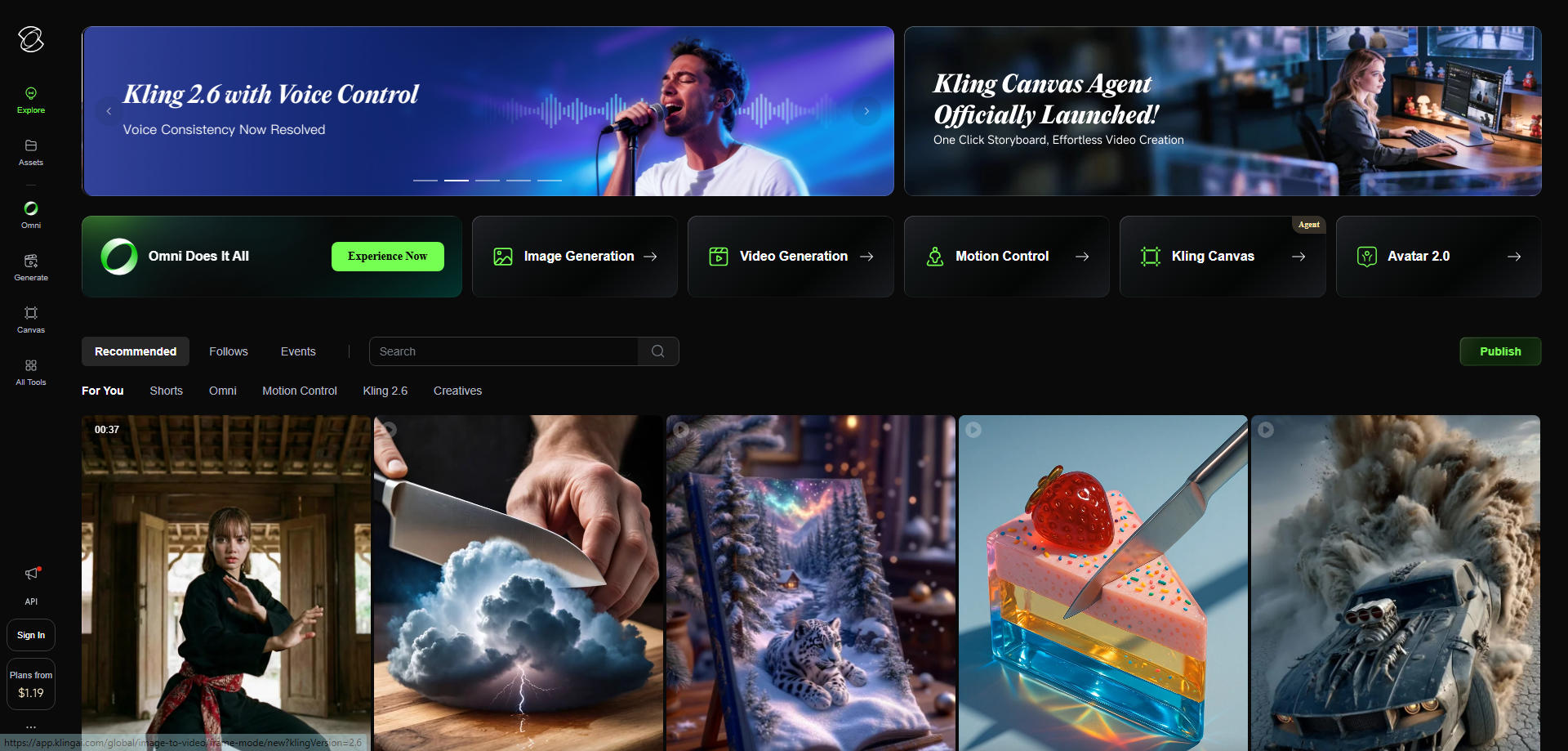
The catch: at $0.10/sec it isn't the cheapest per-second rate here. Best for anyone who needs audio and consistency together without stacking a separate audio-premium multiplier. Not ideal if you only need loose, silent b-roll — Wan 2.6 undercuts it on raw rate for that use case.
If you're weighing it specifically against Runway, see our head-to-head comparison of Kling AI vs Runway for the fuller feature picture beyond cost alone.
Runway Gen-4.5 — Subscription Math Changes Everything
Runway's Gen-4.5 is priced as a credit subscription rather than per-second: Standard at $15/month covers 110 seconds, Pro at $35/month covers 300 seconds, and Unlimited at $76/month removes the cap entirely. That structure makes cost predictable for repeat use in a way a per-second tool can't match — once you're past the free plan, your bill stops scaling with a bad month full of retries the way pay-per-second pricing does.
[IMAGE NEEDED: Runway Gen-4.5]
The catch: at low or occasional volume, the flat monthly fee is dead weight against a pay-per-second tool you'd only use for one project. Best for anyone generating video regularly enough that the Unlimited tier's flat fee beats paying per attempt. Not ideal for a single one-off project — you're paying for a month of access to finish one video.
Sora 2 — Longest Clips, but Building on Borrowed Time
Sora 2 generates the longest single clips in this comparison at up to 20 seconds, which means dramatically fewer separate generations to stitch together for the same finished length — a real cost advantage on longer projects. At $0.30/sec it sits in the middle of the per-second range, with native audio included.
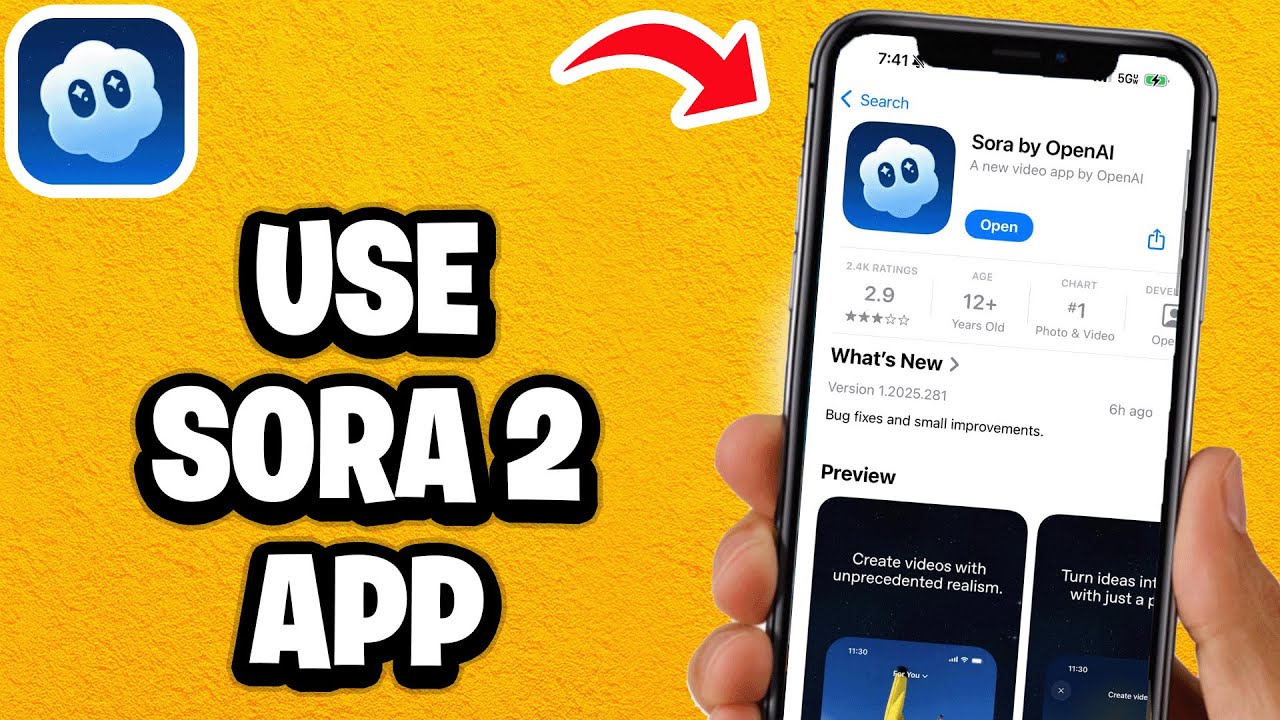
The catch outweighs the clip-length advantage for anything ongoing: OpenAI's own discontinuation notice [OPEN IN NEW TAB] confirms the Sora video API shuts down on 24 September 2026, with the web and app experiences already retired on 26 April 2026 and no direct replacement listed. Best for a single short-term project you need finished before that date. Not ideal for building a repeatable workflow you'll rely on past this year — pick a tool with a stable roadmap instead.
Pika — Cheap to Start, Weaker on Consistency
Pika runs at $0.12/sec with a 10-second max clip and native audio, and is fast and friendly for social-first content where visual continuity between clips matters less. It's a reasonable middle-ground rate for anyone testing a project before committing to a heavier tool.
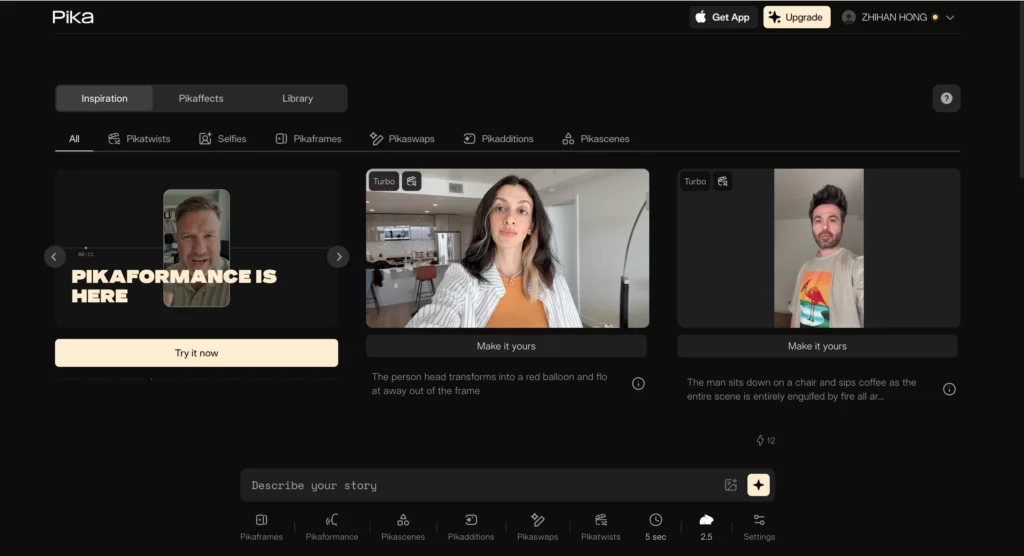
The catch: it's the weakest of this group at holding a subject consistent across multiple generations, which quietly drives up tries-per-clip — and therefore real cost — the moment a project needs the same character or product to look the same shot to shot. Best for loose social clips and quick tests. Not ideal for anything with a recurring character or a strict brand look.
MiniMax Hailuo 2.3 — Cheapest Flat Monthly Entry Point
Hailuo AI's 2.3 model is a subscription starting at $9.99/month for 70 seconds, the lowest flat entry point in this comparison, with a Standard tier at $24.99/month for 220 seconds. Its free tier is also more generous than most competitors for testing your own tries-per-clip before paying anything.

The catch: its 6-second max clip length is the shortest ceiling here, meaning more separate generations — and more chances to need a retry — for the same finished video length than a tool with a longer cap. Best for anyone starting from zero budget who wants to test their real usage pattern first. Not ideal for longer, single-take-style shots where a bigger clip ceiling would mean fewer generations overall.
See Hailuo AI's free plan limits in full before deciding whether the paid tier is worth it for you.
Wan 2.6 (best raw per-second rate at $0.05/sec, though with no native audio and the shortest usable clip length outside Hailuo), Veo 3.1 Fast (a sensible mid-price default for drafts), and Veo 3.1 Standard (native 4K and the best lip-sync in the category, priced accordingly at $0.75/sec) round out the calculator's comparison set above — each is worth checking directly if speed, draft quality, or top-end resolution matters more to you than raw cost.
Common Mistakes That Inflate Your AI Video Bill
- Comparing tools by per-second sticker price alone instead of real cost per usable clip — a cheaper rate can still cost more overall if it takes twice as many tries to get a keeper.
- Generating at 4K for early drafts instead of drafting at 720p first and only re-rendering the keeper at full resolution.
- Not counting failed or rejected generations as billed attempts when budgeting a project — most platforms charge for them the same as a successful clip.
- Defaulting to the longest possible clip length instead of shorter clips that fail cheaper when a generation doesn't work out.
- Ignoring wait time and stitching time when comparing tools that look similar on price — the render queue and editing multiple clips together is usually the largest single line item nobody bills you for directly.
Once you know your real number, browse the full AI video generator tools category on YourAiFinder to compare features and alternatives before committing to a plan.
Frequently Asked Questions
How much does it actually cost to make a 1-minute AI video? It depends heavily on the tool, your tries-per-clip, and resolution — a project quoted at pennies-per-second on a pricing page routinely lands 2-4x higher once clip-splitting and retries are counted. Use the calculator above to get a number tied to your own project instead of a generic range.
Why is AI video so much more expensive than the advertised per-second rate? Because no tool generates a full video in one pass. Your video is split into many short clips capped by that tool's own maximum clip length, and most people need 2-4 tries before a clip is usable — every one of those attempts is usually billed the same as a successful generation.
Is a subscription or pay-per-second AI video tool cheaper? It depends on volume. Subscriptions like Runway and Hailuo AI get cheaper per second at high, steady usage because the flat fee is spread across more output. Pay-per-second tools like Wan, Kling, Veo, and Sora are cheaper for occasional or unpredictable projects, since there's no unused monthly allowance to waste.
Does adding AI voice or sound to a video cost more? Yes. Generated native audio typically adds a 30-50% premium on tools that offer it, applied to every attempt including failed ones, not just the finished clip you keep.
Is Sora 2 still worth using for AI video in 2026? For a single short-term project, its 20-second max clip length is a genuine advantage that means fewer separate generations. For anything ongoing, OpenAI is retiring the Sora video API on 24 September 2026 with no listed replacement, which makes it a poor foundation for a repeatable workflow.
Does resolution really change how much an AI video costs? Yes. Most platforms scale cost roughly with pixel count, so rendering at 4K instead of 720p multiplies the cost of every attempt — including the ones you reject — not just the final video you keep.
Final Verdict
There's no single "cheapest" AI video tool — it depends entirely on your project length, how many tries a clip needs, and whether you're generating occasionally or on an ongoing basis. That's exactly why a flat comparison table can't answer this the way the calculator at the top of this page can.
If you want a fast rule of thumb without running the numbers: steady, high-volume use tends to favor a subscription with a high or unlimited tier (Runway, Hailuo AI), occasional or unpredictable projects tend to favor pay-per-second pricing (Kling, Wan), and anything with a recurring character should weight consistency over raw rate — Kling is the strongest option here for that reason. These are estimates, not quotes, and this isn't paid placement — run your own numbers above before you commit budget to a project. If you're calling these models directly through a developer API rather than a consumer app, our AI video generation API pricing comparison breaks down rate limits and free-tier availability provider by provider.
My own take, having run this math on enough projects: the biggest lever almost nobody adjusts on purpose is tries-per-clip, not tool choice. Picking a slightly cheaper tool rarely moves the bill as much as cutting a project's actual retry rate does — draft small, confirm the look works, then commit to full-resolution generations only on the shots you know you're keeping.
There's one lever this calculator doesn't price in at all: skipping per-second billing entirely by self-hosting an open-source model instead. See our breakdown of open-source AI video generators for what that actually costs in GPU time rather than subscription dollars.