Flow vs Gemini for Veo 3: Which One Should You Actually Use?

- Winner for free access: Flow — every user gets 50 free credits a day, no subscription required
- Winner for existing Pro/Ultra subscribers: Gemini app — quick single-shot generation without opening a separate tool
- Winner for multi-shot production: Flow — storyboarding and asset reuse across a whole sequence, not just one clip
- Flow gives every user — subscriber or not — 50 free credits per day, enough for roughly two Veo 3.1 Fast clips
- The Gemini app gives free-tier users zero video generations; video access needs a Google AI Pro (3/day) or Ultra (5/day) subscription
- Flow includes Scenebuilder-style storyboarding and asset reuse across shots; the Gemini app generates one isolated clip at a time
- Flow has no subscription of its own — it draws on the same Google AI Pro/Ultra plans that unlock Gemini app video
- Neither surface has a public API; developers needing batch generation use the Gemini API directly
Flow vs Gemini for Veo 3 isn't really a quality debate — both surfaces generate the exact same Veo 3.1 video. The real question is "which one do I open, and is it going to cost me anything."
Here's the short version: Flow is free every day, for everyone, with no subscription — but it's a separate tool you have to go set up. The Gemini app is subscription-gated for video, but if you're already paying for Google AI Pro or Ultra, it's faster for a single quick clip inside a chat you're already using.
The part every current article on this gets wrong or skips entirely is the actual credit math. That's what this article breaks down.
Flow vs Gemini for Veo 3: Head-to-Head
| Criteria | Flow | Gemini App |
|---|---|---|
| Cost to access | Free | Free (video needs Pro/Ultra) |
| Daily video allowance (free) | 50 credits/day (~2 Fast clips) | 0 — video not on free tier |
| Daily video allowance (paid) | Same 50 credits/day, cheaper per clip on Ultra | 3/day on Pro, 5/day on Ultra |
| Generation modes available | Lite, Fast, Quality | Fast only |
| Storyboard / multi-shot tools | Yes — Scenebuilder-style, asset reuse | No — single clip per generation |
| Best for | Free access, sequences, character reuse | Quick clip inside an existing chat |
Flow is the only one of the two that gives every visitor a genuinely free daily allowance. That's the single biggest thing separating them.
What Is Flow?
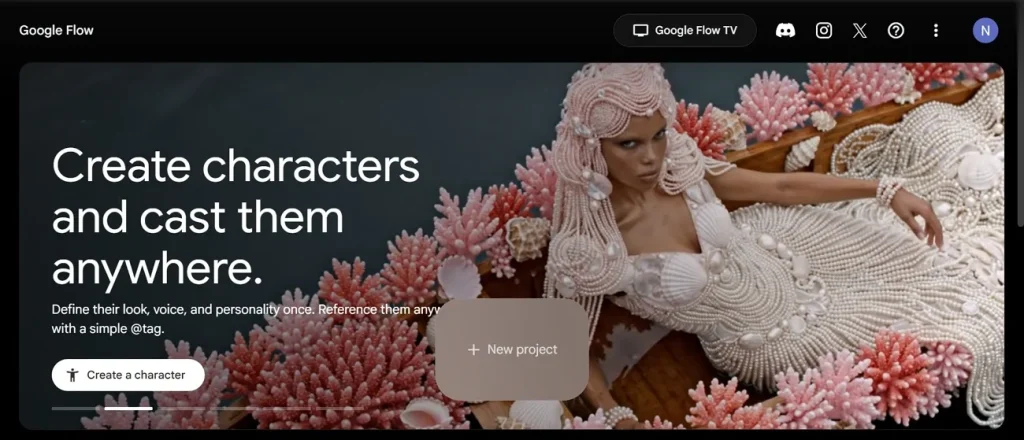
Flow is Google's dedicated AI filmmaking tool — it combines Veo, Imagen, and Gemini into one project-based interface built specifically for making video, not chatting. It adds a storyboard layer (often called Scenebuilder) that lets you reuse the same character or asset across multiple generated shots instead of starting from scratch every time.
What Is the Gemini App?
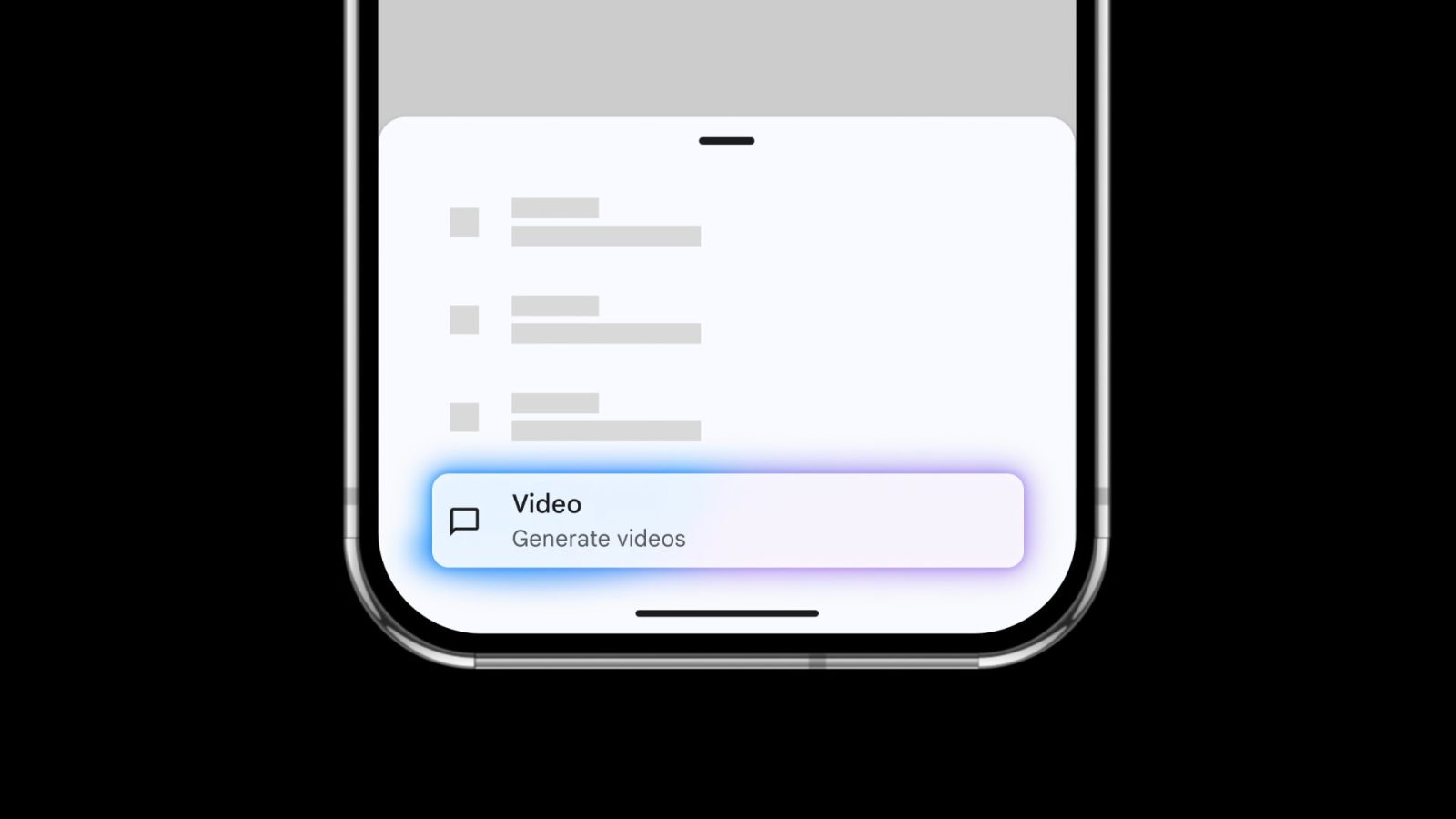
Gemini is Google's consumer chat assistant — the interface most people picture when they hear "Gemini." Video generation is one feature bolted onto that chat interface, not a dedicated production tool. You type a prompt, get a single clip back, and that's the whole workflow — no project, no storyboard, no asset library.
Flow vs Gemini for Veo 3: The Real Free-Credit Math
This is the part every current top-ranking result either skips or gets wrong.
Flow: According to Google's own Flow help documentation, every user gets 50 Flow credits per day, subscription or not, and unused credits don't roll over. Generation modes cost different amounts: Veo 3.1 Lite runs 10 credits (5 for Ultra subscribers), Veo 3.1 Fast runs 20 credits (10 for Ultra), and Veo 3.1 Quality runs 100 credits for everyone. On the free daily allowance alone, that's roughly two Fast clips or five Lite clips a day — and never a Quality clip, since 100 credits exceeds the entire free allowance.
Gemini app: The free tier includes zero Veo generations. Video only unlocks with a Google AI Pro subscription (up to 3 Veo 3.1 Fast videos per day) or Google AI Ultra (up to 5 per day) — both paid plans. If you're on the plain free Gemini tier, you can chat and plan, but you can't generate video in the app at all.
[VERIFY: what happens once the Gemini app's daily allowance runs out. It has historically fallen back to an older Veo model once the cap was hit, but Veo 2 and the original Veo 3 were both shut down by Google on June 30, 2026 — see our Veo 2 vs Veo 3 breakdown for the shutdown details — so confirm current fallback behavior before relying on this.]
Verdict: if the goal is free access with no subscription attached, Flow is the only surface that actually delivers it. The Gemini app's video feature exists only for people already paying for Pro or Ultra. Once you've got access sorted, the next decision is which generation mode to actually use — see our Veo 3 Fast vs Quality breakdown for the exact tradeoffs.
Production Features: Storyboarding vs Single-Shot
Flow's Scenebuilder-style storyboard is the other big gap the credit comparison alone misses. It lets you reuse the same character, style, or asset across several generated clips, so a sequence actually looks like one continuous piece rather than five unrelated shots. The Gemini app has no equivalent — each generation is a standalone clip inside a chat thread, with nothing carried forward to the next one.
That makes Flow the clear pick for anything beyond a single throwaway clip: a short sequence, a product demo with consistent framing, or a scene that needs the same character to show up twice. If character consistency across shots matters more than the tool being Google's, Kling AI is worth comparing directly against Flow's approach.
Who Should Choose Flow
- Anyone who wants Veo 3.1 access without paying for a subscription
- Creators assembling a multi-shot sequence with a consistent character or asset
- Anyone who's hit the Gemini app's daily video cap and wants a separate free allowance to fall back on
Who Should Choose the Gemini App
- Existing Google AI Pro or Ultra subscribers who just want a quick clip without opening a separate tool
- Anyone already mid-conversation in Gemini who wants a video without switching context
- Anyone who only needs one isolated clip, not a sequence
Comparing more than just these two? Browse the full AI video generation category on YourAiFinder to see every generator, editor, and avatar tool side by side.
Frequently Asked Questions
Is Flow free for Veo 3? Yes, for a limited daily allowance. Every user gets 50 Google Flow credits per day with no subscription required — enough for about two Veo 3.1 Fast clips. Unused credits don't roll over to the next day.
Does the Gemini app have Veo 3 for free? No. Video generation in the Gemini app is gated behind a Google AI Pro or Ultra subscription. The free tier of the Gemini app doesn't include Veo access at all.
How many Veo 3 videos can I make per day in Flow vs Gemini? In Flow, a free user's 50 daily credits stretch to roughly two Veo 3.1 Fast clips (20 credits each) or five Lite clips (10 each). In the Gemini app, Google AI Pro gives up to 3 Veo 3.1 Fast videos a day and Ultra gives up to 5 — but only for paying subscribers.
What does Flow add that the Gemini app doesn't have? Flow includes Scenebuilder-style storyboarding and asset or character reuse across multiple shots, so you can assemble a sequence instead of generating one isolated clip at a time — something the single-shot Gemini app interface doesn't offer.
What happens when I run out of Veo 3 generations in the Gemini app? The daily allowance resets after 24 hours. Historically the app fell back to an older Veo model once the limit was hit, but with Veo 2 and Veo 3 both shut down as of June 30, 2026, current fallback behavior should be confirmed before you rely on it.
Our Verdict
If cost is the deciding factor, open Flow first — it's the only one of the two that's genuinely free, no subscription attached. Only reach for the Gemini app's video feature if you're already paying for Google AI Pro or Ultra and want speed over structure for a single clip.
This post is part of our broader AI filmmaking tools guide, which maps out every stage of an AI video production workflow. If you're still sorting out which Google surface does what beyond just these two, our Google AI Studio vs Gemini breakdown untangles the third piece of that puzzle.