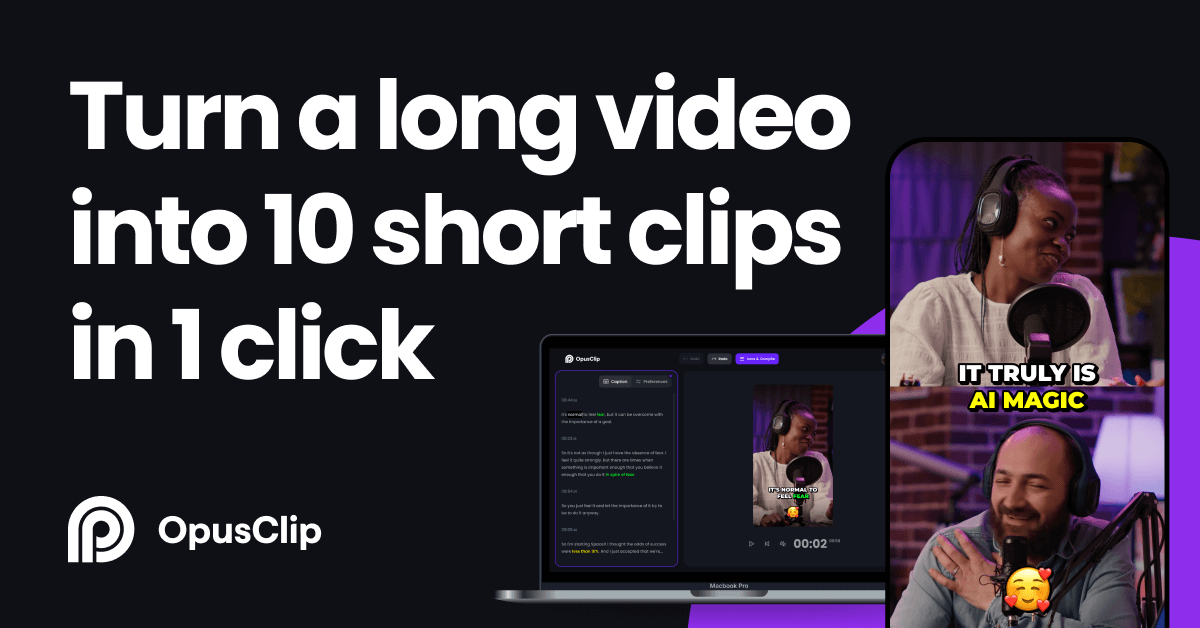
Compare Buffer vs OpusClip

Both tools in AI Social Media
Pricing

Pricing Comparison

BufferBuffer
Free$0

3 channels, 10 scheduled posts per channel, 1 user

Essentials$6/mo per channel

Unlimited scheduling, full analytics, AI assistant

Team$12/mo per channel

Unlimited users, approval workflows, custom permissions

Agency$100/mo

10 channels flat rate, unlimited users, branded reports

OpusClipOpusClip
Free$0

60 processing mins/mo, watermarked exports, 3-day storage

Starter$15/mo

150 processing mins, watermark-free, Virality Score

Pro$29/mo

300 processing mins, team collaboration, scheduler, B-roll, XML export

Business$Custom

Unlimited credits, API access, unlimited seats

Features

Feature Comparison

BufferBuffer
Multi-Platform SchedulingAI Caption WriterContent CalendarLink in BioAnalytics DashboardOptimal Post TimingQueue ManagementDraft CollaborationApproval WorkflowsHashtag ManagerFirst Comment SchedulingChannel GroupsEngagement InboxBulk SchedulingStart Page BuilderContent Idea BankMobile App
OpusClipOpusClip
AI Clip DetectionVirality ScoreAnimated CaptionsAI ReframeAI B-Roll InsertionBrand TemplatesSocial Media SchedulerMulti-Aspect ExportXML ExportTeam WorkspacesKeyword HighlighterFiller Word RemovalClip EditorThumbnail GeneratorEmoji CaptionsMulti-Source ImportCloud Storage
Fit

Best For & Not For

BufferBuffer
✅ Best For
Solo creators and small business owners who want a distraction-free scheduler that handles every major platform without a steep learning curve or enterprise price tag.
Marketing freelancers managing between 3 and 15 client channels who need clean per-channel pricing and a reliable approval workflow.
Startups and indie brands that need to stay consistently active on social media without hiring a dedicated social media manager.
❌ Not For
Large agencies managing 50+ client accounts who need robust white-label reporting and built-in social listening, as Buffer lacks these capabilities.
Teams that need advanced competitor benchmarking or CRM integrations baked into their social tool out of the box.
OpusClipOpusClip
✅ Best For
Podcasters and long-form YouTube creators who sit on hours of video content each week and want to extract dozens of short-form clips for TikTok and Reels without manual video editing.
Marketing agencies that produce webinars, product demos, and event recordings for clients and need a fast, repeatable workflow to repurpose that content into social-ready clips at scale.
Content creators, coaches, and educators who want to grow their short-form social presence using content they have already created, rather than producing additional videos from scratch.
❌ Not For
Creators who need a full-featured video editor with timeline controls, custom transitions, motion graphics, or multi-track audio, as OpusClip is a clipping and repurposing tool, not a complete editing suite.
Teams processing 5+ hours of video per month on tighter budgets, as OpusClip's credit-based pricing can become expensive at scale, especially on the Starter plan where 150 minutes run out quickly.
Availability

Platform & Accessibility

BufferBuffer
web-basedmobileapi
OpusClipOpusClip
web-basedapi
Use & Audience

Tasks & Who It's For

Use Cases

Real-world Use Cases

BufferBuffer
1
Priya, a freelance content strategist, uses Buffer to manage Instagram and LinkedIn for three coaching clients. She batches her entire week of posts every Monday morning in under an hour, then lets Buffer publish automatically while she focuses on client calls.
2
Marcus, a Shopify store owner, connects his Instagram, Facebook, and Pinterest to Buffer and schedules 30 days of product content on a Sunday afternoon. His store traffic from social doubled in 60 days because he stopped going dark for weeks at a time.
3
A two-person marketing team at a SaaS startup uses Buffer's draft review feature so the designer queues posts and the founder approves them before anything goes live, cutting their back-and-forth Slack threads in half.
OpusClipOpusClip
1
Rohan, a podcaster with a 90-minute weekly show, uploads each episode to OpusClip every Monday and gets 12 to 15 short clips ready for TikTok and Instagram by Tuesday morning, without touching a single editing tool.
2
A marketing agency producing monthly client webinars uses OpusClip Pro to extract 8 clips per webinar, add the client's brand template, and schedule them across LinkedIn and YouTube Shorts, turning one 60-minute event into 3 weeks of social content.
3
Elena, a business coach, films a 30-minute live Q and A on YouTube every week and lets OpusClip identify which moments scored highest on the Virality Score. She posts only those clips to TikTok and has grown from 2,000 to 28,000 followers in four months.
Keep Exploring

Similar Comparisons