Book Editing Software Compared: ProWritingAid vs Grammarly

On this page6 sections
- Quick Comparison at a Glance
- The Best Book Editing Software — Tool by Tool
- 1. ProWritingAid — Best for Manuscript-Level Revision
- 2. AutoCrit — Best for Comparing Your Manuscript to Published Fiction
- 3. Grammarly — Best for a Quick Line-Level Pass
- 4. Hemingway Editor — Best Free Option With No Subscription
- What None of These Catch
- How to Choose the Right Book Editing Software
- Frequently Asked Questions
- Final Verdict
ProWritingAid is the strongest book editing software for a full manuscript-level revision pass, Grammarly is better for a fast final line-level check, and AutoCrit is worth adding if you write genre fiction and want a benchmark against published books. None of them catch a plot hole.
- Manuscript-level tools like ProWritingAid and AutoCrit analyze pacing and repetition across an entire 80,000-word draft — Grammarly is built for single documents, not full manuscripts
- Grammarly's Editor checks up to 100,000 characters at a time — roughly 15,000-18,000 words — so a full 80,000-word manuscript won't fit into one pass
- ProWritingAid's 2026 pricing changed: Premium is now $120/year ($30/month), with a new Premium Pro tier at $144/year — the old $79/year plan is gone
- None of these tools reliably catch a plot hole, a sagging second act, or a character whose eye color changes halfway through — that's still a human editor's job
You've finished a draft. Now you're staring at the same three names every author recommends — ProWritingAid, Grammarly, AutoCrit — with no real sense of which one to actually buy, or whether you need more than one.
Short version: they're not interchangeable. The right book editing software depends on what stage you're at. ProWritingAid and AutoCrit are built to analyze a full manuscript — pacing, repetition, structure — while Grammarly is a fast, line-level pass that was never designed for book-length documents in the first place.
This is one piece of a bigger workflow — if you haven't settled on drafting and outlining tools yet, our breakdown of book writing tools covers the full toolkit by function. Here's what each editing tool actually catches, what changed in 2026 pricing, and what none of them will ever catch.
Quick Comparison at a Glance
| Tool | Best For | Free Plan | Starting Price (USD/mo) | Rating |
|---|---|---|---|---|
| ProWritingAid | Manuscript-level revision | Yes (500-word cap) | $30/mo ($120/yr) | 4.7/5 |
| Grammarly | Quick line-level pass | Yes | Free, paid plans vary | 4.7/5 |
| AutoCrit | Genre-benchmarked fiction editing | Yes (Free Forever) | ~$15/mo billed annually | 4.3/5 |
| Hemingway Editor | No-subscription readability check | No (one-time fee) | $19.99 one-time | 4.5/5 |
Every tool below is doing a genuinely different job. Here's the breakdown — or browse the full AI writing tools category if you want to compare beyond these four.
The Best Book Editing Software — Tool by Tool
1. ProWritingAid — Best for Manuscript-Level Revision
ProWritingAid is built for book-length revision specifically, not adapted from a business-writing tool the way most editors are. Its 20+ reports run across an entire manuscript rather than one document at a time, and the Chapter Critique feature is designed to flag pacing problems by chapter — something a sentence-by-sentence checker simply can't do at that scale.
Key features:
- 20+ in-depth writing reports (pacing, style, overused words)
- Direct Scrivener and Word integration
- Chapter Critique for structural feedback
- Full manuscript-length document support, not just single-file checks
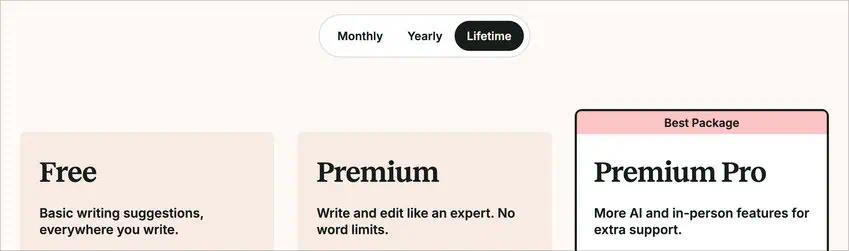
Pricing: Free plan available (500-word cap per check). Per ProWritingAid's current pricing page, Premium is $30/month or $120/year, and a new Premium Pro tier adds plagiarism checking at $144/year — a real change from the old $79/year plan.
Best for: novelists doing a full self-edit pass before sending a manuscript to a human editor. Not ideal for: a quick single-chapter grammar check — this is deeper and slower than that.
2. AutoCrit — Best for Comparing Your Manuscript to Published Fiction
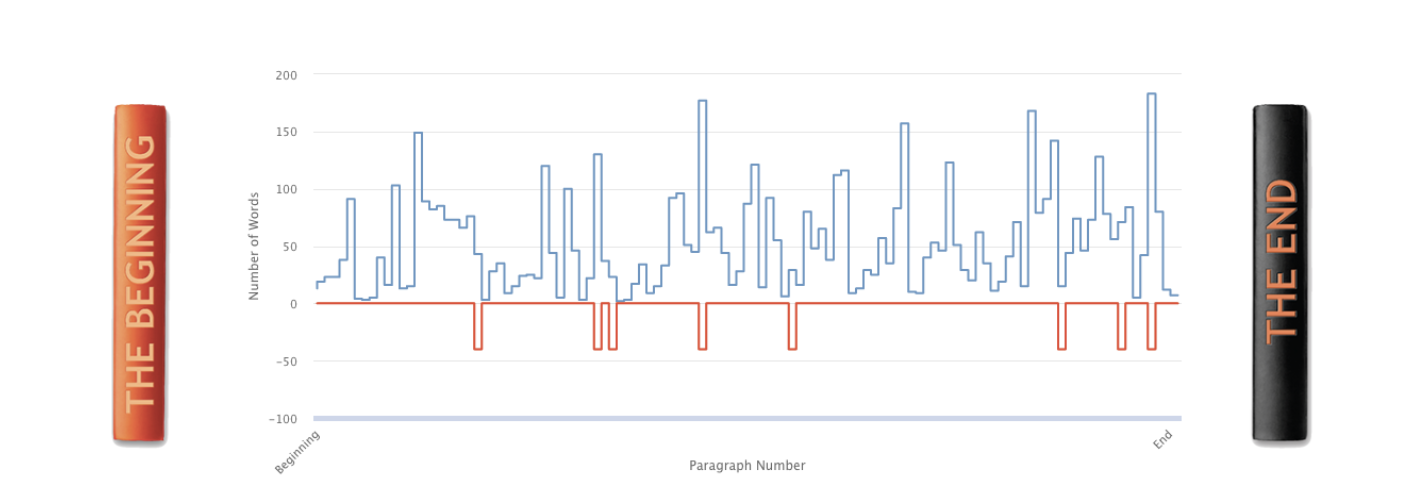
AutoCrit is the one tool here that benchmarks your writing against published books in your genre, rather than just flagging generic style issues. Run a chapter through it and you'll see how your pacing, word choice, and sentence structure stack up against genre bestsellers — a feature neither ProWritingAid nor Grammarly offers.
Key features:
- Genre-benchmarked pacing and word-choice comparison
- Dialogue, repetition, and pacing reports built for fiction specifically
- Full manuscript import
- Free Forever tier with no time limit
Pricing: Free Forever tier covers the basics. Pro runs around $30/month, or roughly $15/month billed annually.
Best for: fiction writers who want a genre-calibrated second opinion, not just a grammar pass. Not ideal for: nonfiction authors — the genre-comparison feature doesn't apply to you.
3. Grammarly — Best for a Quick Line-Level Pass
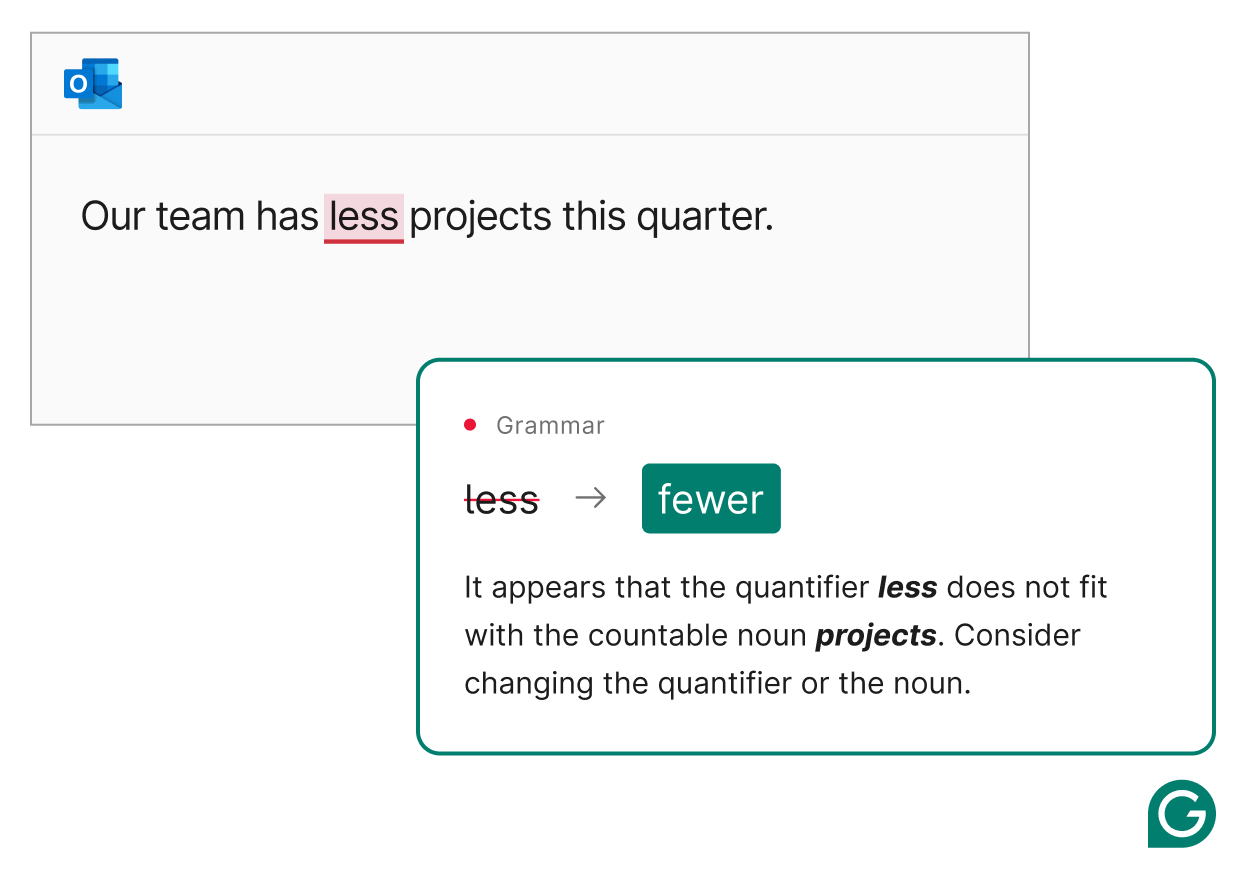
Grammarly is the line-level editor most writers already have installed, and it's genuinely good at what it does — catching typos, awkward phrasing, and grammar slips fast. What it isn't built for is a full manuscript in one sitting: Grammarly's own support documentation caps the Editor at 100,000 characters per check, which works out to roughly 15,000-18,000 words — well short of an 80,000-word novel.
Key features:
- Real-time grammar and clarity checking
- Works across browser, desktop, and most writing apps
- Tone detection
- Free tier covers core grammar and spelling checks
Pricing: Free tier available. Paid plans unlock deeper style suggestions.
Best for: a fast final line-level pass, done chapter by chapter rather than on a full draft at once. Not ideal for: manuscript-level structure, pacing, or a single-pass full-novel edit.
4. Hemingway Editor — Best Free Option With No Subscription
Hemingway Editor is the outlier on this list: a one-time purchase instead of a subscription. It flags hard-to-read sentences, unnecessary adverbs, and passive voice with a simple readability score, and there's no recurring cost the way there is with every other tool here.

Pricing: One-time desktop app fee, no subscription required.
Best for: writers who want a lightweight, no-subscription second opinion on readability. Not ideal for: manuscript-level analysis — there's no chapter awareness, pacing tracking, or consistency checking.
What None of These Catch
All four tools above are doing software-level checks: grammar, repetition, pacing patterns, readability scores. None of them reliably catch a sagging second act, a plot hole, or a character whose eye color changes halfway through the book. That's structural editing, and it needs either a human developmental editor or a dedicated tool like Fictionary, which is built specifically to map story structure rather than sentence-level quality.
The honest takeaway: pair one of the tools above with a human editor, or a structural tool, if plot-level feedback actually matters for your manuscript. Don't expect software alone to catch it.
How to Choose the Right Book Editing Software
If your budget allows one tool, get ProWritingAid — the manuscript-level depth is worth it on its own. Write genre fiction and want a benchmark against published books? Add AutoCrit.
Want zero ongoing cost? Hemingway Editor or AutoCrit's free tier covers the basics.
If you just need individual clunky sentences rewritten rather than a full manuscript report, QuillBot's paraphraser is a lighter, free option worth keeping in the toolkit. Whichever manuscript tool you use, finish with a fast Grammarly pass — it's still the quickest way to catch what slipped through.
One more note if you drafted with an AI novel writer rather than typing from scratch: run the output through a manuscript-level pass before you trust it. AI-generated prose tends to need a heavier line edit than prose you wrote yourself, even when it reads fine on the surface.
Frequently Asked Questions
Is ProWritingAid better than Grammarly for editing a book? For a full manuscript, yes. ProWritingAid runs manuscript-level reports — pacing and overused words by chapter — that Grammarly isn't built to do. Grammarly is still faster for a last line-level pass.
What is the best free book editing software? AutoCrit's Free Forever plan and Hemingway Editor's one-time purchase both cover the basics without an ongoing subscription. Grammarly's free tier also handles core grammar and spelling checks.
Can AI editing software replace a human editor? No. These tools catch grammar, repetition, pacing patterns, and style issues at scale, but none of them reliably catch plot holes, sagging structure, or inconsistent character arcs the way a trained developmental editor does.
Does Grammarly work for editing a full novel manuscript? It works well for a line-level pass, but the Editor caps each check at 100,000 characters — roughly 15,000-18,000 words — so it's better used chapter by chapter than on an 80,000-word draft in one sitting.
What is AutoCrit used for? Manuscript-level fiction analysis that compares your pacing, word choice, and sentence structure against published books in your genre — a feature ProWritingAid and Grammarly don't offer.
Final Verdict
Honestly, most self-editing authors end up needing two of these, not one: ProWritingAid (or AutoCrit, if genre benchmarking matters to you) for the manuscript-level pass, and Grammarly for the fast final polish. Neither replaces the generating side of writing — that's what a tool like Sudowrite is for — and neither replaces a human editor for structural feedback.
This is one piece of a bigger toolkit. If you're still deciding on the rest of your setup — drafting tools, story-memory AI, formatting — our guide to novel writing software covers the whole process stage by stage.