Canva vs PowerPoint: Which Fits How You Work in 2026?

On this page9 sections
- Canva vs PowerPoint: Head-to-Head
- What is Canva?
- What is PowerPoint?
- Feature-by-Feature Breakdown
- Ease of Use and Learning Curve
- Design and Templates
- Animation and Data Tools
- File Compatibility and Round-Trip
- Canva vs PowerPoint: Pricing Breakdown
- Who Should Choose Canva
- Who Should Choose PowerPoint
- Frequently Asked Questions
- Canva vs PowerPoint: Our Verdict
Canva Presentations wins on design speed, budget, and versatility — PowerPoint wins the moment your deck needs Excel-linked charts or real animation control. Pick Canva by default; switch to PowerPoint for that one specific job.
- Canva Pro is $18/month in 2026 — not $12.99, the outdated figure a few competitor articles still quote
- PowerPoint has two real price points: $99.99/year for individuals (Microsoft 365 Personal) or $14/user/month for teams, with Copilot AI costing $21-30/user/month extra
- Canva's free plan covers full presentations, but a large chunk of premium templates, photos, and video are Pro-only
- PowerPoint still wins on object-level, sequenced animation and Excel-linked charts — Canva's tools here are noticeably shallower
- Canva also handles video, whiteboards, and social graphics in the same account, which matters if you want one tool instead of three
Here's the real question buried under "Canva vs PowerPoint": are you optimizing for how fast and good-looking the deck is, or for how much control you have over data and animation? Those are different jobs, and the tool that wins depends entirely on which one you're actually doing.
The short version: Canva gets you a professional-looking deck faster, with a genuinely useful free plan and a much gentler learning curve. PowerPoint still wins when the deck needs live-linked Excel charts, sequenced animation, or bulletproof enterprise file compatibility. This is one piece of a bigger decision — if you're weighing every option rather than just these two, the full PowerPoint alternatives breakdown covers AI deck builders and collaboration-first tools too.
Below is the actual pricing, what's gated on Canva's free tier, and where PowerPoint's feature depth becomes the deciding factor.
Canva vs PowerPoint: Head-to-Head
| Criteria | Canva | PowerPoint |
|---|---|---|
| Learning curve | Near-zero — usable deck in 15-20 minutes | 2-4 hours for basics, longer for advanced features |
| Free plan | Full presentations, 5GB storage, 50 AI credits/month | Free web version, browser-only, any Microsoft account |
| Paid pricing | Pro: $18/mo · Business: $25/user/mo | M365 Personal: $99.99/yr · Business Standard: $14/user/mo |
| Templates | Large, constantly updated library | ~25 built-in templates out of the box |
| Animation depth | Template-level transitions and effects | Object-level, sequenced, trigger-based animation |
| Data/chart tools | Basic manual charts | Excel-linked charts that auto-update |
What is Canva?
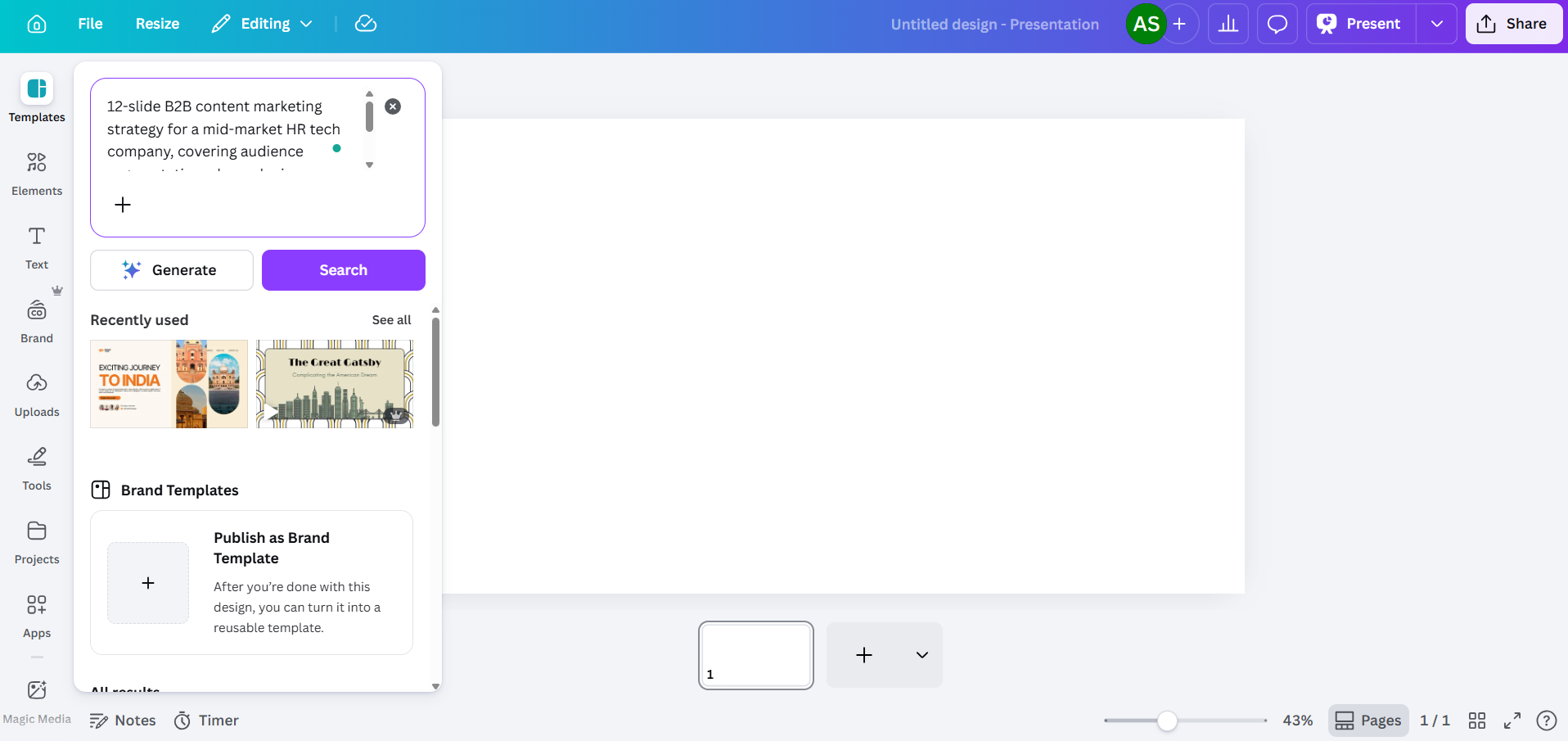
Canva Presentations is a browser-based design tool built around drag-and-drop simplicity and a massive template and stock library. It's design-first: you're picking a look and filling it in, not building a layout from scratch. Beyond slides, the same account also covers video editing, social graphics, whiteboards, and even basic websites — useful if you'd rather standardize on one tool than juggle three.
What is PowerPoint?
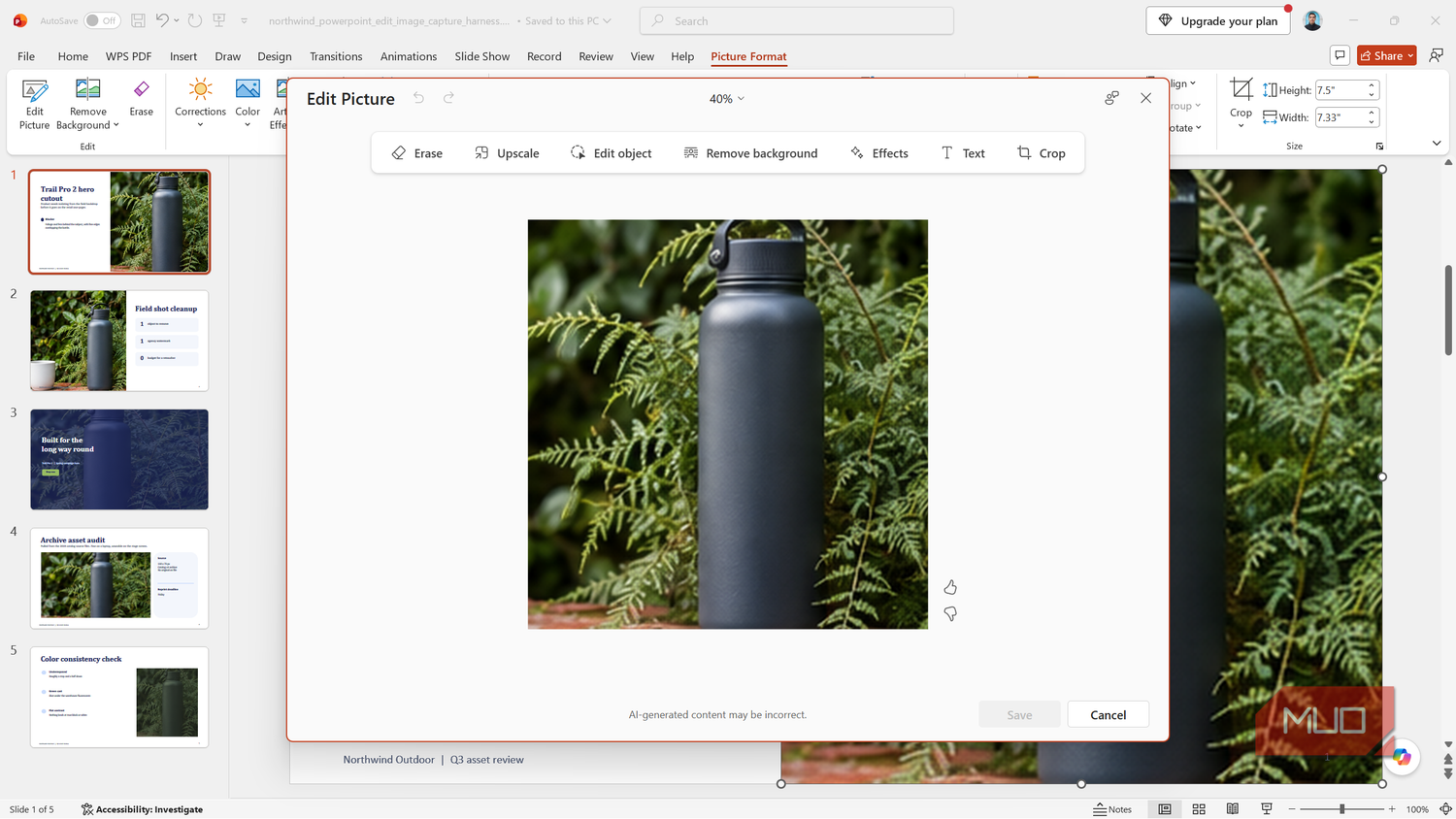
PowerPoint is Microsoft's presentation app, built for compatibility, offline reliability, and deep control over data and animation inside the Microsoft 365 ecosystem. It's desktop-first, though a free browser version exists. Where Canva optimizes for how fast you can get to a good-looking slide, PowerPoint optimizes for how much control you have once you're in one.
Feature-by-Feature Breakdown
Ease of Use and Learning Curve
Canva's learning curve is close to flat — most people can put together a professional-looking deck in 15-20 minutes with zero training. PowerPoint takes real ramp-up time: 2-4 hours to get comfortable with the basics, and several more days before you're confident with animations, master slides, and data tools. Verdict: Canva.
Design and Templates
Canva's template library runs into the millions and updates constantly, alongside a growing stock photo and video collection. PowerPoint's desktop app ships with roughly 25 templates out of the box, so most PowerPoint users end up sourcing templates elsewhere — often from third-party marketplaces with their own licensing terms worth checking before you use one commercially. Verdict: Canva.
Animation and Data Tools
This is where PowerPoint pulls ahead decisively. It supports object-level, sequenced, and trigger-based animation, plus charts that stay linked to live Excel data and update automatically when the source changes. Canva's animation options are template-level transitions and effects — good enough for a marketing deck, not built for a data-heavy quarterly review. Verdict: PowerPoint.
File Compatibility and Round-Trip
Canva can import and export .pptx files, but fonts, layouts, and effects can shift when you convert either direction — always proof the deck after converting before it goes to a client or colleague. PowerPoint's native format has no conversion loss and remains the safer default anywhere enterprise file-sharing is non-negotiable. Verdict: PowerPoint.
Canva vs PowerPoint: Pricing Breakdown
| Plan | Price | What you get |
|---|---|---|
| Canva Free | $0 | 5GB storage, 50 AI credits/month, full presentation support (premium templates/photos/video gated) |
| Canva Pro | $18/mo or $144/yr | Full premium library, no watermarks, Background Remover, Magic Resize |
| Canva Business | $25/user/mo | Team brand kits, approval workflows, no seat minimum |
| PowerPoint (web) | Free | Browser-only, any Microsoft account, no desktop app |
| Microsoft 365 Personal | $99.99/yr | Desktop PowerPoint, individual use |
| Microsoft 365 Business Standard | $14/user/mo | Desktop PowerPoint, team licensing |
| Microsoft 365 Copilot add-on | $21-30/user/mo | AI features — priced separately from the base subscription |
For an individual who only needs the free tier, Canva costs nothing and PowerPoint for the web costs nothing — a wash. Once you're paying, the numbers flip from what most people assume: Microsoft 365 Personal, which rose to $99.99/year in Microsoft's first consumer price increase in 12 years, still works out cheaper than a full year of Canva Pro ($144/yr) — so PowerPoint is the better deal for an individual who specifically needs the desktop app. At team scale the base subscriptions land close together per seat — the real gap shows up if you also want AI features, since Copilot costs meaningfully more on top of PowerPoint's base price than Canva's AI credits do.
Who Should Choose Canva
- Freelancers and solopreneurs who need a polished deck fast without design skills
- Anyone who'd rather use one tool for slides, video, and social graphics instead of three separate apps
- Teams that don't need Excel-linked data slides or heavy animation
- Budget-conscious users — the free plan alone covers most one-off decks
Who Should Choose PowerPoint
- Anyone building data-heavy decks where charts need to stay linked to live Excel data
- Presenters who rely on sequenced, trigger-based animation for live delivery
- Teams already standardized on Microsoft 365 who need guaranteed enterprise file compatibility
- Anyone who has to guarantee a client or colleague can open the file with zero formatting shift
If neither tool fits what you actually need, the full directory of AI presentation tools is a faster way to compare alternatives than reading another vendor blog.
Frequently Asked Questions
Is Canva really better than PowerPoint? Depends on the job. Canva wins for fast, professional-looking design without a designer; PowerPoint wins for data-heavy, animation-heavy, or enterprise-compatibility-critical decks.
Can I open a PowerPoint file in Canva? Yes — Canva imports .pptx files, but complex animations, custom fonts, and some layouts can shift on import. Always proof the deck after importing.
Is Canva free for presentations? Yes. The free plan supports full presentations with 5GB storage and basic AI credits, but a large share of premium templates, photos, and video elements are Pro-only.
Does Canva have the same animation options as PowerPoint? No. PowerPoint supports object-level, sequenced, and trigger-based animations; Canva's animations are simpler, template-driven transitions and effects.
Which is better for a small business, Canva or PowerPoint? Canva, if the priority is fast, on-brand marketing-adjacent decks. PowerPoint, if the business already runs on Microsoft 365 and needs Excel-linked data slides or tight enterprise file compatibility.
Canva vs PowerPoint: Our Verdict
If you're not sure which camp you're in, default to Canva — it's faster to learn, and its free plan alone will cover most decks you'll ever build without paying anything. The one exception: if your deck lives or dies on Excel-linked charts or animation sequencing that needs precise control, PowerPoint is the right call for that specific job — and if you already know you need the desktop app, its $99.99/year individual plan is worth checking before you assume Canva Pro is the cheaper route.
If Microsoft's own ecosystem matters more than design speed, our Google Slides vs PowerPoint comparison covers the collaboration and cost side of that decision. And if what you actually want is AI generating the first draft of your deck instead of building from a template, Gamma is worth a look too.