PowerPoint Alternatives: The Best Tool for Every Use Case

On this page5 sections
- Quick Comparison at a Glance
- The Best PowerPoint Alternatives by What You're Actually Trying to Do
- For Real-Time Team Collaboration
- For Fast, Non-Designer-Friendly Design
- For Live, Interactive Presenting
- For One-Prompt AI Generation
- How to Choose the Right PowerPoint Alternative
- Frequently Asked Questions
- Final Verdict
There's no single "best" PowerPoint alternative — it depends on what's actually broken for you. Gamma wins for going from a one-line prompt to a shareable deck in under a minute. Canva Presentations wins if budget is the constraint. Pitch wins if your real problem is three people editing the same deck. Prezi wins if a static slide deck keeps losing the room.
- PowerPoint isn't being replaced by one tool — it's being replaced by four different categories of tool, depending on what you actually need
- AI-generated decks (Gamma, Tome) can go from prompt to presentation in under 60 seconds, but they still need a manual pass before a real audience sees them
- Some "free" tools aren't: Beautiful.ai has no permanent free plan at all, just a 14-day trial that charges your card automatically — a detail most roundups skip
- Real-time collaboration and locked brand kits solve a team problem PowerPoint's file-sharing model never handled well
- If PowerPoint (or your free Google Slides account) already does the one thing you need, switching tools rarely pays for itself — the case for an alternative is strongest when there's a specific, named pain point
PowerPoint alternatives aren't really one category. Someone stuck emailing .pptx files back and forth with three colleagues has a completely different problem than someone staring at a blank slide the night before a pitch. So instead of another flat top-10 list, this one's organized by what's actually broken for you: team collaboration, fast design without a designer, live and interactive presenting, or starting from nothing with AI.
You'll find 2-3 vetted picks in each category below, honest pricing (including the free plans that aren't really free), and pointers to full head-to-head breakdowns if you're specifically choosing between Canva and PowerPoint, Google Slides and PowerPoint, or — if you're already on Apple hardware — Keynote and Google Slides. If you'd rather skip the framework and just get a ranked list with one clear pick, see the quick PowerPoint alternative roundup instead. You can also browse the full list of AI presentation tools on YourAiFinder if none of these nine quite fit.
Most "PowerPoint alternative" roundups you'll find elsewhere are written by the company selling one of the tools on the list — Visme's own comparison ranks Visme first, SlideModel's ranks its own AI product first. Nobody neutral has actually organized this space by what you're trying to do. That's the gap this article is built to fill.
Quick Comparison at a Glance
| Tool | Best For | Free Plan | Starting Price |
|---|---|---|---|
| Pitch | Team collaboration | Yes, up to 5 members | $13/mo |
| Beautiful.ai | Brand-consistent team decks | No — 14-day trial only | $14.50/mo (annual) |
| Canva Presentations | Fast design, zero budget | Yes, generous | $15/mo Pro |
| Slidesgo | Template-first design | Yes, with watermark/attribution | ~$5-8/mo Premium |
| Prezi | Live, non-linear presenting | Yes, watermarked | $7/mo |
| Storydoc | Trackable interactive decks | No — plans only | $40/mo |
| Gamma | One-prompt AI generation | Yes, 400 credits | $9/mo |
| Tome | AI narrative decks with analytics | Yes, limited & branded | $16/mo (annual) |
| Slidebean | AI startup pitch decks | Trial only (no export) | $7/mo (annual) |
Pricing shifts often and most of these vendors run separate monthly vs. annual rates — treat the numbers above as a starting point and confirm on the tool's own pricing page before you commit. If you just want the fastest possible first draft, skip straight to the AI generation section below.
The Best PowerPoint Alternatives by What You're Actually Trying to Do
Every tool below solves a specific job. Read the "Best for" and "Not ideal for" lines honestly — that's the part most roundups skip, and it's the part that actually saves you money.
For Real-Time Team Collaboration
1. Pitch — Best for Teams Building Decks Together
Pitch is a collaborative presentation platform built for teams who need to co-edit the same deck without emailing versions back and forth.
What makes it stand out is the combination of real-time co-editing with "Pitch Rooms" — a bundle that packages the deck itself with a scheduling link and supporting docs, so a sales rep can send one URL instead of three attachments. Engagement analytics show exactly which slides a prospect actually opened, which turns a cold follow-up into a targeted one. In practice, that looks like a founder and their head of design writing and polishing the same investor deck at the same time, cutting a two-day prep cycle down to an afternoon.
- Real-time co-editing with comments and slide assignees
- Pitch Rooms for bundling decks with scheduling links
- Presentation engagement analytics
- Shared brand asset library
- Slide status tracking
Pricing: Free for up to 5 workspace members with unlimited presentations | Paid plans from $13/mo.
Best for: startup teams and sales orgs where multiple people build the same deck. Not ideal for: a solo user who doesn't need collaboration — you'd be paying for a feature you won't touch.

2. Beautiful.ai — Best for Enforced Brand Consistency Across a Team
Beautiful.ai's Smart Slide layouts auto-design every slide as you type, so nobody on a 40-person team can accidentally ship something off-brand.
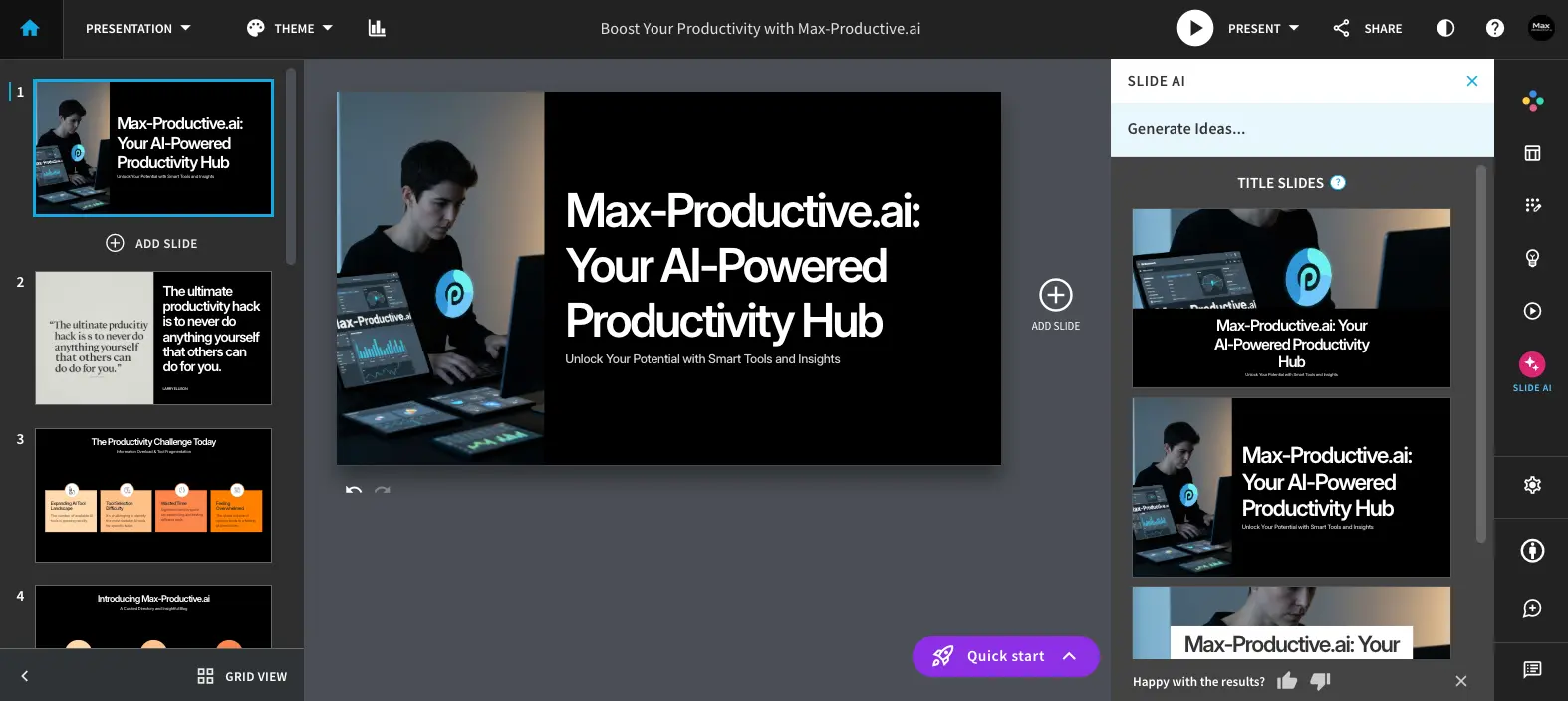
The honest part most competitor lists gloss over: there's no free plan. Every signup starts a 14-day trial that requires a credit card, and per Beautiful.ai's own pricing page, "your credit card on file will be charged automatically unless you cancel your Pro subscription before the 14 days are up." If you want to actually test-drive it, put a calendar reminder in before you sign up.
Where it earns its price tag is locking a company's approved fonts, colors, and logo into a shared theme, so a 40-person sales team can't accidentally ship an off-brand deck even if nobody reviews it first.
- Smart Slide auto-design layouts
- Designer Bot AI generation from a prompt
- Locked brand kit and theme controls
- Real-time collaboration
- Presentation analytics
Pricing: No free plan — Pro is $14.50/mo billed annually, Teams runs $40/user/mo.
Best for: brand managers and mid-size teams producing a high volume of decks that all need to look the same. Not ideal for: anyone who wants to try before they pay — budget for the trial period like you would a paid tool.
For the full picture — including why Beautiful.ai's ratings split so hard between review sites (2.8/5 on Trustpilot vs. 4.2/5+ on Capterra and G2) — see our complete Beautiful.ai review.
For Fast, Non-Designer-Friendly Design
3. Canva Presentations — Best Free Option Overall
Canva Presentations is the easiest "yes, this is genuinely free" answer on this list. With 250,000+ templates and Magic Design AI generation, it produces a professional-looking deck faster than most people can format one manually in PowerPoint.
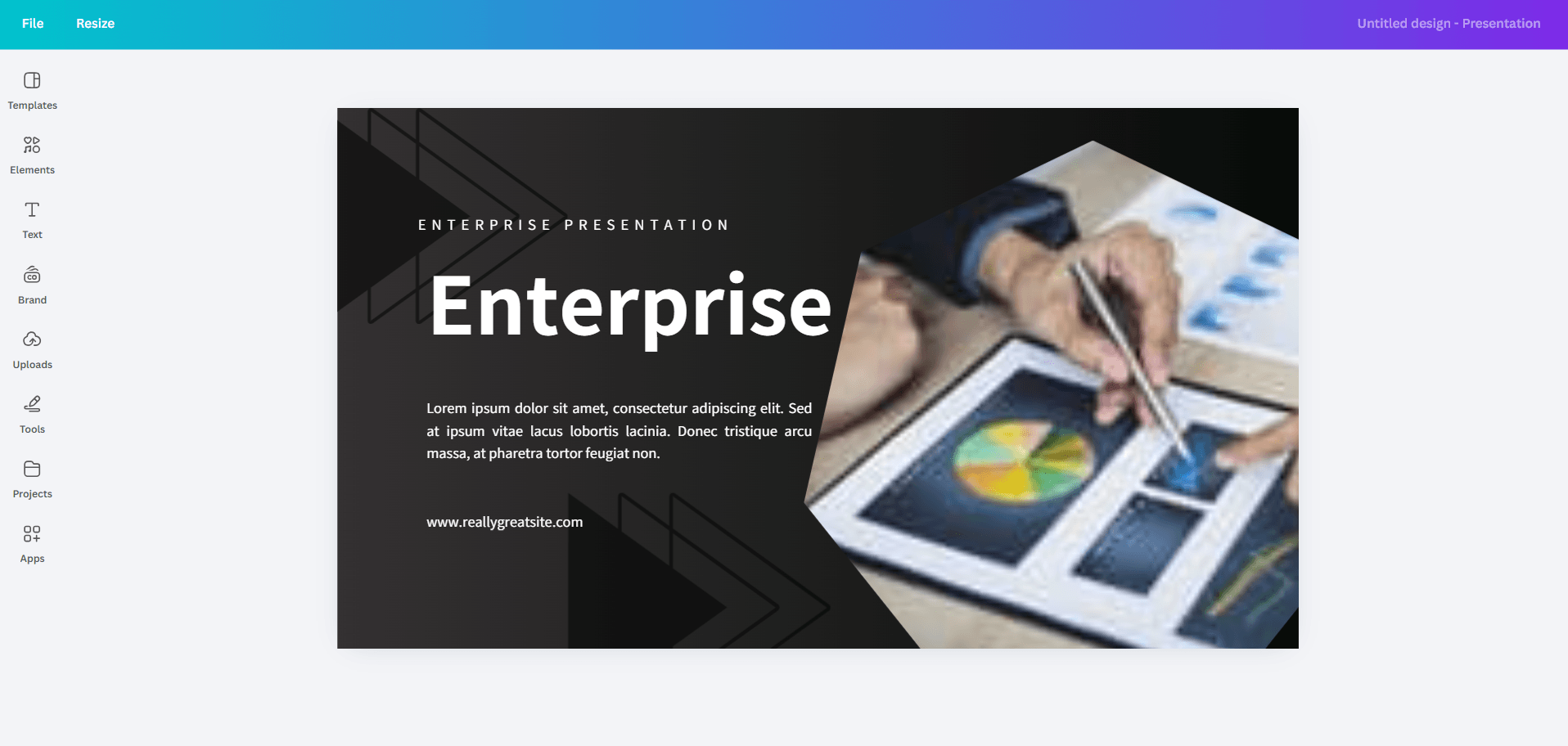
It's also more than a slide tool — the same platform handles social graphics, and you can repurpose deck slides into Instagram carousels without switching apps. A university student can turn a pasted thesis abstract into a full 15-slide presentation in under two minutes, then adjust the color scheme to match their department's branding without touching a separate design tool.
- Magic Design AI generation
- Magic Write AI copywriting
- Brand kit management
- PowerPoint import and export
- Drag-and-drop editor
Pricing: Free tier is genuinely usable | Pro is around $15/mo.
Best for: students, freelancers, and solopreneurs on a zero or near-zero budget. Not ideal for: teams that need granular version control or strict enterprise brand governance — Beautiful.ai or Pitch handle that better.
4. Slidesgo — Best for Deep Template Libraries
Slidesgo isn't trying to be an AI-first tool — it's a template library with 15,000+ designs, many built specifically for education and business use cases that Canva's generic library doesn't cover as deeply.
The free tier works, but expect attribution requirements or watermarks depending on what you download; Premium removes both. A teacher can pull a subject-specific template, drop in a lesson plan generated by Slidesgo's own AI tool, and have a classroom-ready deck finished before the coffee's cold — no design decisions required.
- 15,000+ free and premium templates
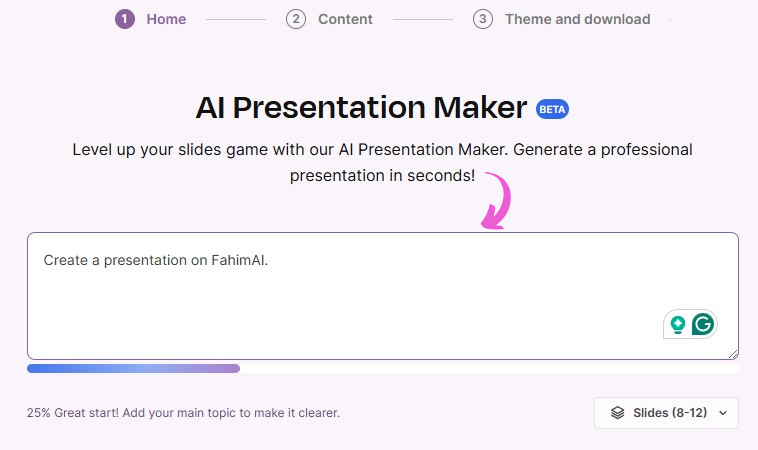
- AI presentation maker for quick drafts
- AI lesson plan generator
- Google Slides and PowerPoint compatibility
- 24 visual style options
Pricing: Free with attribution/watermark limits | Premium runs roughly $5-8/mo depending on billing term.
Best for: teachers, students, and anyone who wants a polished starting template instead of a blank canvas. Not ideal for: someone who wants original AI-generated content rather than a template to customize.
Before you download, it's worth knowing exactly what that free-tier attribution requirement obligates you to — see our full breakdown of Slidesgo's licensing, billing, and safety details.
For Live, Interactive Presenting
5. Prezi — Best for Non-Linear, Zoomable Presentations
Prezi throws out the slide-by-slide format entirely. Its zoomable canvas lets you show how ideas connect spatially — zoom out for the big picture, zoom into a detail live, based on what the room is actually asking about.

Prezi Video also overlays your slides next to your face on a call, which keeps remote audiences focused on both you and the content instead of just a shared screen. A biology teacher can build one map of the human immune system and let students zoom into individual cell types from the overview, instead of marching through an unrelated sequence of bullet-point slides.
- Zoomable non-linear canvas (ZUI)
- AI presentation generation from prompts
- Prezi Video overlay for calls
- Animated zoom path editor
- Engagement analytics
Pricing: Free Basic plan (watermarked, no PDF export, no offline access) | Standard $7/mo, Plus $15/mo, Premium $25/mo.
Best for: teachers, trainers, and speakers presenting interconnected ideas rather than a strictly linear narrative. Not ideal for: anyone who just wants a fast, conventional slide deck — the non-linear format has a learning curve.
6. Storydoc — Best for Trackable Sales and Investor Decks
Storydoc turns a static deck into an interactive web page, complete with slide-level view analytics, embedded video, and a scheduling link built right into the last slide.
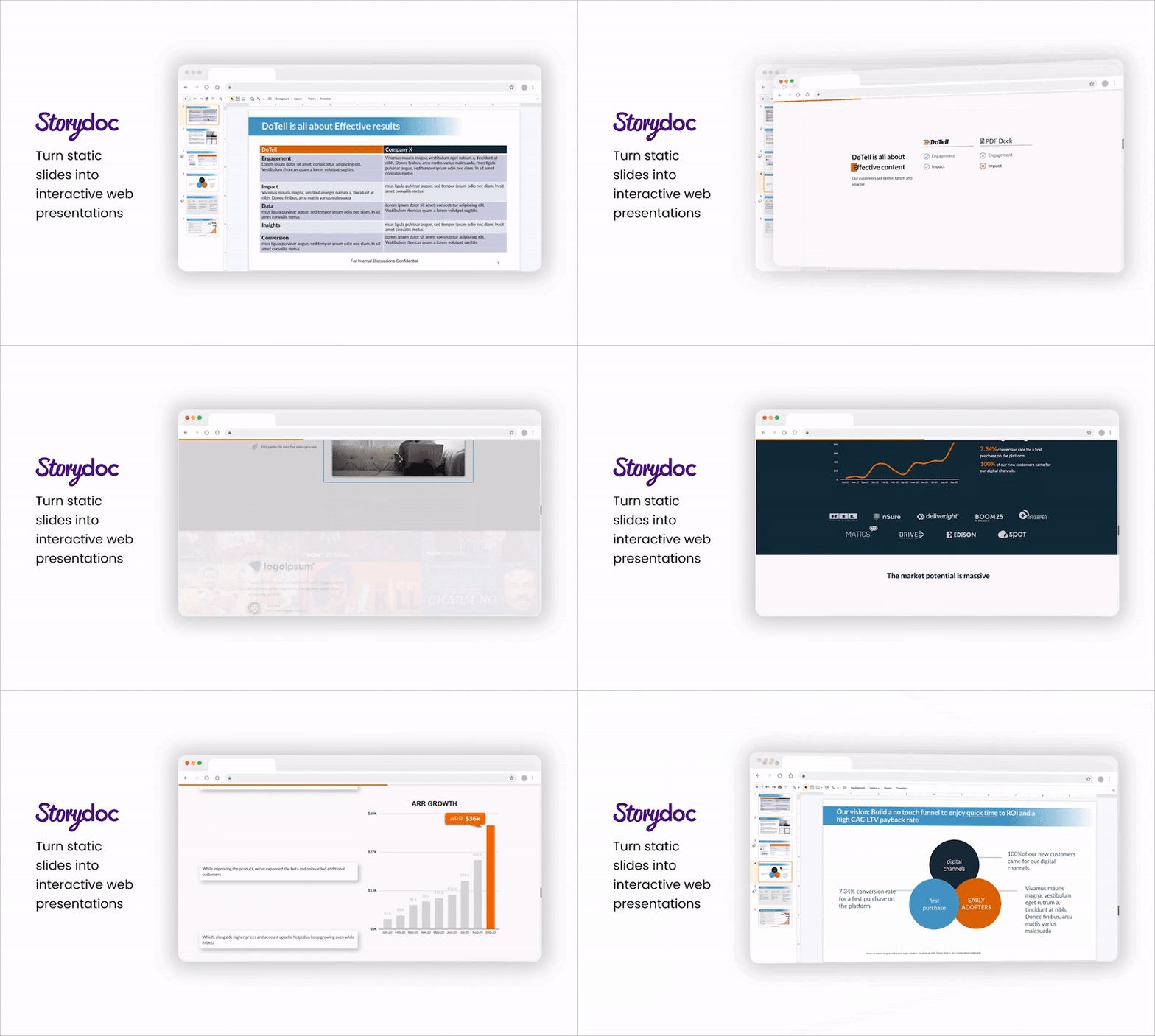
This one isn't for everyone — it's priced and built for B2B sales and fundraising, not general-purpose presenting. A sales director can send a proposal and get an instant notification when a prospect's CFO opens it and lingers on the pricing slide, turning a vague "just checking in" follow-up into a targeted, well-timed call.
- Interactive web-based presentation format
- Slide-level viewer analytics
- CRM integration (HubSpot, Salesforce)
- Embedded scheduling links and forms
- Instant live URL publishing
Pricing: No free plan — Starter runs around $40/mo, Pro around $60/mo.
Best for: B2B sales teams and founders who want to know exactly what a prospect read before the follow-up call. Not ideal for: internal-only decks, where engagement tracking adds cost without adding value.
For One-Prompt AI Generation
7. Gamma — Best for Speed
Gamma is the fastest route from "I have a rough idea" to "I have a deck I could actually present." Type a one-line prompt and it builds a structured, styled deck in under 60 seconds, with a one-click restyle if the first pass doesn't match your brand. A founder can type a single sentence describing their startup and walk away with a 12-slide investor pitch — structured sections, written copy, and layouts already in place — ready to share by link before a cold call.
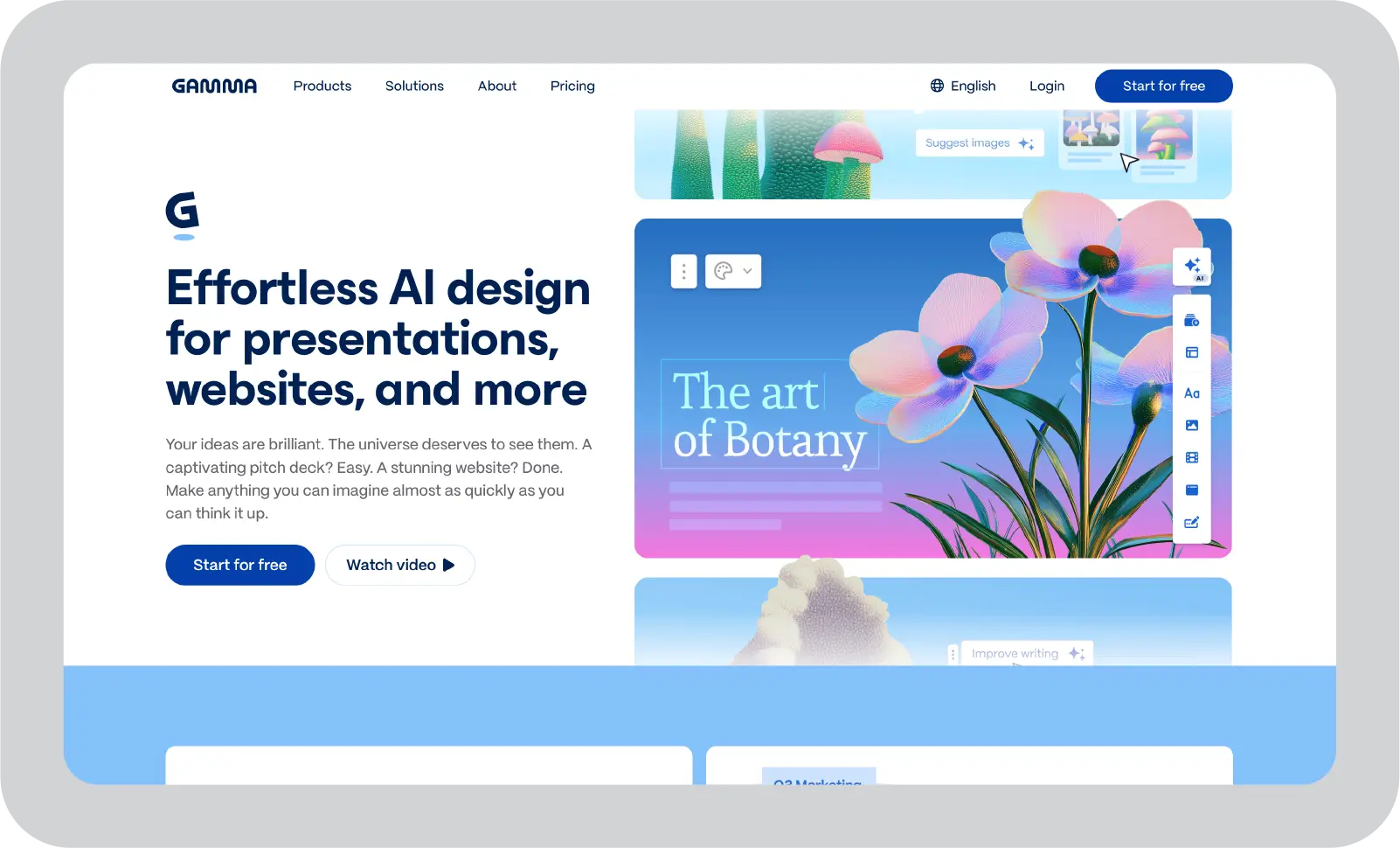
- AI slide generation from a single prompt
- One-click full restyling
- Live website publishing option
- PowerPoint, PDF, and Google Slides export
- Engagement analytics
Pricing: Free plan includes 400 AI credits | Plus is $9/mo, Pro $18/mo, Ultra $90/mo.
Best for: founders and consultants who need a boardroom-ready first draft right now. Not ideal for: anyone who needs pixel-precise manual layout control — you'll fight the AI's opinions on some slides.
8. Tome — Best for Narrative-Driven Decks
Tome is built around storytelling structure rather than bullet points, and it tracks per-slide analytics so you know exactly where a prospect's attention dropped off.
If you specifically need a clean .pptx file at the end, check export fidelity before committing — some of Tome's more visual layouts don't survive the trip to PowerPoint intact. A sales rep can send a Tome link after a discovery call and get a notification the next morning showing the prospect spent four minutes on the pricing slide — a precise opener for the follow-up, instead of a guess.
- AI narrative generation from an outline
- Mobile-responsive layouts
- Per-slide audience analytics
- Live Figma and Airtable embeds
- Shareable link publishing
Pricing: Free plan is limited and Tome-branded | Pro runs $16/mo billed annually, Enterprise is custom.
Best for: sales reps and founders sending follow-up decks and tracking what prospects actually read. Not ideal for: anyone who specifically needs a polished, editable .pptx rather than a web-based deck.
9. Slidebean — Best for Startup Pitch Decks
Slidebean is narrowly built for one job: fundraising decks. Its AI Deck Assistant pulls content straight from your company website, and its deck-scoring engine grades your pitch and flags specific weak points — like a missing competitive-landscape slide — before an investor ever sees it.
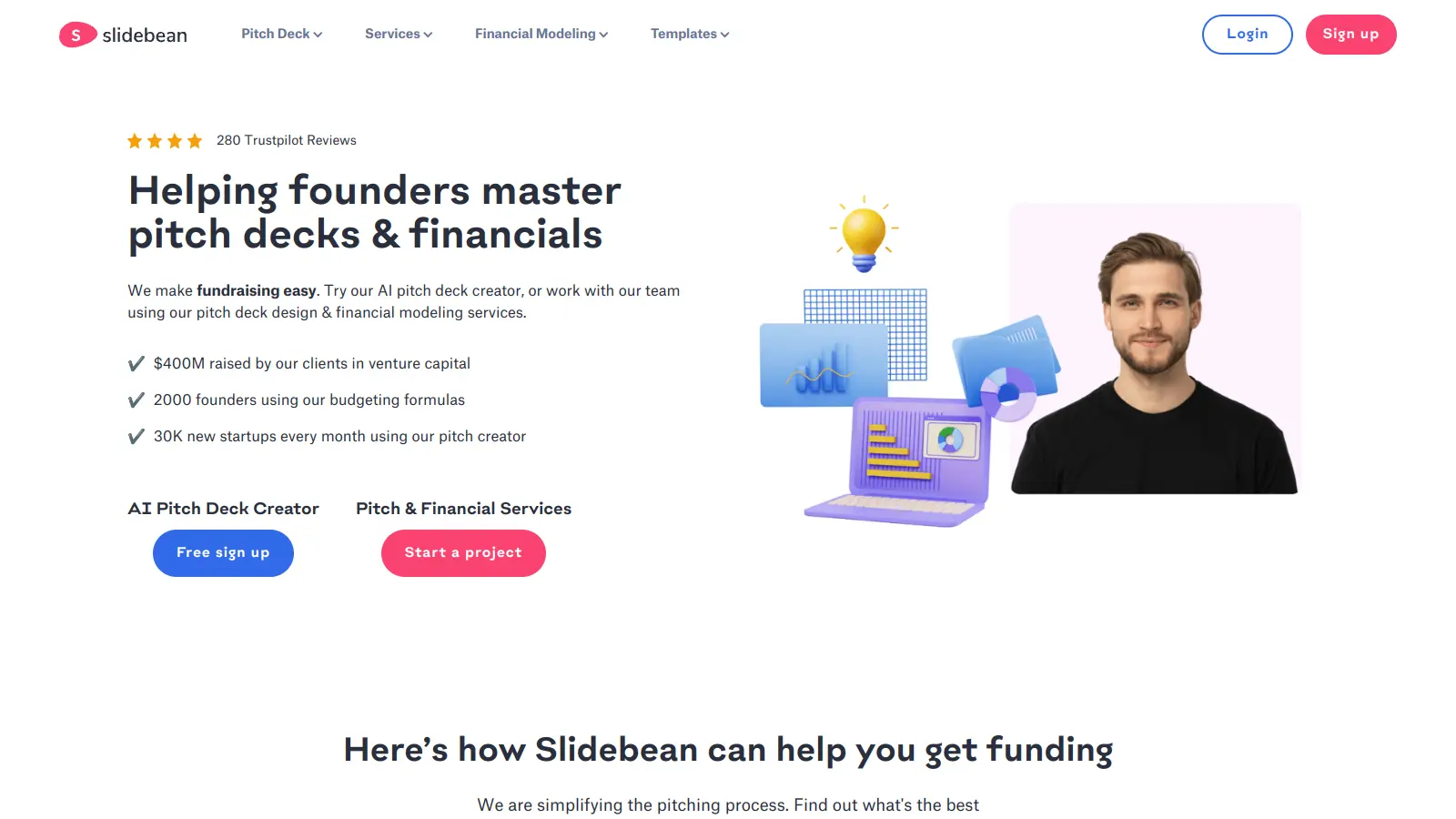
A first-time founder can paste their company URL in and get a pre-populated deck with product screenshots and messaging already placed into an investor-ready structure, then get a numeric grade on the draft with specific fixes before it goes to a single angel.
- AI Deck Assistant with website auto-population
- Deck scoring and grading engine
- Investor-vetted templates from real raised rounds
- Built-in financial modeling (SaaS and marketplace)
- Optional human pitch consulting
Pricing: Free to create, but export and sharing require a paid plan | Starter around $7/mo billed annually, Accelerate plans scale up from there.
Best for: pre-seed and seed-stage founders who need a fundraising-specific structure, not a general deck tool. Not ideal for: any non-fundraising use case — the entire product is optimized around pitching investors.
How to Choose the Right PowerPoint Alternative
Match the tool to the actual blocker, not the longest feature list:
- Teams stepping on each other's work → Pitch or Beautiful.ai
- Budget and design skill are the constraint → Canva Presentations or Slidesgo
- A static deck keeps losing the room → Prezi or Storydoc
- You're staring at a blank slide → Gamma, Tome, or Slidebean if it's specifically a pitch deck
One honest caveat: if PowerPoint — or Google Slides, which is already free with any Google account — already does the one thing you need, switching tools rarely pays for itself. The case for an alternative is strongest when there's a specific, named pain point, not just general PowerPoint fatigue.
And if you've already left Microsoft behind and Google Slides itself is what you've outgrown, see our roundup of Google Slides alternatives for picks aimed specifically at that switch.
Frequently Asked Questions
What is the best free alternative to PowerPoint? For most people it's Google Slides — it's completely free with a Google account and handles real-time collaboration well. If design quality matters more than spreadsheet-style editing, Canva Presentations's free tier is the stronger pick.
Can AI actually generate a full PowerPoint presentation for free? Yes, within limits. Gamma gives you 400 free credits, and Canva's Magic Design generates full decks on its free tier too — both cap you by credits or slide count before asking you to upgrade.
What do professionals and companies use instead of PowerPoint? Larger teams increasingly use Google Slides for collaboration, Pitch or Beautiful.ai for brand-consistent decks at scale, and Gamma or Tome for a fast first draft before a final manual polish.
Is there a PowerPoint alternative with no watermark on the free plan? Yes — Google Slides, Canva Presentations, and Gamma's free tiers are all watermark-free. Others, like Prezi's free Basic plan and Slidesgo's free downloads, do add a watermark or attribution requirement until you upgrade.
Which PowerPoint alternative is best for live, interactive presenting? Prezi's zoomable canvas is built specifically for live, non-linear delivery. Pitch is the stronger pick if "interactive" means real-time co-editing with your team rather than audience-facing navigation.
Final Verdict
If you need something right now, start with Gamma — a prompt-to-deck workflow beats a blank PowerPoint slide every time. If budget is the actual constraint, Canva Presentations's free tier does more than most paid tools on this list. And if the real problem was never the software but three people fighting over the same file, Pitch solves that directly.
There's no universal winner here — just the right tool for the specific thing that's actually broken.