Google Slides vs PowerPoint: 2026 Cost & Collaboration

On this page9 sections
- Google Slides vs PowerPoint: Head-to-Head
- What is Google Slides?
- What is PowerPoint?
- Feature-by-Feature Breakdown
- Pricing and AI Add-On Costs
- Real-Time Collaboration
- Offline Access
- File Fidelity When Switching
- Google Slides vs PowerPoint: Pricing Breakdown
- Who Should Choose Google Slides
- Who Should Choose PowerPoint
- Frequently Asked Questions
- Google Slides vs PowerPoint: Our Verdict
Google Slides wins for most people — it's genuinely free, handles real-time collaboration natively, and now includes Gemini without an extra charge. PowerPoint still wins if you need full offline reliability or the deepest design and animation toolset, and it has a free web version most comparisons never mention.
- Both tools have a real free tier — PowerPoint for the web works with any Microsoft account, not just Google Slides
- Google Slides supports up to 100 simultaneous co-editors; PowerPoint supports up to 50 through OneDrive/SharePoint co-authoring
- AI costs extra differently on each side: Copilot is a paid add-on on top of a Microsoft 365 seat, while Gemini is bundled into Google Workspace Business Standard at no extra charge
- Files moving between the two lose fidelity in both directions — custom fonts, complex animations, and SmartArt are the usual casualties
- If the real problem isn't the file format but starting from a blank slide, an AI-first tool like Gamma solves that instead
The question isn't really "which one is fancier." It's "which one do I actually have to pay for, and does my team's file survive the switch." Most comparisons skip straight to feature lists and never answer either part honestly.
Here's the short version: Google Slides wins for most people on cost and collaboration. PowerPoint still wins on offline stability and deep design control. This is one piece of a bigger decision — if you're weighing every option beyond just these two, the full PowerPoint alternatives breakdown covers AI deck builders and design-first tools too.
What follows is 2026 pricing including the AI add-on costs neither company puts front and center, the actual co-editing limits as numbers instead of vague claims, and what specifically breaks when a file moves between the two.
Google Slides vs PowerPoint: Head-to-Head
| Criteria | Google Slides | PowerPoint |
|---|---|---|
| Free tier | Yes, fully featured for individuals | Yes — free web version with a Microsoft account |
| Paid team tier | $14/user/mo (Workspace Business Standard) | $14/user/mo (Microsoft 365 Business Standard) |
| AI assistant | Gemini, included in Business Standard+ | Copilot, $21-$30/user/mo add-on |
| Max co-editors | Up to 100 | Up to 50 (via OneDrive/SharePoint) |
| Offline support | Chrome extension, limited features | Full offline in the desktop app |
| Native file format | .gslides (web-based) | .pptx (desktop-first) |
If you're already leaning toward the AI-generation side of this decision rather than the file-format side, skip ahead — a prompt-to-deck tool solves a different problem than either of these.
What is Google Slides?
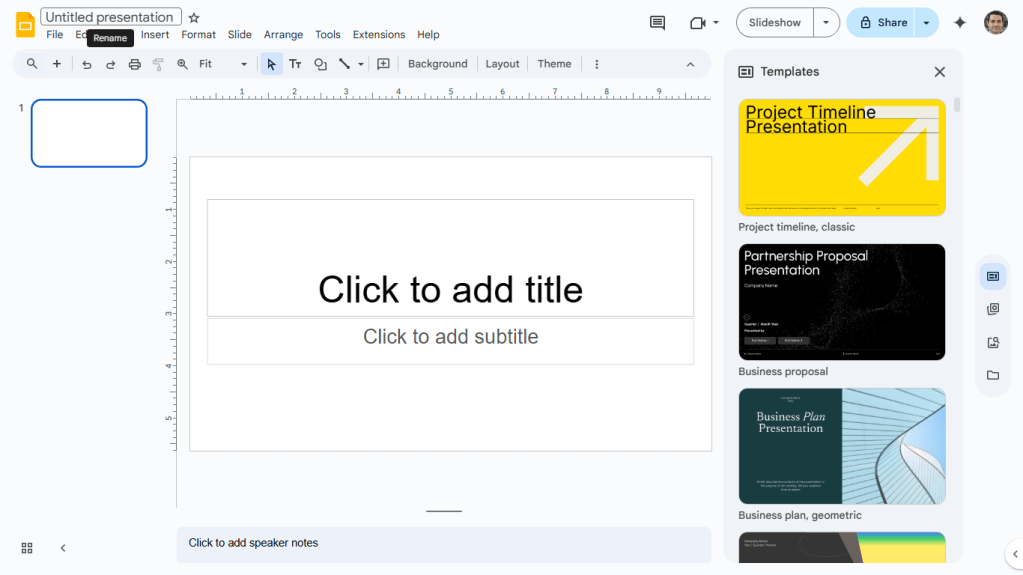
Google Slides is the presentation app inside Google Workspace — free for anyone with a Google account, browser-based, and built around real-time collaboration from the ground up. There's no separate installer and no version conflicts; everyone works on the same file at once by default.
What is PowerPoint?
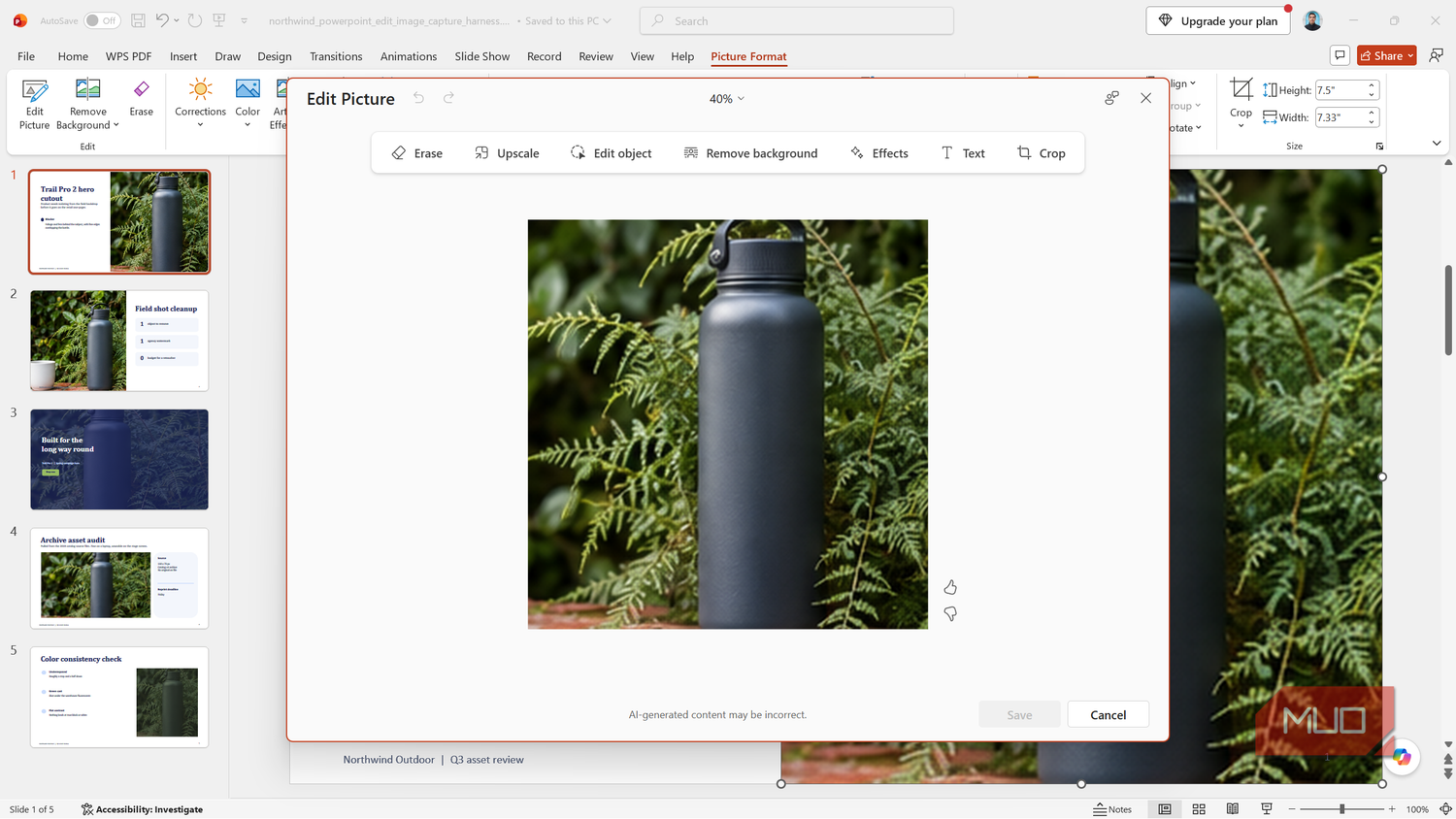
PowerPoint is Microsoft's presentation app, historically desktop-first and still the deeper tool for animation, transitions, and Excel-linked charts. What most comparisons leave out: a free browser-based version, PowerPoint for the web, works with any Microsoft account — you don't need a paid subscription just to open and edit a deck.
Feature-by-Feature Breakdown
Pricing and AI Add-On Costs
PowerPoint for the web is free with a Microsoft account, including 5GB of OneDrive storage — but it's browser-only, with no desktop app and fewer advanced features. Get the full desktop experience and Copilot, and the real cost stacks up: Microsoft 365 Business Standard runs $14/user/month following the price increase Microsoft confirmed takes effect July 1, 2026, and Copilot sits on top as a separate add-on at $21-$30/user/month depending on plan size.
Google Slides is free for individuals with no asterisk. Team plans start at Google Workspace Business Standard, also $14/user/month, and as of the March 2025 bundling change, Gemini comes included in that price — no separate AI charge.
Verdict: Google Slides for cost-conscious teams that want AI without an extra line item. PowerPoint only wins here if the team already owns Microsoft 365 seats and the Copilot cost is a rounding error.
Real-Time Collaboration
Google Slides supports up to 100 people co-editing the same file simultaneously, and it's the default experience — no shared drive setup required. PowerPoint has closed most of the collaboration gap through OneDrive and SharePoint co-authoring, but it caps out at 50 simultaneous editors and needs that shared storage configured first.
Verdict: Google Slides, especially for larger teams or anyone without an IT department managing SharePoint permissions.
Offline Access
PowerPoint's desktop app works fully offline — no feature loss, no internet dependency, full editing and presenting from a laptop with no connection at all. Google Slides only supports offline editing through a Chrome extension, and some features drop out in that mode.
Verdict: PowerPoint, for anyone who regularly presents or edits somewhere internet access isn't guaranteed.
File Fidelity When Switching
Opening a .pptx in Google Slides, or exporting a Slides deck back to .pptx, mostly works — but not perfectly. Custom fonts, complex animation sequences, and SmartArt graphics are the most common casualties, sometimes flattening into static images or losing their formatting entirely.
Verdict: Neither tool wins this one. Treat a file conversion as "probably fine, but check the slide that matters most" rather than assuming a lossless round-trip.
Google Slides vs PowerPoint: Pricing Breakdown
| Plan | Microsoft | |
|---|---|---|
| Free / individual | Google Slides — free | PowerPoint for the web — free |
| Personal paid | — | Microsoft 365 Personal — $99.99/yr |
| Family paid | — | Microsoft 365 Family — $129.99/yr (up to 6 people) |
| Team entry | Workspace Business Starter — $7/mo | — |
| Team standard (AI included/add-on) | Workspace Business Standard — $14/mo, Gemini included | Microsoft 365 Business Standard — $14/mo + Copilot add-on $21-$30/mo |
Pricing shifts often on both sides — confirm current numbers on Google Workspace's or Microsoft 365's own pricing page before committing a team to either.
Who Should Choose Google Slides
- Teams that collaborate in real time across more than a handful of people
- Budget-conscious solopreneurs, freelancers, and students who don't want a subscription
- Anyone who wants AI assistance included in the price rather than billed separately
Who Should Choose PowerPoint
- Teams already standardized on Microsoft 365 licenses
- Anyone presenting or editing regularly without reliable internet access
- Users who need advanced animation, transitions, or deep Excel-linked charts and data visualization
If your team's real bottleneck is collaboration at a scale beyond what either tool handles well, purpose-built options like Pitch exist specifically for that — our roundup of Google Slides alternatives narrows down the best non-Microsoft picks by exactly that kind of complaint. And if neither Google Slides nor PowerPoint fits at all, the full directory of AI presentation tools is a faster way to compare alternatives than reading another vendor blog.
Frequently Asked Questions
Is PowerPoint free like Google Slides? Only the browser-based PowerPoint for the web is free, and only with a Microsoft account. The desktop app and Copilot both require a paid Microsoft 365 subscription.
Which is better for team collaboration, Google Slides or PowerPoint? Google Slides, mainly for setup simplicity — real-time co-editing is the default. PowerPoint has closed most of the gap through OneDrive and SharePoint co-authoring, but it requires more configuration and caps out at fewer simultaneous editors.
Do PowerPoint files open correctly in Google Slides? Mostly, but not perfectly. Custom fonts, complex animations, and SmartArt graphics are the features most likely to break or flatten during conversion, in either direction.
Does Google Slides have AI like PowerPoint's Copilot? Yes — Gemini is now bundled into Google Workspace Business Standard and higher plans at no extra charge. PowerPoint's Copilot is a separate paid add-on even for Microsoft 365 Business Standard subscribers.
Can I use PowerPoint offline? Yes, the desktop app works fully offline with no feature loss. Google Slides only supports offline editing through a Chrome extension, and that mode drops some features.
Google Slides vs PowerPoint: Our Verdict
If you're picking one to standardize on today, go with Google Slides — the free tier is unrestricted, collaboration needs no setup, and Gemini is already included once a team upgrades. Pick PowerPoint instead if the team already runs on Microsoft 365, or if offline reliability and advanced animation genuinely matter for how you present.
One thing worth saying plainly: if what's actually broken for you isn't the file format or the collaboration model, but the fact that you're staring at a blank slide, neither of these tools fixes that. That's a prompt-to-deck problem, and it's exactly what the wider PowerPoint alternatives guide is built to help with — including Canva Presentations for fast, non-designer-friendly layouts. If design speed matters more to you than collaboration, our Canva vs PowerPoint breakdown covers that decision in full.