Google Docs Alternative for Writers: What to Use Instead

On this page7 sections
- When Does Google Docs Actually Start to Break Down?
- Quick Comparison at a Glance
- Structure-First Google Docs Alternatives for Writers No AI Required
- 1. Scrivener — Best for Full Manuscript Organization
- 2. Ulysses — Best for Distraction-Free Drafting
- 3. Atticus — Best for Formatting a Finished Manuscript for Publishing
- AI-Native Alternatives Structure Plus Drafting Help
- 4. Sudowrite — Best for AI Co-Writing With Story Memory
- 5. Notion — Best All-in-One Workspace With Built-In AI
- How to Choose the Right Google Docs Alternative for Writers
- Frequently Asked Questions
- Final Verdict
Google Docs doesn't have a hard word-count limit, but most writers notice real lag somewhere between 40,000 and 80,000 words — and by then, the bigger loss isn't speed, it's not being able to navigate your own manuscript.
- Best overall: Scrivener — full manuscript organization, no AI required
- Best if you also want AI drafting help: Sudowrite
- Best all-in-one workspace: Notion
- Google Docs has no built-in word limit, but real-world reports put noticeable lag anywhere from 25,000 to 90,000 words depending on your device and formatting
- The thing you actually lose isn't speed — it's manuscript navigation: no native way to jump between chapters, track characters, or see the whole book at once
- Structure-first tools (Scrivener, Ulysses, Atticus) fix organization; AI-native tools (Sudowrite, Notion) add drafting help on top of that
- You don't have to pick one tool for the whole project — plenty of novelists draft in one app and format for publishing in another
If your manuscript just crossed 50,000 words and Google Docs has started lagging, losing formatting, or turning into an endless scroll you can't find anything in, you're ready for a google docs alternative for writers — and that's normal. The fix isn't "any alternative that isn't Google." It's picking between a tool that fixes organization and one that also helps you draft.
Here's exactly when Docs actually breaks down, and which category of tool to move to first — part of our wider AI writing tools coverage.
When Does Google Docs Actually Start to Break Down?
There's no official number from Google, and that's exactly why every listicle on this topic guesses. Real reports from writers tell a clearer story. A thread on Google's own product forum describes documents becoming genuinely hard to work with around 90,000 words.
Other writers report trouble much earlier — one account puts a document at "useless" territory around 60,000 words with multi-minute load times, and some notice lag with as few as 10 chapters (roughly 25,000 words) on older or lower-spec devices. The honest range is 25,000 to 90,000 words, and where you land depends on your device, your internet connection, and how much formatting is in the file.
For context, that's nowhere near Google's own 1.02-million-character document limit — the technical ceiling is roughly ten times higher than where writers actually start feeling it. But the word count isn't really the problem.
The real failure mode is that Google Docs has no concept of a "chapter" — it's one continuous file. There's no corkboard, no way to jump to Chapter 12 without scrolling, and nothing tracking which characters you've already introduced. That's what a dedicated google docs alternative for writers actually fixes.
Quick Comparison at a Glance
| Tool | Best For | Free Plan | Price (USD/mo) | Rating |
|---|---|---|---|---|
| Scrivener | Full manuscript organization | Yes (30-day trial) | $59.99 one-time | 4.6/5 |
| Ulysses | Distraction-free drafting (Apple only) | No | $5.99/mo or $39.99/yr | 4.4/5 |
| Atticus | Drafting + publish-ready formatting | No | $147 one-time | 4.5/5 |
| Sudowrite | AI co-writing with story memory | Yes (limited credits) | From $10/mo | 4.3/5 |
| Notion | All-in-one workspace with built-in AI | Yes (individual use) | From $10/mo | 4.5/5 |
Want the tool that goes furthest on the AI side of this list? Sudowrite is built specifically to track story details across a full manuscript, not just generate isolated paragraphs.
Structure-First Google Docs Alternatives for Writers (No AI Required)
If you're writing nonfiction alongside fiction, or want a wider view of outliners and research managers too, the full toolkit for writing a book covers more ground than a straight Docs replacement. For fiction specifically, here's where to start.
1. Scrivener — Best for Full Manuscript Organization
Scrivener holds your whole book as separate, navigable scenes and chapters instead of one scrolling file — which is the single biggest thing Google Docs can't do. Its corkboard view lays out your scenes like index cards, its binder shows the entire manuscript structure at a glance, and it compiles into EPUB, PDF, or DOCX whenever you're ready to export.

- Scene and chapter binder
- Corkboard and outline views
- Distraction-free full-screen mode
- Compiles to EPUB, PDF, and DOCX
- One-time purchase, no subscription
Pricing: Free 30-day trial, then $59.99 one-time for the desktop app. Best for: Novelists who want complete manuscript control without any AI involved. Not ideal for: Writers who want real-time cloud collaboration — Scrivener's sync is file-based, not live.
2. Ulysses — Best for Distraction-Free Drafting
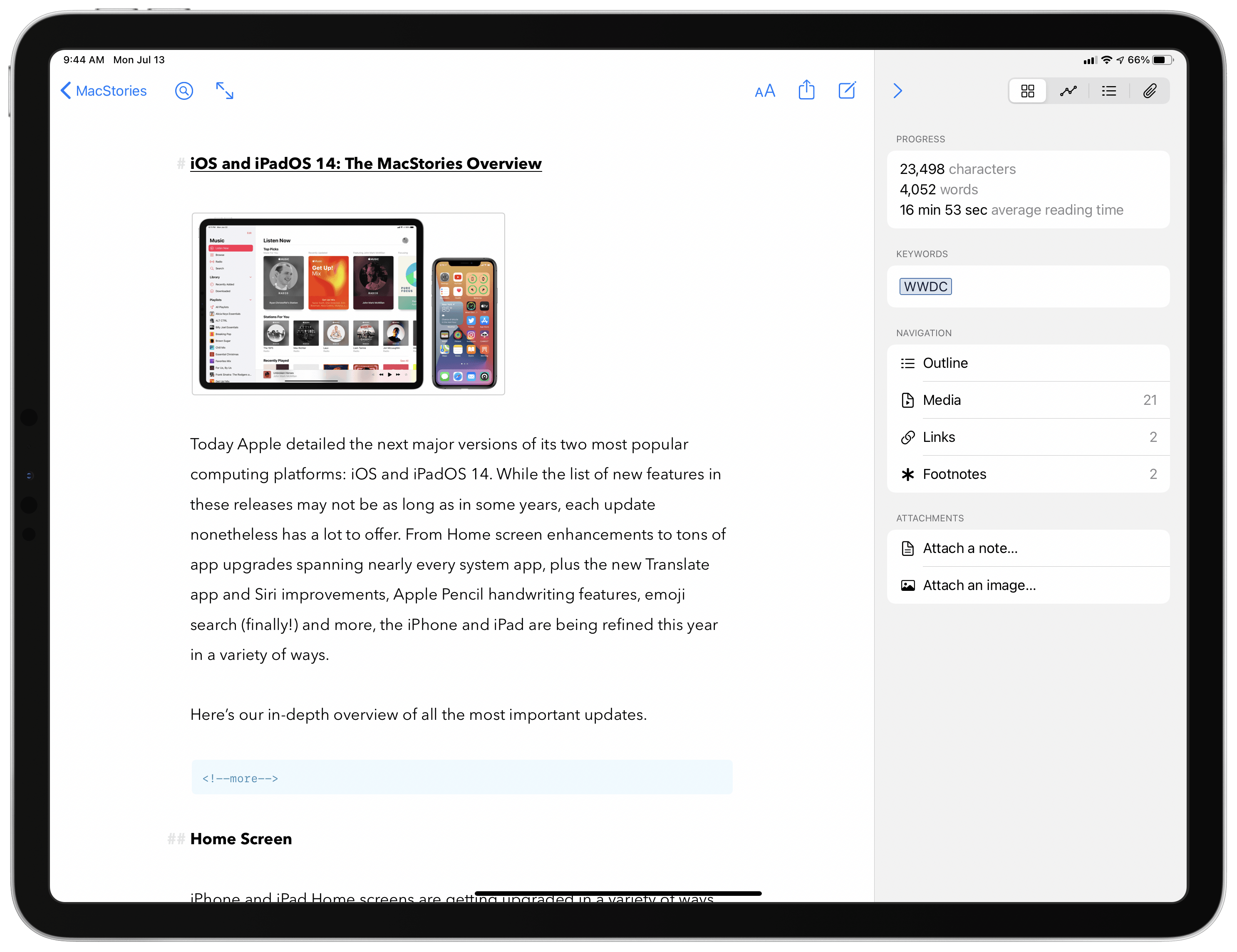
Ulysses is a minimalist writing app for Mac and iOS built around a clean, markup-based editor and a library that organizes multiple projects as separate "sheets" instead of one long document. If you're already in the Apple ecosystem and want something quieter than Docs, this is the closest thing to a distraction-free version of it.
- Library and sheets organization
- Session goal-setting (words or time)
- Markup-based formatting
- Native iCloud sync across Apple devices
- Exports to multiple formats
Pricing: $5.99/month or $39.99/year — subscription only, no one-time license. Best for: Apple-only writers who want a clean, quiet writing environment. Not ideal for: Windows or Android users — there's no cross-platform version.
3. Atticus — Best for Formatting a Finished Manuscript for Publishing
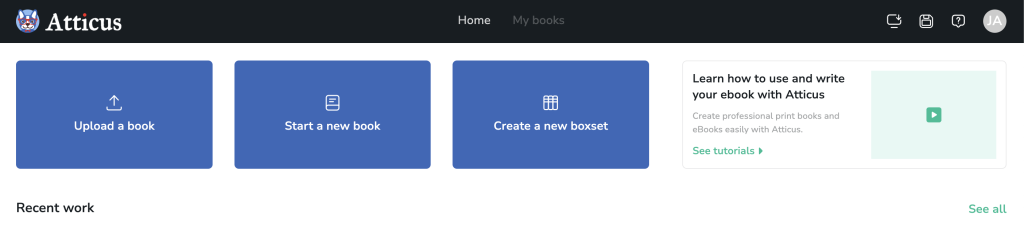
Atticus is built for the stage right after drafting: it handles chapter organization like the others, but its real strength is exporting a manuscript into print-ready and EPUB formats for self-publishing, without needing a separate formatting tool. It runs in-browser, so it works on any operating system.
- Chapter and scene organization
- Built-in book formatting templates (KDP, print, EPUB)
- EPUB, PDF, and print-ready export
- Cross-platform (browser-based)
- One-time purchase
Pricing: $147 one-time — no free tier and no subscription. Best for: Writers close to publishing who want drafting and formatting handled in one tool. Not ideal for: Writers who want to try before paying anything.
AI-Native Alternatives (Structure Plus Drafting Help)
4. Sudowrite — Best for AI Co-Writing With Story Memory
Sudowrite is built specifically for fiction, and the difference shows in what it tracks. Instead of just generating a paragraph on request, its story bible feature holds character details and plot points across your whole manuscript, so suggestions stay consistent in chapter 20 the same way they were in chapter 2. For a deeper look at how it and other AI novel writer tools built for story memory compare on character consistency, see our dedicated breakdown.
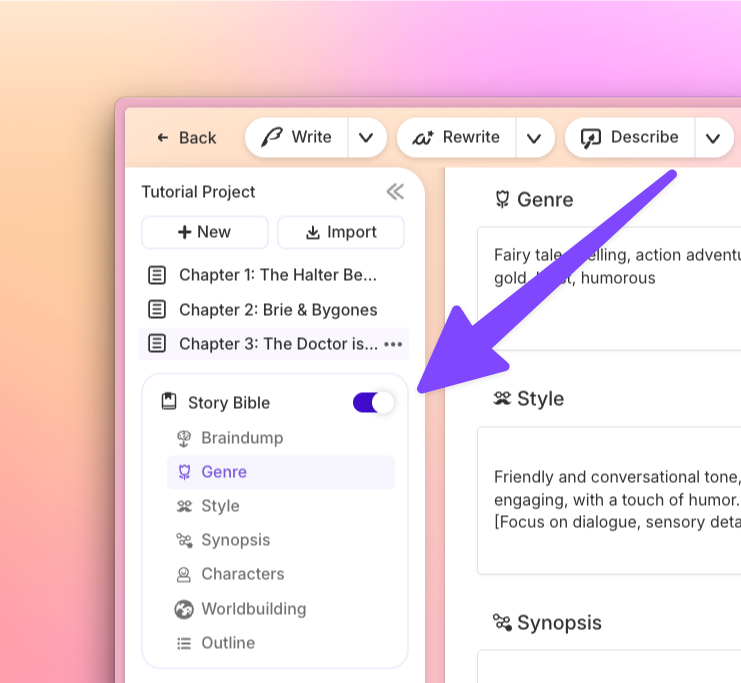
- Story bible / story memory across chapters
- Scene-level rewrite and brainstorm tools
- Tone and style matching to your own voice
- Chapter-level organization
- Canvas and outline view
Pricing: Free trial with limited credits, then plans from $10/month, per Sudowrite's current pricing. Best for: Novelists who want targeted AI help without losing their own voice. Not ideal for: Writers who want zero AI involvement in the drafting process.
5. Notion — Best All-in-One Workspace With Built-In AI
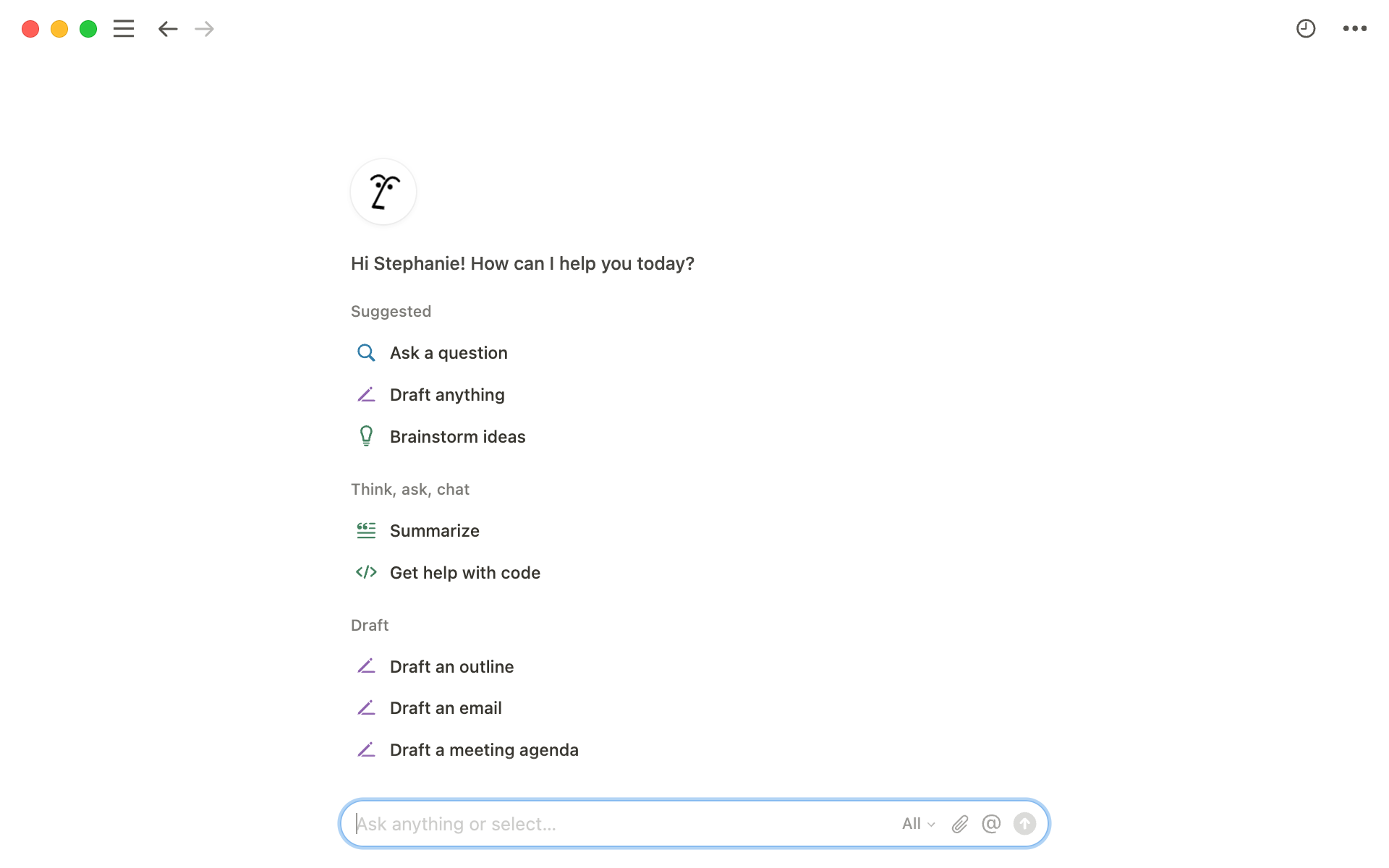
Notion isn't built specifically for fiction, which is exactly why some writers pick it: it's flexible enough to hold your manuscript, character notes, and research in one connected workspace instead of scattered across tabs. Its built-in AI can summarize, rewrite, or draft sections on request, and the free plan is generous enough for solo use.
- Nested pages for manuscript and notes
- Database views for tracking characters or chapters
- Built-in AI writing assistant
- Real-time collaboration
- Free plan for individual use
Pricing: Free for individual use, Plus plans from $10/month (AI features may require an add-on). Best for: Writers who want research, notes, and drafting connected in one workspace. Not ideal for: Writers who want a single-purpose manuscript editor with nothing else competing for attention.
How to Choose the Right Google Docs Alternative for Writers
If lag and organization are your only complaints, go structure-first — Scrivener if you're on any OS, Ulysses if you're Apple-only. If you're already close to self-publishing, Atticus saves you a separate formatting step. If you want drafting help without handing over your voice, Sudowrite's story memory is the most fiction-specific option here.
And if you'd rather keep your manuscript, notes, and research in one connected place, Notion covers all three with AI built in. Once you've drafted, revision is a separate job — tools like Grammarly and ProWritingAid handle line-editing at manuscript length. For the full breakdown of every stage of the novel-writing process — planning through formatting — see our full novel writing software guide, which covers the wider picture beyond just replacing Docs.
Frequently Asked Questions
At what word count does Google Docs start to lag? There's no official cutoff. Community reports range from noticeable slowdown around 25,000-60,000 words on older devices to real lag closer to 90,000 words on modern hardware — most writers land somewhere in the 40,000-80,000 range.
Is Scrivener better than Google Docs for writing a novel? For organization, yes. Scrivener holds a manuscript as separate scenes and chapters with a corkboard and outline view; Google Docs holds everything as one continuous scrolling document with no native chapter navigation.
Can I use Google Docs to write a whole book? Yes — plenty of authors do, especially for shorter manuscripts. Most report needing workarounds, like splitting a long book into multiple documents, once the file gets large, plus there's no built-in way to track characters, timelines, or word count per chapter.
What do dedicated writing apps have that Google Docs doesn't? Manuscript-level navigation (scenes and chapters as separate units), distraction-free modes, built-in outlining and corkboards, direct export to EPUB or print-ready formats, and in AI-native tools, story-memory features that track characters and plot across the entire book.
Final Verdict
Honestly, there's no single tool that replaces Google Docs and does everything better. The real move is pairing one structure tool with one AI-native tool if you want both — Scrivener for the manuscript, Sudowrite if you want drafting help, or Notion if you'd rather keep everything in one workspace. Which one you start with just depends on what's actually breaking for you right now: if it's lag and lost formatting, go structure-first; if it's staring at a blank page, go AI-native.