Is Slidesgo Safe to Use? License, Billing & Attribution

On this page7 sections
Yes, Slidesgo is safe to download from the official site — no malware, no scam. The real risks are elsewhere: a 2.1/5 Trustpilot rating driven by billing and cancellation complaints, and a free-tier license that legally requires you to keep the attribution slide on every download.
- Files downloaded directly from slidesgo.com are standard presentation files — the malware risk comes from third-party sites impersonating Slidesgo, not Slidesgo itself
- Slidesgo holds a 2.1/5 rating on Trustpilot (58 reviews), with repeated complaints about hard-to-find cancellation and being charged after trying to cancel
- Free-tier users are legally required to keep the attribution/credit slide intact — Slidesgo's own Terms & Conditions make this non-optional
- Reselling, sublicensing, or bundling templates into another downloadable product is banned on every plan, not just the free one
- Slidesgo's AI presentation generator stores prompts and outputs for internal research — a separate privacy note from the static-template question
You found a template that looks perfect for your presentation, and before you download it you want to know one thing: is Slidesgo safe? That question usually means three different worries bundled together — will this infect my laptop, will I get billed for something I didn't sign up for, and am I even allowed to use this the way I'm planning to.
Here's the short version: downloading from Slidesgo itself is safe. What isn't automatically safe is everything around it — the subscription you might sign up for and the license terms you're agreeing to the moment you hit download. Below: what the malware risk actually looks like, why Slidesgo sits at 2.1 out of 5 on Trustpilot, and exactly what the free-tier license requires, quoted from Slidesgo's own terms rather than guessed at. If you're still weighing options, the full AI presentation tools category on YourAiFinder covers everything else worth comparing it to.
Is Slidesgo Safe to Download? (Malware & File Safety)
Files downloaded directly from slidesgo.com are standard PowerPoint and Google Slides files — the same file formats you'd get from any legitimate template source, with no history of bundled malware or infected downloads. Slidesgo is operated by Freepik Company, the same business behind Freepik and Flaticon, so it isn't an anonymous or fly-by-night operation.
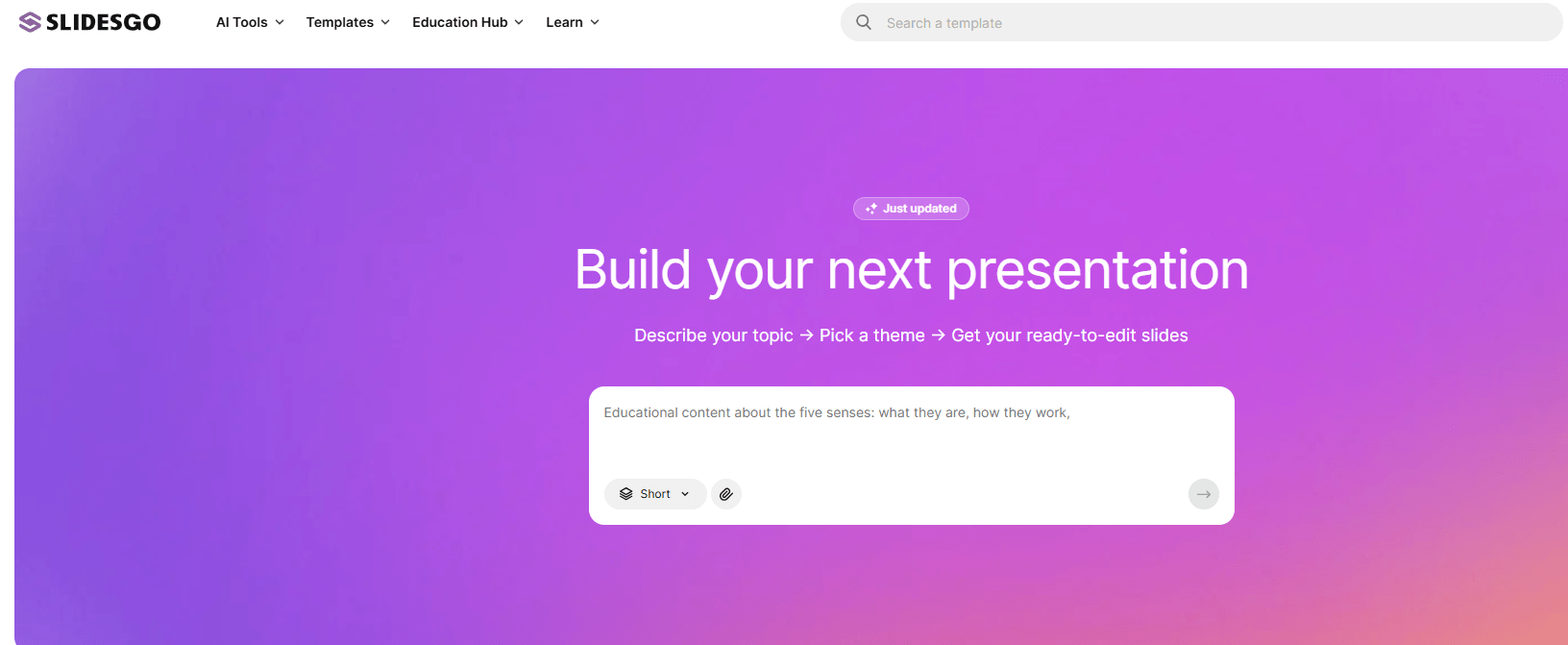
The actual risk sits one step away from Slidesgo, not inside it. Search "free Slidesgo Premium download" and you'll find third-party sites promising to unlock premium templates for free — these are the sites that carry real malware risk, often bundling installers or redirecting through ad networks. Before downloading anything that claims to be a "free" Slidesgo Premium template:
Is Slidesgo Safe to Subscribe To? (Billing & Cancellation Risk)
This is where the real risk actually lives. On Trustpilot, Slidesgo holds a 2.1 out of 5 rating across 58 reviews — and the complaints follow a consistent pattern rather than being scattered one-off issues.
Three patterns show up repeatedly: reviewers who can't locate a cancel option in their account dashboard, reviewers who cancel and get charged again on the next renewal date anyway, and reviewers describing renewal charges that came in higher than what they originally signed up for. None of that is a malware or data-breach problem — it's a billing-process problem, which is arguably more likely to actually cost you money.
A few practical steps cut that risk down to almost nothing:
- Pay monthly instead of annually until you're confident you'll remember to cancel — a monthly mistake costs far less than an annual one
- Screenshot or email yourself confirmation the moment you cancel, so you have proof if a charge shows up anyway
- Use a virtual card or a card you can freeze if you're not fully sure you'll remember the renewal date
None of this means avoid Slidesgo. It means treat the subscription the way you'd treat any auto-renewing service with a documented cancellation friction point — go in with a plan instead of finding out the hard way.
What Does Slidesgo's License Actually Require?
This is the part almost every other article on this topic skips, and it's the part that actually determines whether you're using a template correctly. Slidesgo's Terms & Conditions spell out different rules for free and Premium users, and the differences matter more than most "is it safe" answers let on.
| License Term | Free Plan | Premium Plan |
|---|---|---|
| Attribution/credit slide | Required — cannot be removed | Not required |
| Share editable files outside your team | Not permitted | Permitted |
| Commercial/presentation use | Permitted (non-editable format) | Permitted (non-editable format) |
| Resell or sublicense templates | Banned | Banned |
| Include templates in another downloadable product | Banned | Banned |
The attribution rule is the one that catches most free users off guard: it's not a courtesy or a suggestion, it's a license condition. Slidesgo's terms require that "the creators or owners of the rights over the original content...are duly accredited in all copies" — in practice, that means keeping the credit slide Slidesgo adds to every free download. Removing it without a Premium subscription is a license violation, not just bad etiquette.
The resale ban is the other detail worth knowing, and it applies to both plans equally. Whether you're on free or Premium, you cannot resell a template, sublicense it, or fold it into another product that itself offers downloadable presentations. Premium buys you attribution-free use and the ability to share editable files with people outside your immediate team — it does not buy you the right to redistribute the template itself.
Slidesgo's AI Tools — A Separate Privacy Note
Slidesgo's newer AI presentation generator is a different product from the static template library, and it comes with a different consideration: Slidesgo states that prompts and generated outputs may be stored for internal research and service improvement. That's standard practice for AI generation tools, but it's worth knowing before you paste anything client-confidential or sensitive into the prompt box — treat it the same way you'd treat any AI tool that isn't explicitly contracted for data privacy.
If You Want an Attribution-Free Free Plan Instead
If the mandatory attribution requirement is a dealbreaker — say you're building a client deck and don't want a credit slide in it — two alternatives are worth a look before you subscribe to Slidesgo Premium just to remove it:
- Canva Presentations — has a genuinely usable free plan with no attribution requirement on your finished deck.
- Gamma — generates an original AI deck from a prompt rather than a licensed template, sidestepping the attribution question entirely.
For a closer look at Canva's free tier — including exactly what's gated behind Pro — see our full Canva vs PowerPoint comparison. For the full lineup organized by what you're actually trying to do, see our complete PowerPoint alternatives guide.
Frequently Asked Questions
Is Slidesgo free to use?
Yes, with a free tier that lets you download templates as long as you keep the attribution/credit slide intact. Unlimited downloads and attribution-free use require a Premium subscription.
Do Slidesgo templates contain viruses?
No. Files downloaded directly from slidesgo.com are standard presentation files with no history of bundled malware. The actual malware risk comes from third-party sites falsely offering free "Premium" Slidesgo downloads — not from Slidesgo itself.
Can I use Slidesgo templates for commercial projects?
Yes, in finished, non-editable form, on both free and Premium plans. What's banned on every plan is reselling the template itself or including it in another downloadable-presentation product.
Is it hard to cancel a Slidesgo subscription?
It's a documented pain point. Slidesgo holds a 2.1/5 rating on Trustpilot with repeated complaints about difficulty finding the cancel option and being charged after attempting to cancel — paying monthly and confirming your cancellation in writing avoids most of this.
Do I have to credit Slidesgo if I use a free template?
Yes. Slidesgo's Terms & Conditions require free users to keep the credit slide intact on every download. Removing it without upgrading to Premium violates the license.
Final Verdict
Slidesgo is safe in the way most people mean when they ask the question — no malware, no scam, a legitimate company behind it. But "safe" for a template service is really three separate questions, and the ones that actually deserve caution are billing (read the cancellation reviews before you subscribe) and licensing (the free-tier attribution requirement is real, not optional).
If you're building something quick and the credit slide doesn't matter, the free plan is fine as-is. If you're building a client deck and want it attribution-free without paying for Premium, Canva Presentations covers that gap for free.