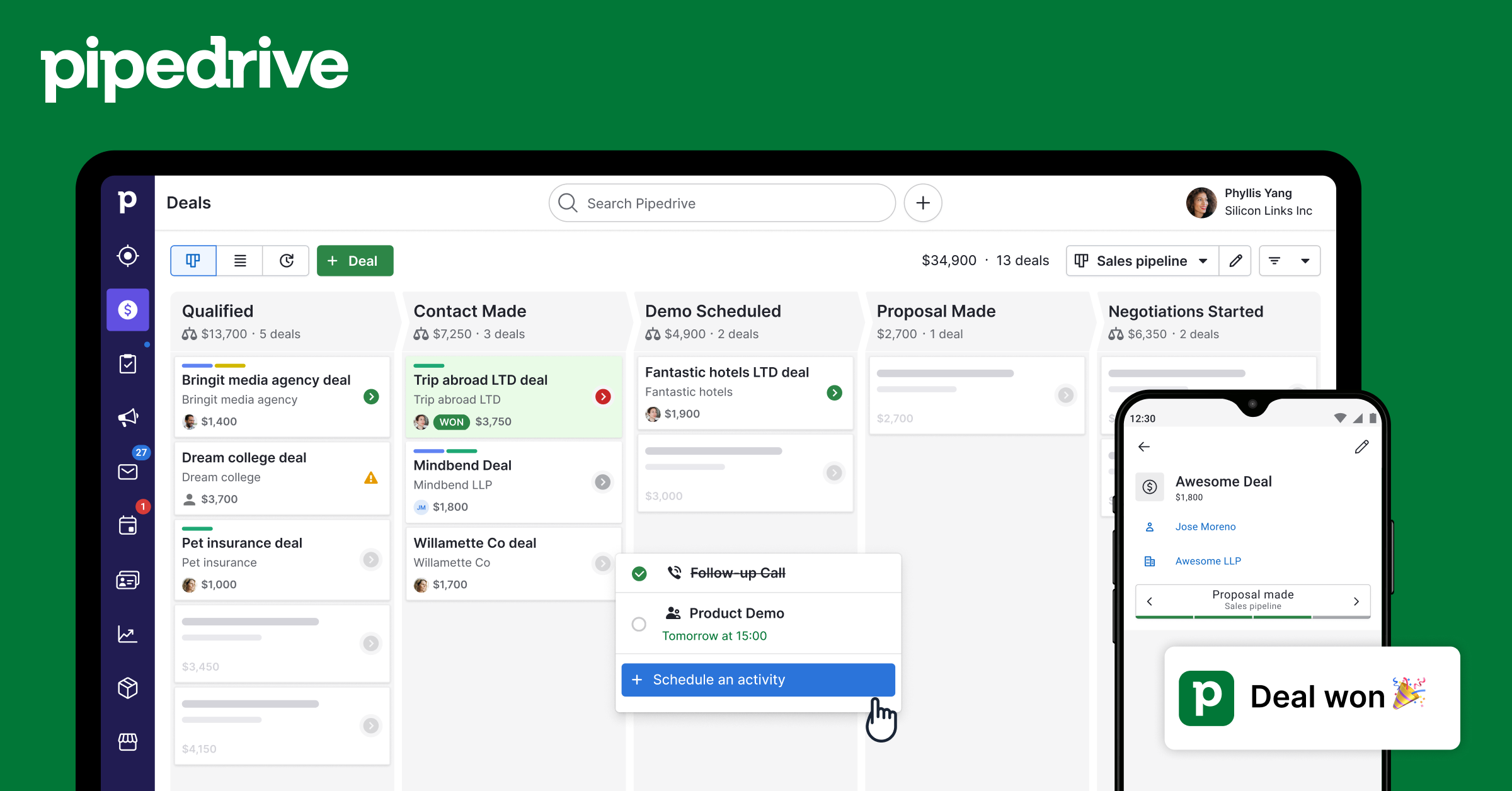
Compare HubSpot vs Pipedrive

Both tools in AI Sales and CRM
Pricing

Pricing Comparison

HubSpotHubSpot
Free$0

Unlimited users, basic CRM, contact management

Starter$20/mo

Email marketing, forms, ad management

Professional$890/mo

Marketing automation, custom reporting, A/B testing

Enterprise$3600/mo

Custom objects, revenue attribution, advanced permissions

PipedrivePipedrive
Essential$14/user/mo

Basic CRM, pipelines, 3,000 open deals

Advanced$29/user/mo

Email sync, workflow automation, 10,000 deals

Professional$59/user/mo

AI assistant, revenue forecasting, e-signatures

Power$69/user/mo

Project management, phone support

Enterprise$99/user/mo

Unlimited features, dedicated support

Features

Feature Comparison

HubSpotHubSpot
AI Lead ScoringContact ManagementEmail Sequence AutomationSales Pipeline TrackingDeal ForecastingMeeting SchedulerLive Chat and ChatbotMarketing Campaign BuilderLanding Page CreatorA/B TestingCustom Reporting DashboardsSales PlaybooksCall Tracking and RecordingDocument Sharing and TrackingRevenue Attribution ReportingMulti-touch Campaign AnalyticsAI Content Writer
PipedrivePipedrive
Visual Kanban Deal PipelineAI Sales AssistantLead Management and ScoringEmail Integration and TrackingAutomated Workflow BuilderSales Goal TrackingRevenue ForecastingActivity Reminders and SchedulingCustom Fields and PipelinesContact and Company ManagementDocument E-signature IntegrationWeb Forms for Lead CaptureMobile CRM AppMeeting SchedulerTeam Performance ReportsSmart BCC Email LoggingProduct Catalog Management
Fit

Best For & Not For

HubSpotHubSpot
✅ Best For
Growing B2B and B2C businesses that want a single platform to manage marketing campaigns, nurture leads, and track every sales interaction without switching between five different tools. Ideal for revenue teams that need tight alignment between marketing and sales data.
❌ Not For
Businesses that need a lightweight standalone CRM without the overhead of a full marketing suite, as HubSpot's feature depth can feel excessive for very small teams with simple pipelines.
PipedrivePipedrive
✅ Best For
Small to mid-sized B2B sales teams of 2 to 50 people who want a visual, intuitive CRM that is fast to set up, easy to adopt, and focused purely on helping reps close deals rather than managing marketing campaigns.
❌ Not For
Enterprises that need deep custom object modeling, multi-department workflow orchestration, or advanced marketing automation built into the same platform, as Pipedrive is optimized for sales rather than full customer lifecycle management.
Availability

Platform & Accessibility

HubSpotHubSpot
web-basedmobileapi
PipedrivePipedrive
web-basedmobileapichrome-extension
Use & Audience

Tasks & Who It's For

Use Cases

Real-world Use Cases

HubSpotHubSpot
1
A sales manager at a SaaS company sets up an automated 6-email nurture sequence in HubSpot so every demo no-show gets a personalized follow-up without any manual effort from the rep.
2
A marketing director uses HubSpot's revenue attribution reports to prove that the webinar campaign generated $180,000 in closed deals, securing budget for next quarter.
3
An SDR imports 500 LinkedIn prospects into HubSpot and uses AI lead scoring to prioritize the 80 contacts most likely to book a call, cutting prospecting time in half.
PipedrivePipedrive
1
An account executive uses Pipedrive's AI Sales Assistant to get a morning briefing of the three deals most likely to go cold that week, allowing her to prioritize outreach before the end of quarter.
2
A sales manager at a recruitment firm sets up a Pipedrive automation that creates a follow-up task and sends a check-in email automatically whenever a candidate reaches the interview stage, eliminating 90% of manual scheduling reminders.
3
A solo B2B consultant imports 200 prospects from a spreadsheet into Pipedrive in under 10 minutes, creates a custom pipeline for his consulting engagements, and closes his first retainer client within 3 weeks of setup.
Keep Exploring

Similar Comparisons