Free AI Image Generation API: What's Really Free in 2026

On this page5 sections
- Free AI Image Generation API: Quick Comparison at a Glance
- The Free AI Image Generation APIs Worth Actually Using
- 1. Google Gemini API Imagen / Nano Banana — Best Truly Free Tier
- 2. Pollinations.ai — Best No-Signup Option
- 3. Leonardo AI — Best If You'll Eventually Pay
- 4. Freepik AI Suite Magnific API — Best Multi-Model Option
- 5. Hugging Face Inference API — Best for Open-Source Models
- Other options worth knowing about
- How to Choose the Right Free API
- Frequently Asked Questions
- Final Verdict
The most genuinely free option is Google's Gemini API — free through AI Studio, no credit card required, with commercial use allowed. Need zero setup at all? Pollinations.ai takes a plain URL request, no account required. Planning to pay eventually anyway? Leonardo AI's $5 non-expiring API credit is the cleanest trial-to-paid path.
- "Free" means three different things across these APIs: forever-free-but-rate-limited, a one-time trial credit, or a monthly allowance that resets — know which one you're signing up for before you build against it
- Google's Gemini API is free through AI Studio with no credit card, and commercial use is explicitly permitted — the most generous genuinely-free API here, though the exact daily image limit shifts as Google rolls out new model versions
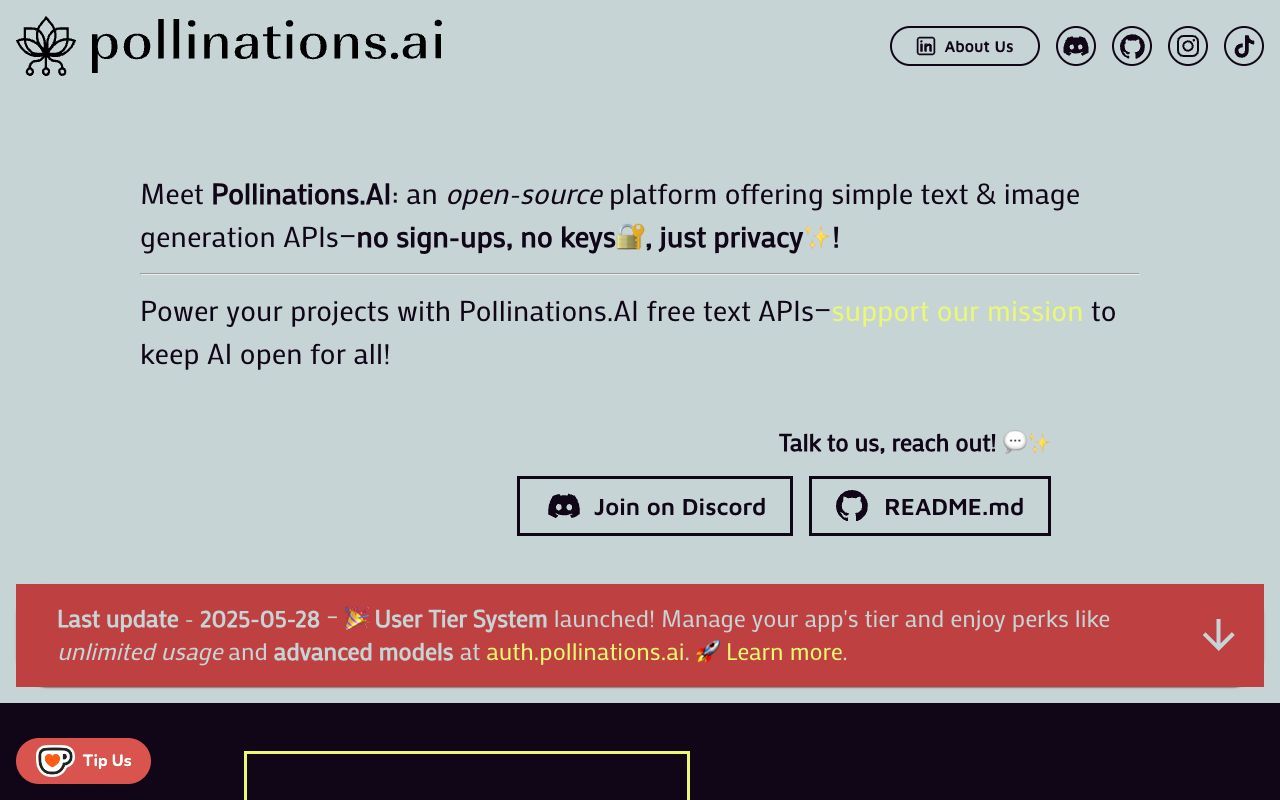
- Pollinations.ai needs no API key or account at all — just a URL request, throttled to about one request every 15 seconds for anonymous use
- Commercial rights aren't automatic: Freepik's free web tier and Leonardo AI's free consumer tier don't include them — that requires paid usage
- Most "free API" roundups are written by the API vendor itself, pushing its own paid product after the free tier — this one isn't
Search "free ai image generation api" and most of what ranks is a vendor's own landing page dressed up as an article — Apiframe selling Apiframe, deAPI.ai selling deAPI.ai, Pixazo selling Pixazo. Each one describes its own free tier in detail and then, unsurprisingly, skips whichever competitor gives away more. The one option that actually gets buried the most — Google's own Gemini API — barely shows up at all.
So here's a straight comparison instead: which APIs are free forever versus free until a trial credit runs out, what the real 2026 rate limits are, and whether you can actually use the output commercially without upgrading first.
Free AI Image Generation API: Quick Comparison at a Glance
| API | How It's Free | Real Rate Limit | Commercial Use on Free Tier? | API Key Required? |
|---|---|---|---|---|
| Google Gemini API | Forever-free allowance | Model-dependent — around a few hundred/day on the current image model, shifts as Google updates versions | Yes | Yes (free AI Studio key, no card) |
| Pollinations.ai | Forever-free, no account | ~1 request/15 sec (anonymous) | Check per-use terms | No |
| Leonardo AI | One-time trial credit | $5 non-expiring credit, then pay-as-you-go | No (consumer free tier); yes on paid API usage | Yes (card required to activate) |
| Freepik AI Suite (Magnific API) | One-time trial credit | €5 credit, then pay-as-you-go | No on trial credit; yes on paid usage | Yes (card required to activate) |
| Hugging Face Inference API | Monthly allowance | Rate-limited by model demand, no fixed published number | Depends on the specific open model's license | Yes (free account) |
| Cloudflare Workers AI | Forever-free allowance | 10,000 Neurons/day, resets daily | Check per-project terms | Yes (free Cloudflare account) |
Before picking one, it helps to actually try a couple — Leonardo AI's API console is a reasonable place to see what a production-grade option looks like once you're past prototyping.
The Free AI Image Generation APIs Worth Actually Using
1. Google Gemini API (Imagen / Nano Banana) — Best Truly Free Tier
Google's own image models are accessible free through a Gemini API key from AI Studio. Google states that AI Studio usage is free of charge in all available regions, and no credit card is needed to generate a key. Commercial use is explicitly permitted on the output.
The original "Nano Banana" model (Gemini 2.5 Flash Image) has offered somewhere around 500 free image generations a day. But Google is retiring that specific model in favor of Nano Banana 2 (Gemini 3.1 Flash Image, generally available since February 2026) — so treat any specific daily figure as a moving target rather than a permanent number, and check your own AI Studio dashboard for your account's current limit.

- No credit card required to get a key
- Free through AI Studio; exact daily limit is model-dependent and shifts as Google rolls out new versions
- Commercial use explicitly permitted
- Not ideal for: anyone who needs a fixed, guaranteed number rather than a limit that moves with Google's release schedule
2. Pollinations.ai — Best No-Signup Option
Pollinations.ai skips the entire signup flow. You construct a URL with your prompt in it, send a GET request, and get an image back — no SDK, no dashboard, no key to lose. It's open-source and Berlin-based, and anonymous requests are throttled to roughly one every 15 seconds, which is plenty for a prototype or a bot but not for anything at production volume.
- Zero setup: no account, no key
- ~1 request/15 seconds for anonymous use
- Best for: quick scripts, Discord bots, weekend projects
- Not ideal for: production apps that need a guaranteed throughput or an SLA
3. Leonardo AI — Best If You'll Eventually Pay
Leonardo AI runs a separate production API from its consumer app, and it's the clearest example of a genuine "try free, then pay" model here: new accounts get a $5 non-expiring starter credit once a payment method is verified, with full commercial ownership on anything generated through paid usage.
Leonardo's own docs confirm the account balance does not expire — it just pauses API requests once it hits zero. That verification step is the catch: you do need to add a card before the credit unlocks, even though the credit itself isn't charged.

- $5 non-expiring starter credit
- Real commercial ownership on paid API usage
- Custom model training and batch generation available
- Not ideal for: anyone who wants free-forever with zero eventual billing step
4. Freepik AI Suite (Magnific API) — Best Multi-Model Option
Freepik's API — branded Magnific API — gives new accounts €5 of free trial credit with no subscription required, and it's genuinely multi-model: one endpoint routes to Flux, Google Imagen, Mystic, or Ideogram depending on what you ask for. That's useful if you want to compare output across models without wiring up four separate integrations — see our breakdown of what actually separates these image generation models if you're not sure which one to request. The trial credit itself doesn't include commercial rights — that requires moving to paid usage, same caveat as its consumer web tier.

- €5 trial credit, no subscription needed
- Choice of model per request (Flux, Imagen, Mystic, Ideogram)
- Spend cap available in the dashboard
- Not ideal for: readers who need commercial rights on the free trial itself
Freepik AI Suite is worth a look if the multi-model routing matters more to you than raw free volume.
5. Hugging Face Inference API — Best for Open-Source Models
Hugging Face's Inference API gives serverless access to open-source models like Stable Diffusion and FLUX without you running your own GPU, backed by a free monthly credit allowance. The tradeoff is predictability: Hugging Face doesn't publish a fixed rate-limit number, and heavily-loaded models can queue for 30+ seconds during peak demand.

- Free monthly inference credits
- Wide selection of open-source models
- No dedicated hosting needed
- Not ideal for: anyone who needs a guaranteed, published throughput number rather than load-dependent queueing
Other options worth knowing about
If you're evaluating developer tooling more broadly rather than just image APIs, browse the full AI coding tools category for adjacent options worth wiring into the same project.
- Cloudflare Workers AI — 10,000 Neurons/day free, resetting daily; the natural pick if your app is already running on Cloudflare's edge.
- Depositphotos AI — API access with commercial licensing built into every generation by default, useful when legal safety matters more than raw free volume.
- GeminiGen AI — a third-party pay-as-you-go layer over Gemini and Imagen models, for developers who want those models without setting up direct Google Cloud billing.
- Reve Image — a documented developer API built around brand-consistent, high prompt-adherence output rather than raw generation speed.
How to Choose the Right Free API
- Want the most free volume with zero setup cost? Start with Google's Gemini API, or Pollinations.ai if you don't even want to create an account.
- Already know you'll need to pay eventually and want commercial ownership sorted out from day one? Leonardo AI's trial credit is the more honest path than a "free" tier that quietly excludes commercial use.
- Want to compare several models without four separate integrations? Freepik's multi-model API earns its trial credit.
- Specifically want open-source models like Stable Diffusion or FLUX without hosting them yourself? Hugging Face.
- Already building on Cloudflare's edge network? Workers AI is the obvious default.
Frequently Asked Questions
Is there a truly free AI image generation API? Yes. Pollinations.ai needs no signup, account, or API key at all. Google's Gemini API is free to use through AI Studio with no credit card required — expect somewhere around a few hundred image generations a day on the current model, though the exact number shifts as Google updates which model is active.
Can I use free AI-generated images commercially? It depends on the provider. Google's Gemini free tier explicitly allows commercial use. Freepik's free web tier and Leonardo AI's free consumer tier don't include commercial rights — that requires a paid plan or metered API usage. If you're planning to sell what you generate rather than just use it internally, read our freelancer guide to selling AI-generated images legally before you build on any single provider's free tier.
What's the rate limit on free AI image generation APIs? It varies a lot: Pollinations throttles anonymous requests to roughly one every 15 seconds, Cloudflare Workers AI gives 10,000 Neurons a day, Google's Gemini API's daily limit depends on which model is currently active (Google keeps updating this), and Hugging Face's free credits are rate-limited by model demand rather than one fixed published number.
Do free AI image APIs require a credit card? No for some — Pollinations and Google's Gemini API (via AI Studio) don't ask for one. Others do: Leonardo AI and Freepik both require a verified payment method before releasing their one-time free trial credit, even though the credit itself isn't charged.
What happens when my free API credits run out? It depends on the type. Trial-credit models like Leonardo and Freepik simply stop returning results or throw a billing error until a payment method is added. Allowance-based free tiers — Hugging Face, Cloudflare Workers AI, Google's Gemini API — reset on a schedule instead, daily or monthly, rather than running out for good. Once you're paying per image, our AI image generation cost calculator is worth running to see your real cost per usable image, not just the sticker price per credit.
Final Verdict
If you want the most free volume without adding a card, start with Google's Gemini API — it's the most generous genuinely-free tier here (even as Google's exact per-model daily limit keeps shifting with each new release), and it's the one every vendor-written roundup conveniently leaves out. For a five-minute prototype, Pollinations.ai is faster to wire up than anything requiring a signup. Only look at Leonardo AI or Freepik once you already know the project will need to pay eventually — their trial credits are honest about that upfront, which is more than you can say for a lot of the "free" pages that outrank them.
If what you actually need is a full hosted tool rather than a raw API to build against, our roundup of Midjourney alternatives covers the options organized by why you're switching in the first place.