5 Google Slides Alternatives Worth Switching To in 2026

On this page5 sections
- Quick Comparison at a Glance
- The Best Google Slides Alternatives — Our Picks
- 1. Gamma — Best for AI-Generated First Drafts
- 2. Pitch — Best for Teams That Miss Real Collaboration
- 3. Storydoc — Best for Sending Decks Instead of Presenting Live
- 4. Plus AI — Best for Upgrading Slides Without Switching Tools
- 5. Canva Presentations — Best Free, Design-First Pick
- How to Choose the Right Google Slides Alternative
- Frequently Asked Questions
- Final Verdict
Gamma is the fastest way off Google Slides if you're starting from a blank page — prompt in, full deck out. Pitch wins if your team's real complaint is plain templates, not collaboration. Plus AI is the pick if Slides itself is fine and the only thing missing is AI. Canva Presentations is the strongest free, design-first option.
- Leaving Google Slides doesn't mean moving to PowerPoint — every pick here is outside the Microsoft ecosystem too
- Plus AI installs directly inside Google Slides, so you don't have to switch apps to get AI generation
- Beautiful.ai's own comparison ranks itself #1 without mentioning it has no permanent free plan — see our full Beautiful.ai review for the pricing detail it leaves out
- The right tool depends on the actual complaint: design polish, AI speed, team collaboration, or sending decks instead of presenting them live
- Canva's free tier covers most solo use cases, but locked brand kits and premium templates sit behind a paid plan
Google Slides is free, fast to open, and fine for most quick decks. But it's not built for AI generation, it has a thin design toolkit, and it wasn't designed for sending a deck to a client who'll never open Google Drive.
This isn't a "leave Google behind" list — it skips PowerPoint and Keynote entirely, since if you're searching for a google slides alternative, you've probably already ruled out Microsoft's ecosystem on purpose (if you haven't, our full Google Slides vs PowerPoint comparison covers that decision first). Here are five tools that actually solve a specific Slides limitation, matched to the reason you'd want one.
For the wider picture across every presentation tool worth considering — not just what replaces Slides — see our full PowerPoint alternatives guide.
Quick Comparison at a Glance
| Tool | Best For | Free Plan | Price (USD/mo) | Rating |
|---|---|---|---|---|
| Gamma | One-prompt AI generation | Yes, 400 credits | $9/mo | 4.6/5 |
| Pitch | Team collaboration | Yes, up to 5 members | $13/mo | 4.5/5 |
| Storydoc | Trackable client decks | No — trial only | $40/mo | 4.7/5 |
| Plus AI | AI inside Slides itself | No — 7-day trial | $10-15/mo | 4.5/5 |
| Canva Presentations | Free design quality | Yes, generous | $15/mo | 4.7/5 |
Not sure where to start? The AI-generation pick below solves the most common complaint first.
The Best Google Slides Alternatives — Our Picks
1. Gamma — Best for AI-Generated First Drafts
Gamma turns a one-line prompt into a full, shareable deck in under a minute. Instead of Slides' rigid slide-by-slide format, it builds a scrollable, card-based layout that restyles itself with one click.
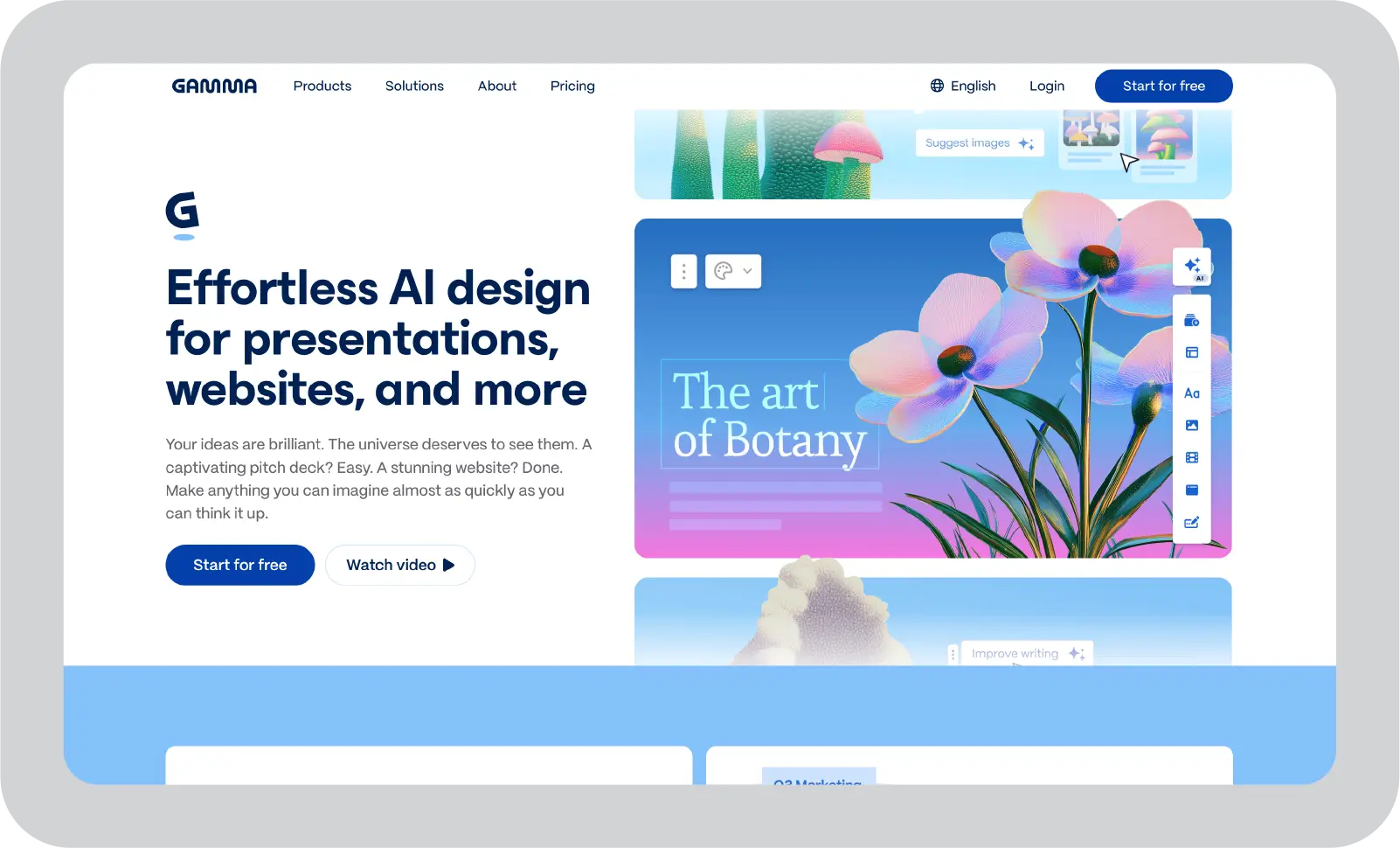
- AI slide generation from a prompt or outline
- Card-based layout instead of fixed slide dimensions
- One-click theme restyle across the whole deck
- PDF and PPTX export
- Shareable web link with view analytics
Pricing: Free (400 credits) | Plus $9/mo | Pro plan available for teams.
Best for: anyone staring at a blank Slides tab who wants a working first draft in minutes, not hours. Not ideal for: anyone who needs pixel-precise manual control over every element's position.
2. Pitch — Best for Teams That Miss Real Collaboration
Pitch is built around live team editing, and it's worth a look if your actual complaint isn't "Slides can't do real-time collaboration" — it's that Slides' real-time collaboration comes with dated templates and no brand consistency.

- Real-time multi-editor co-editing with assignees
- Locked brand kits so decks stay on-brand across a team
- Built-in slide analytics (who viewed, how long)
- Ready-made templates with more design range than Slides
- Slack and Notion integrations
Pricing: Free (up to 5 members) | Pro $13/mo | Business plan for larger teams.
Best for: teams whose real problem is plain design, not the collaboration Slides already handles. Not ideal for: solo users who don't need team workflows or brand governance.
3. Storydoc — Best for Sending Decks Instead of Presenting Live
Storydoc turns a deck into an interactive web page rather than a file. If you're emailing a deck to a client or investor who'll open it alone, this format tells you what a static Slides export never can: who opened it, and how far they got.
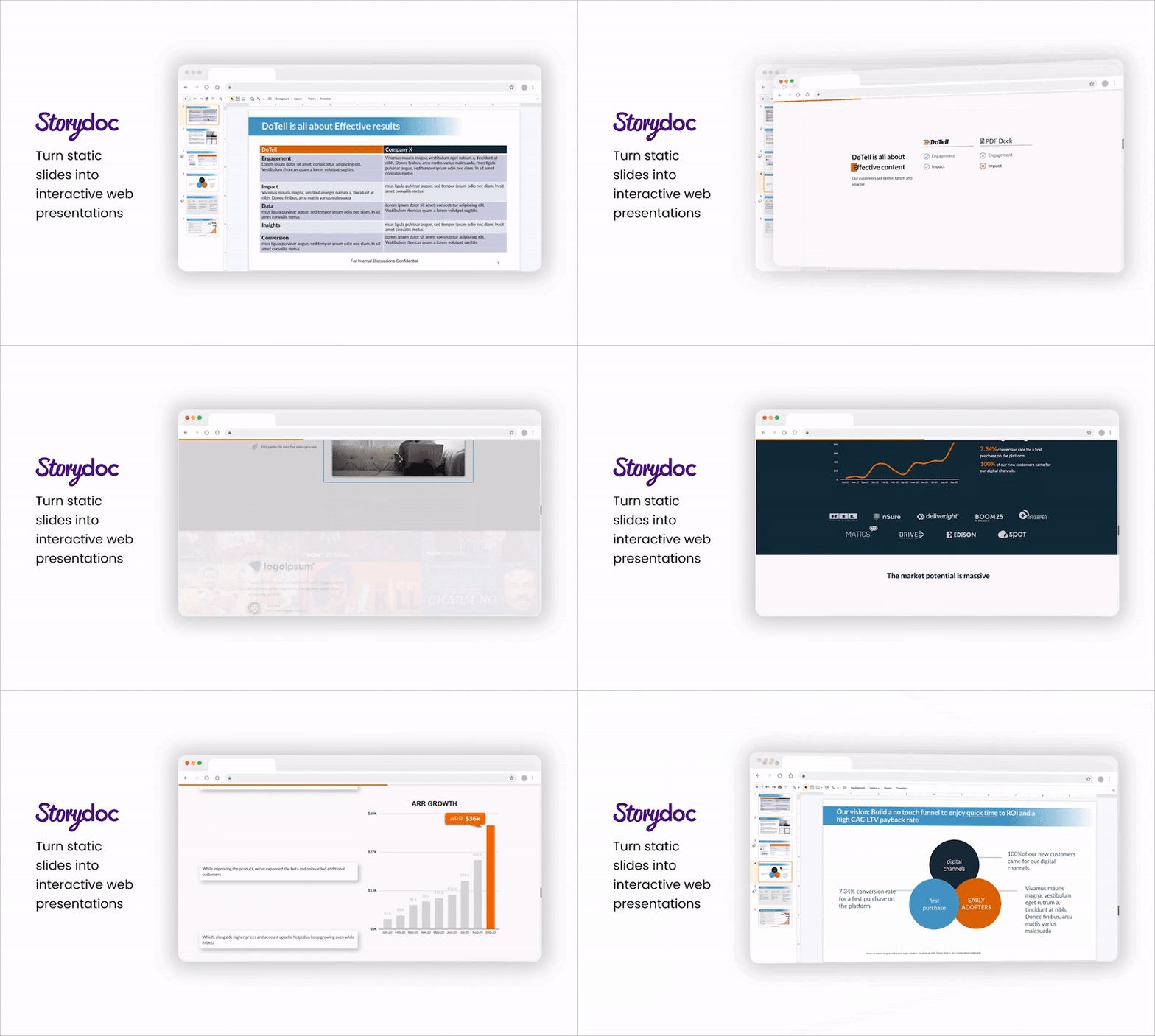
- View and engagement tracking per recipient
- Interactive elements — embedded video, calculators, tabs
- Mobile-responsive by default
- No download required for the person viewing it
Pricing: No permanent free plan — free trial only, plans start around $40/mo.
Best for: sales decks, investor pitches, and client proposals sent externally rather than presented in a room. Not ideal for: live, in-person presenting, where the interactive format adds nothing.
4. Plus AI — Best for Upgrading Slides Without Switching Tools
Plus AI is the one pick here that doesn't ask you to leave Google Slides at all. It installs as an add-on inside Slides (and PowerPoint) and generates or redesigns slides from a prompt without changing the app you already work in.
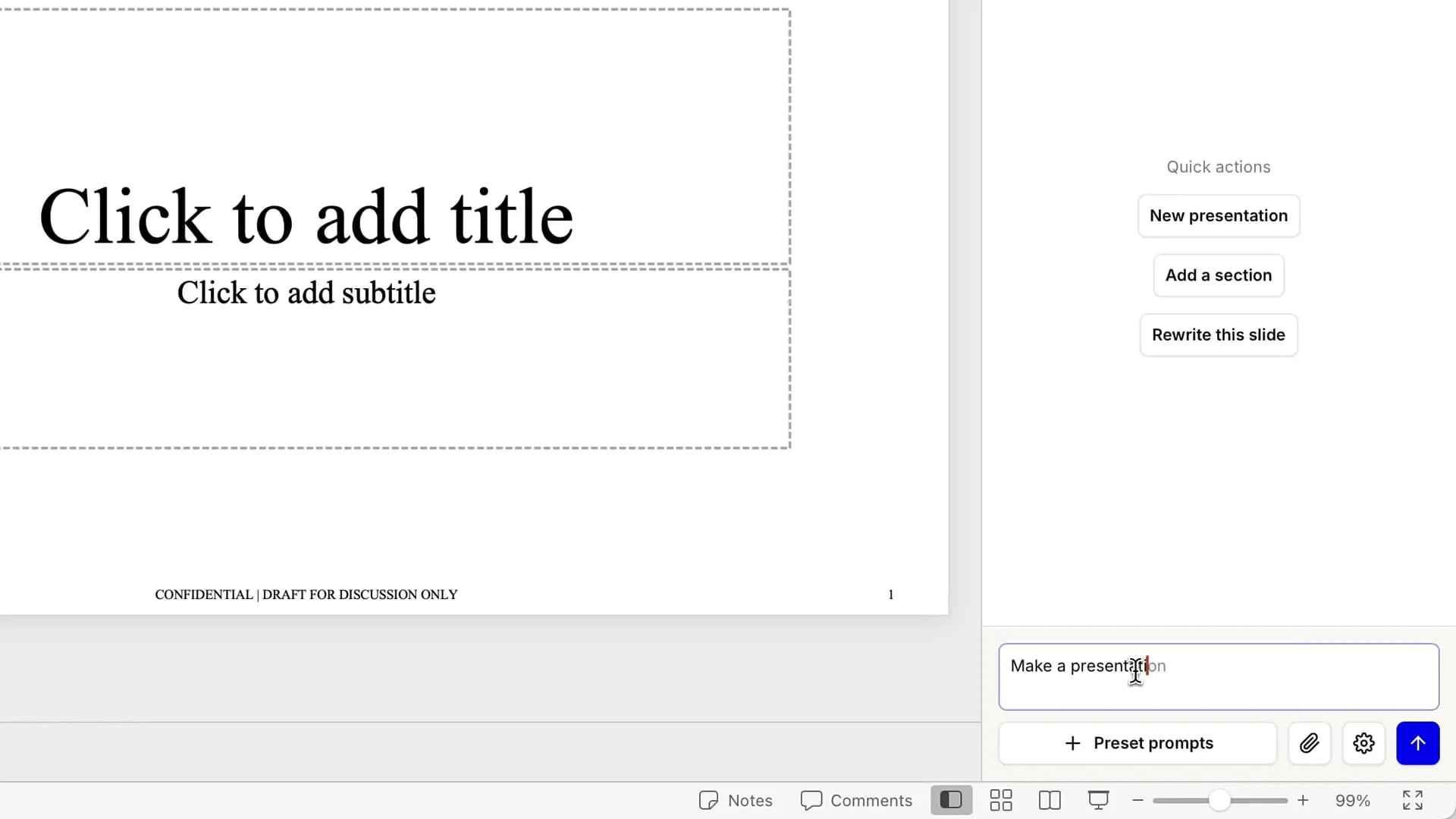
- In-app AI slide generation from a prompt, outline, or document
- One-click redesign of existing slides
- Works natively inside both Google Slides and PowerPoint
- Prompt-to-outline generation for a full deck structure
Pricing: no permanent free plan — Plus AI's own pricing page confirms a 7-day trial (1,000 AI credits) requires a card upfront; paid plans run $10/mo billed annually or $15/mo billed monthly.
Best for: readers whose only real complaint is "Slides has no AI" — everything else about it already works fine. Not ideal for: anyone who wants a genuinely different editing experience, not an AI layer on the same one.
5. Canva Presentations — Best Free, Design-First Pick
Canva Presentations runs on Canva's drag-and-drop editor, and it has by far the largest free template library of anything on this list — a real upgrade over Slides' native design options at zero cost.

- Drag-and-drop editor built for non-designers
- Large free template library
- Stock photo and video library built in
- One-click resize to other formats (social, print, video)
- Brand kit available on paid plans
Pricing: Free (generous) | Pro $15/mo | Teams plan for shared brand assets.
Best for: solo users and small teams who want better design without a learning curve or a budget. Not ideal for: teams that specifically need locked brand kits or advanced version control — that's gated behind Canva's paid tier. For the fuller picture on Canva's design tradeoffs, see our Canva vs PowerPoint breakdown.
How to Choose the Right Google Slides Alternative
Match the tool to what's actually broken, not the longest feature list. Staring at a blank page and want a draft fast? Gamma. Team fighting over dated templates, not collaboration itself? Pitch. Sending decks externally rather than presenting live? Storydoc. Everything about Slides already works except AI? Plus AI. Need better design on zero budget? Canva Presentations.
Still not sure? Browse the full directory of AI presentation tools to compare every option side by side.
Frequently Asked Questions
What is the best free alternative to Google Slides? Canva Presentations for design-first free use, or Gamma's free 400-credit tier if you want AI-generated first drafts. Both have real limits once you hit their free-tier caps.
Is there an AI version of Google Slides? Not from Google directly, but Plus AI adds AI generation on top of Slides itself, while Gamma and other tools build the whole deck in a separate app.
What do people use instead of Google Slides for presentations? It depends on the complaint: Canva for design, Pitch for real-time team collaboration with more polish, Gamma for speed, and Storydoc for trackable decks sent to clients rather than presented live.
Can I add AI to Google Slides instead of switching tools entirely? Yes — Plus AI installs as an add-on inside Google Slides (and PowerPoint) and generates slides from a prompt without leaving the app.
Is Canva better than Google Slides? For design quality and templates, yes. For zero-cost, real-time multi-person editing with no learning curve, Slides still holds up — the right call depends on which one you actually need.
Final Verdict
If you're starting from nothing, Gamma's prompt-to-deck workflow beats a blank Slides tab every time. But if Slides already does everything you need except generate a first draft, Plus AI is the smaller, cheaper move — you keep the app, you just stop starting from scratch.