Best Alternative to PowerPoint in 2026, Plus 6 More

On this page5 sections
- Quick Comparison at a Glance
- The Best PowerPoint Alternatives, Ranked
- 1. Canva Presentations — Best Overall
- 2. Google Slides — Best Free Option
- 3. Gamma — Best for AI-Generated Decks
- 4. Beautiful.ai — Best for On-Brand Team Decks
- 5. Pitch — Best for Team Collaboration
- 6. Prezi — Best for Live, Interactive Presenting
- 7. Slidebean — Best for Startup Pitch Decks
- How to Choose the Right PowerPoint Alternative
- Frequently Asked Questions
- Final Verdict
If you just want one answer: Canva Presentations is the best all-around alternative to PowerPoint — free, fast, and no design skill required. Want AI to write the deck for you? Use Gamma. Need zero cost and native .pptx support? Google Slides. Everything else below is ranked underneath those three.
- Canva Presentations is the single best default pick for most people switching off PowerPoint
- Google Slides is still the only fully free option with zero watermark and native .pptx import/export
- Beautiful.ai has no free plan at all — just a 14-day trial that auto-renews to a paid card charge
- Gamma and Tome can generate a full first-draft deck from a single prompt in under a minute
- Slidebean is the strongest pick specifically for a startup pitch deck, and it's rarely mentioned on other lists
Most "alternative to PowerPoint" articles hand you 10-13 tools and never actually pick one. This one does: Canva Presentations is the best overall alternative for most people, Gamma is the pick if you want AI to build the first draft, and Google Slides is the pick if the budget has to be exactly zero. The rest of this list ranks six more options underneath those three, each with what it's actually best for and what its free plan really includes.
If you want the fuller framework — organized by what you're actually trying to do rather than a straight ranking — see the full PowerPoint alternatives guide. This one's the fast version. You can also browse the full list of AI presentation tools on YourAiFinder if none of these seven quite fit.
Quick Comparison at a Glance
| Tool | Best For | Free Plan | Price (USD/mo) | Rating |
|---|---|---|---|---|
| Canva Presentations | Overall pick | Yes, genuinely usable | Pro ~$15 | 4.7 |
| Google Slides | Zero-cost switch | Yes, no watermark | Free | 4.6 |
| Gamma | AI-generated decks | Yes, 400 credits | Plus $9 | 4.6 |
| Beautiful.ai | On-brand team decks | No — 14-day trial only | $14.50 (annual) | 4.5 |
| Pitch | Team collaboration | Yes, up to 5 members | From $13 | 4.6 |
| Prezi | Live, interactive presenting | Yes, watermarked | $7 | 4.4 |
| Slidebean | Startup pitch decks | Free to build, paid to export | ~$7 (annual) | 4.3 |
Ratings are approximate and shift with review volume — check each tool's page for the current number before you commit.
The Best PowerPoint Alternatives, Ranked
1. Canva Presentations — Best Overall
Canva Presentations is the easiest genuine "yes, this is free" answer on this list, and it's why it tops the ranking. Magic Design turns a pasted outline into a themed deck in under two minutes, and the same account handles social graphics, so you can repurpose a slide into an Instagram post without opening a second app.
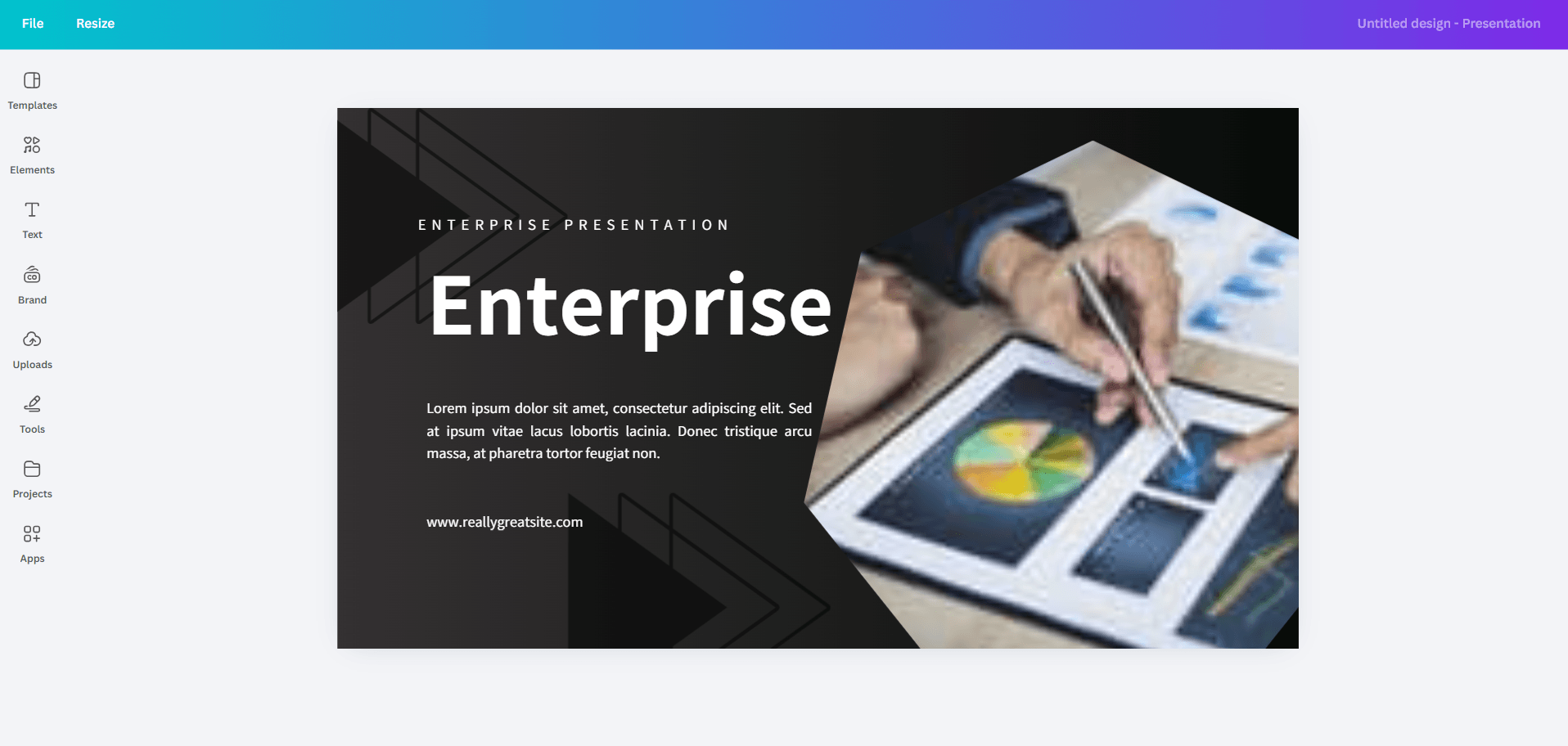
- Magic Design AI generation
- Magic Write AI copywriting
- Brand kit management
- PowerPoint import and export
- Drag-and-drop editor
Pricing: Free tier is genuinely usable | Pro is around $15/mo.
Best for: anyone who wants a polished deck without design skill or budget. Not ideal for: teams that need strict brand-kit enforcement across dozens of contributors — Beautiful.ai handles that better.
For the deeper breakdown on templates, animation depth, and real pricing, see our full Canva vs PowerPoint comparison.
2. Google Slides — Best Free Option
Google Slides is the free, no-catch baseline every other tool on this list gets compared against. It's fully free with any Google account, has no watermark, no slide cap, and opens and exports .pptx files natively — so switching costs nothing and breaks nothing.
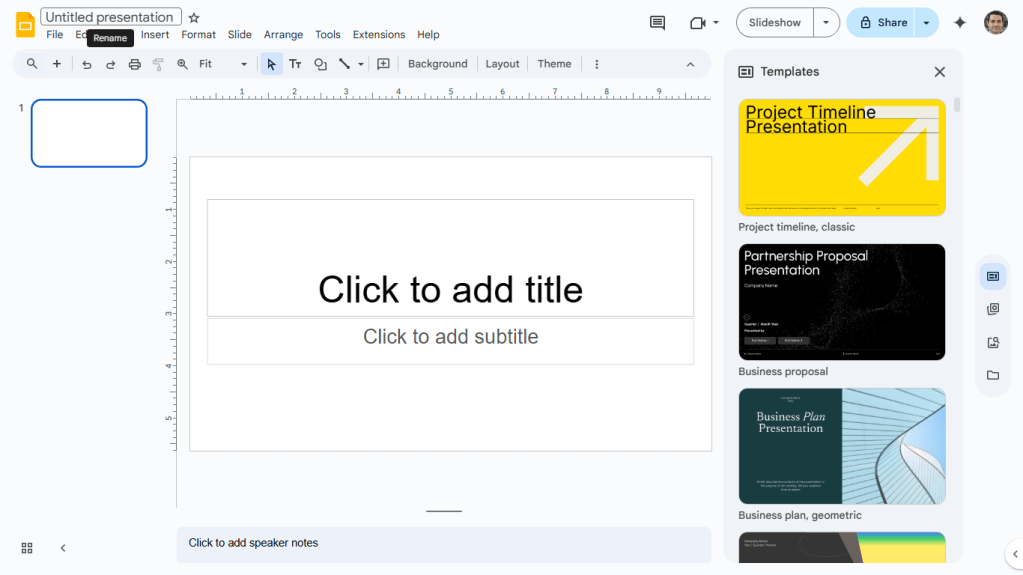
Best for: a budget-zero switch with no learning curve and real-time collaboration built in. Not ideal for: anyone who wants AI to design or write the deck for them — Slides handles the mechanics, not the creative work.
For the full breakdown against PowerPoint specifically — cost at team scale, offline access, file fidelity — see the complete Google Slides vs PowerPoint comparison.
3. Gamma — Best for AI-Generated Decks
Gamma goes from a one-line prompt to a structured, styled deck in under 60 seconds, with a one-click restyle if the first pass misses your brand. It's the fastest way to stop staring at a blank slide.
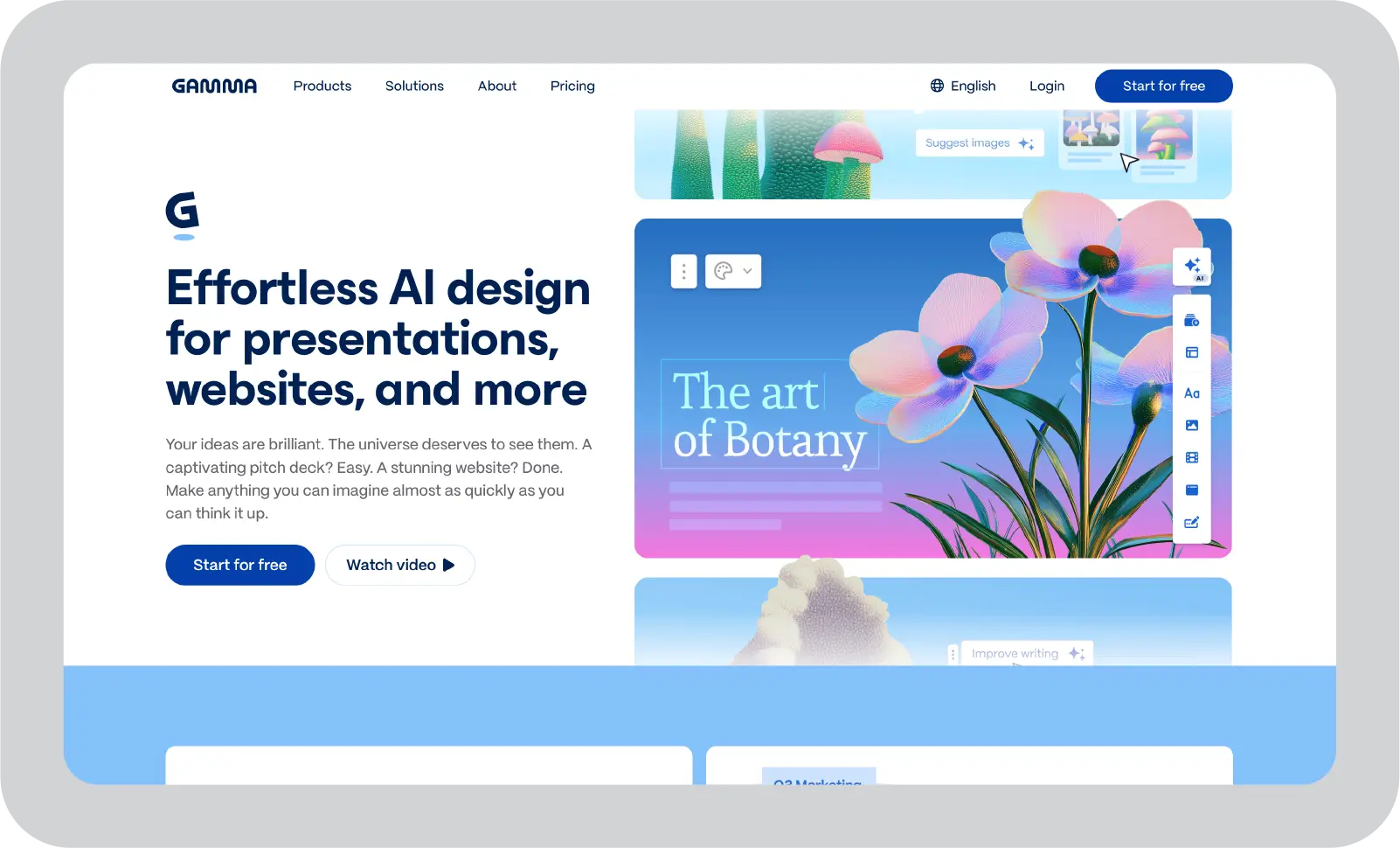
- AI slide generation from a single prompt
- One-click full restyling
- Live website publishing option
- PowerPoint, PDF, and Google Slides export
- Engagement analytics
Pricing: Free plan includes 400 AI credits | Plus is $9/mo, Pro $18/mo, Ultra $90/mo.
Best for: founders and consultants who need a boardroom-ready first draft immediately. Not ideal for: anyone who wants pixel-precise manual control — you'll occasionally fight the AI's layout choices.
4. Beautiful.ai — Best for On-Brand Team Decks
Beautiful.ai's Smart Slide layouts auto-design every slide as you type, locking a company's fonts, colors, and logo into a shared theme. The detail most competitor roundups skip: there's no permanent free plan. Every signup starts a 14-day trial that requires a card upfront, and per Beautiful.ai's own pricing page, "your credit card on file will be charged automatically unless you cancel your Pro subscription before the 14 days are up."
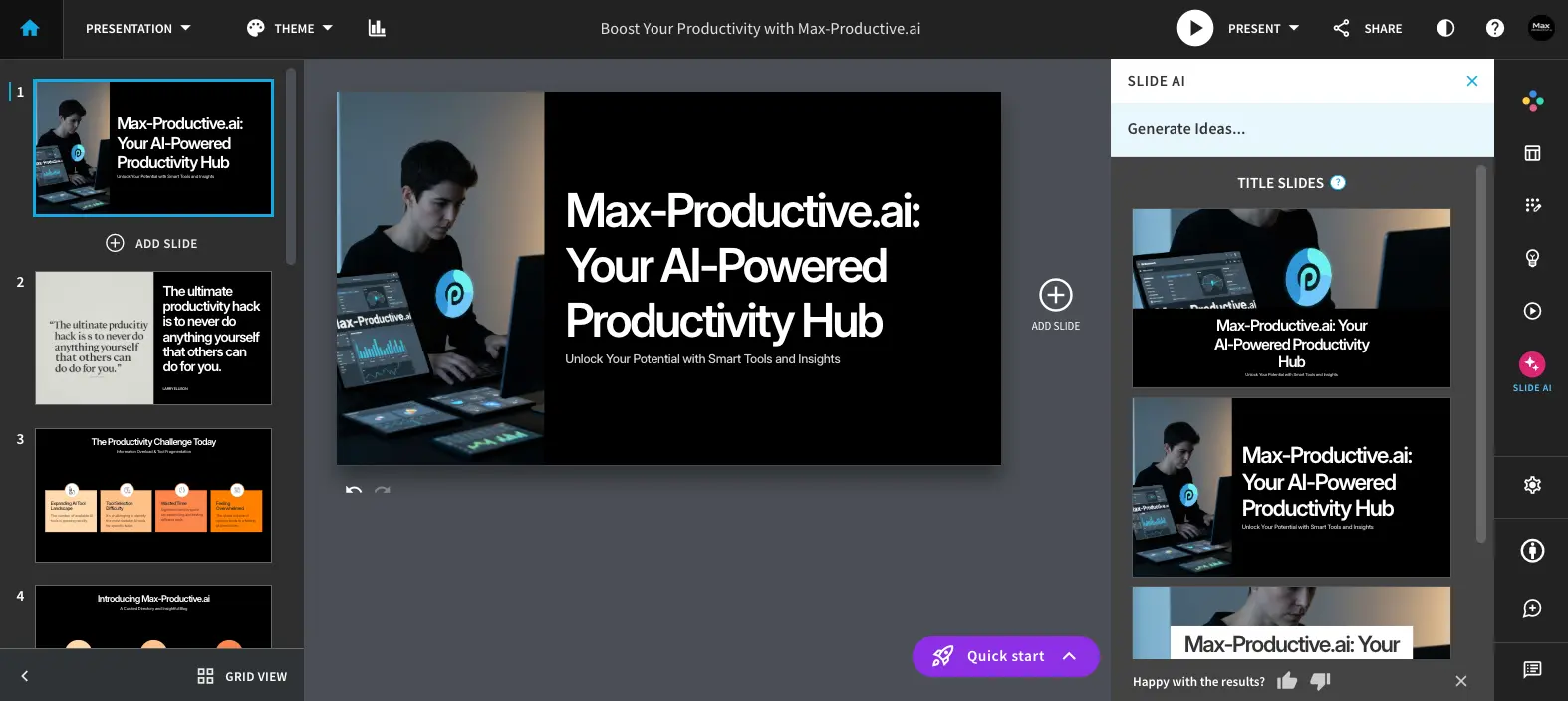
- Smart Slide auto-design layouts
- Designer Bot AI generation from a prompt
- Locked brand kit and theme controls
- Real-time collaboration
- Presentation analytics
Pricing: No free plan — Pro is $14.50/mo billed annually, Teams runs $40/user/mo.
Best for: brand managers and mid-size teams producing a high volume of decks that all need to match. Not ideal for: anyone who wants to try before they pay — budget for the trial like you would a paid tool.
For the full breakdown — including why Beautiful.ai's ratings split so hard between review sites — see our complete Beautiful.ai review.
5. Pitch — Best for Team Collaboration
Pitch lets multiple people co-edit the same deck in real time instead of emailing versions back and forth, and its "Pitch Rooms" bundle a deck with a scheduling link so a rep can send one URL instead of three attachments.

- Real-time co-editing with comments and slide assignees
- Pitch Rooms for bundling decks with scheduling links
- Presentation engagement analytics
- Shared brand asset library
Pricing: Free for up to 5 workspace members with unlimited presentations | Paid plans from $13/mo.
Best for: startup teams and sales orgs where multiple people build the same deck. Not ideal for: a solo user who won't touch the collaboration features you'd be paying for.
6. Prezi — Best for Live, Interactive Presenting
Prezi drops the slide-by-slide format for a zoomable canvas — zoom out for the big picture, zoom into a detail live, based on what the room actually asks about.

- Zoomable non-linear canvas (ZUI)
- AI presentation generation from prompts
- Prezi Video overlay for calls
- Engagement analytics
Pricing: Free Basic plan (watermarked, no PDF export) | Standard $7/mo, Plus $15/mo, Premium $25/mo.
Best for: teachers, trainers, and speakers presenting interconnected ideas rather than a linear narrative. Not ideal for: anyone who just wants a fast, conventional slide deck.
7. Slidebean — Best for Startup Pitch Decks
Slidebean is narrowly built for one job: fundraising. Its AI Deck Assistant pulls content straight from your company website, and a scoring engine grades your pitch and flags specific weak points before an investor sees it.
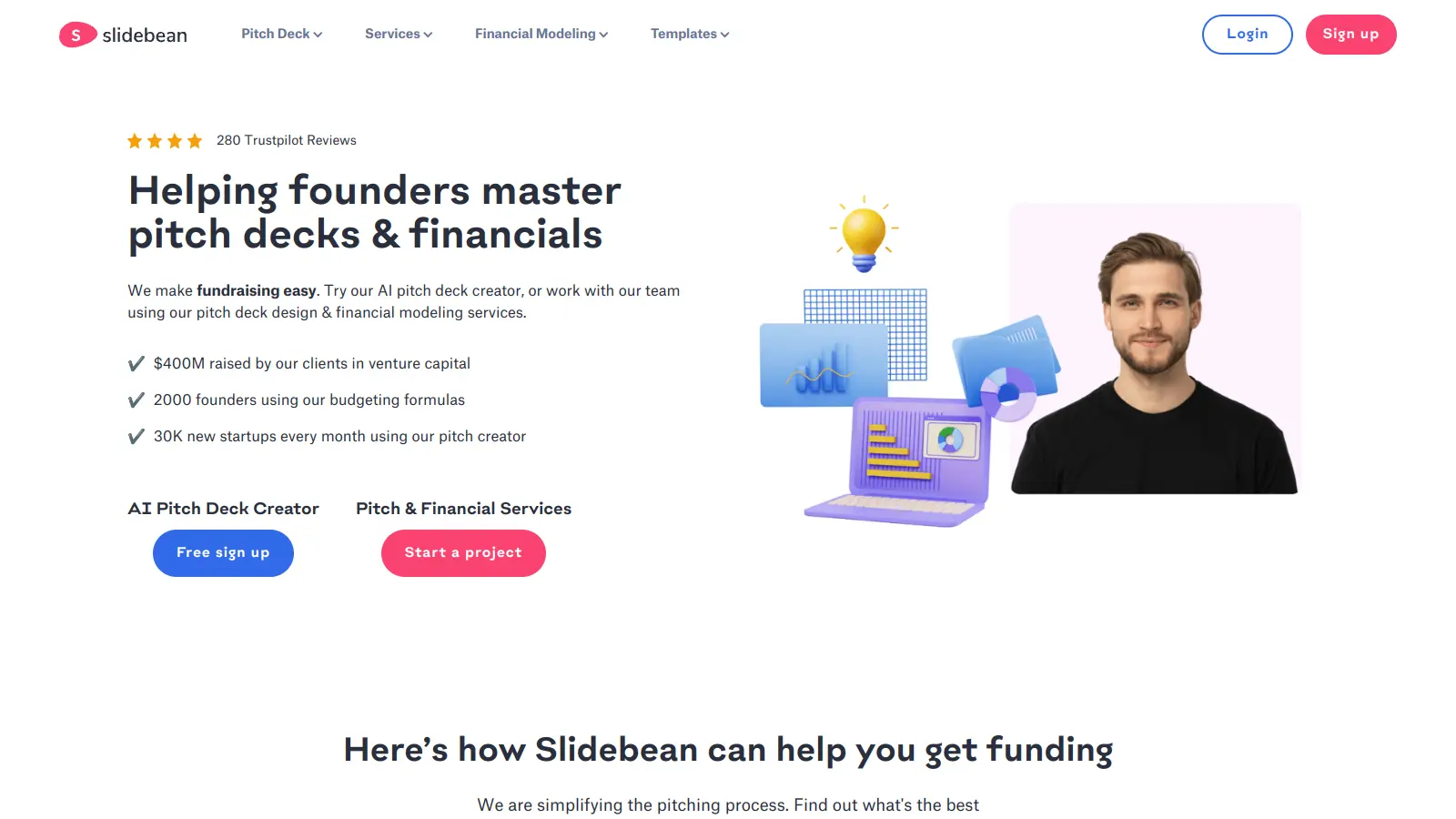
- AI Deck Assistant with website auto-population
- Deck scoring and grading engine
- Investor-vetted templates from real raised rounds
- Built-in financial modeling
Pricing: Free to create, but export and sharing require a paid plan | Starter around $7/mo billed annually.
Best for: pre-seed and seed-stage founders who need a fundraising-specific structure. Not ideal for: any non-fundraising use case — the entire product is built around pitching investors.
How to Choose the Right PowerPoint Alternative
Don't read all seven blurbs twice — match the one line that fits you:
- You just want it done, free, today → Canva Presentations or Google Slides
- You want AI to write the first draft → Gamma
- You're a team that needs every deck on-brand → Beautiful.ai
- Multiple people build the same deck together → Pitch
- A static deck keeps losing the room → Prezi
- You're raising a funding round → Slidebean
Frequently Asked Questions
What is the best PowerPoint alternative overall? Canva Presentations for most people — it's free, has the easiest learning curve, and needs no design skill. If your real bottleneck is a blank page, Gamma is the stronger pick.
Is there a completely free PowerPoint alternative? Yes. Google Slides and Canva Presentations are both fully free with no time limit or watermark on their core plans.
Which PowerPoint alternative uses AI to build the whole deck for you? Gamma and Tome both generate a complete deck from a prompt or outline. Beautiful.ai's Smart Slides auto-design each slide as you type rather than generating the whole thing upfront.
Does Beautiful.ai have a free plan? No. Beautiful.ai only offers a 14-day free trial that requires a card and auto-renews into a paid subscription — a detail most other roundups leave out.
What's a good PowerPoint alternative for a startup pitch deck specifically? Slidebean, which scores and structures a pitch deck against what investors typically expect to see, rather than a general-purpose slide tool.
Final Verdict
For most people, Canva Presentations is the right call — free, fast, and it doesn't ask you to learn a new mental model to use it. If the actual problem is a blank page rather than a budget, start with Gamma instead and edit its first draft.